


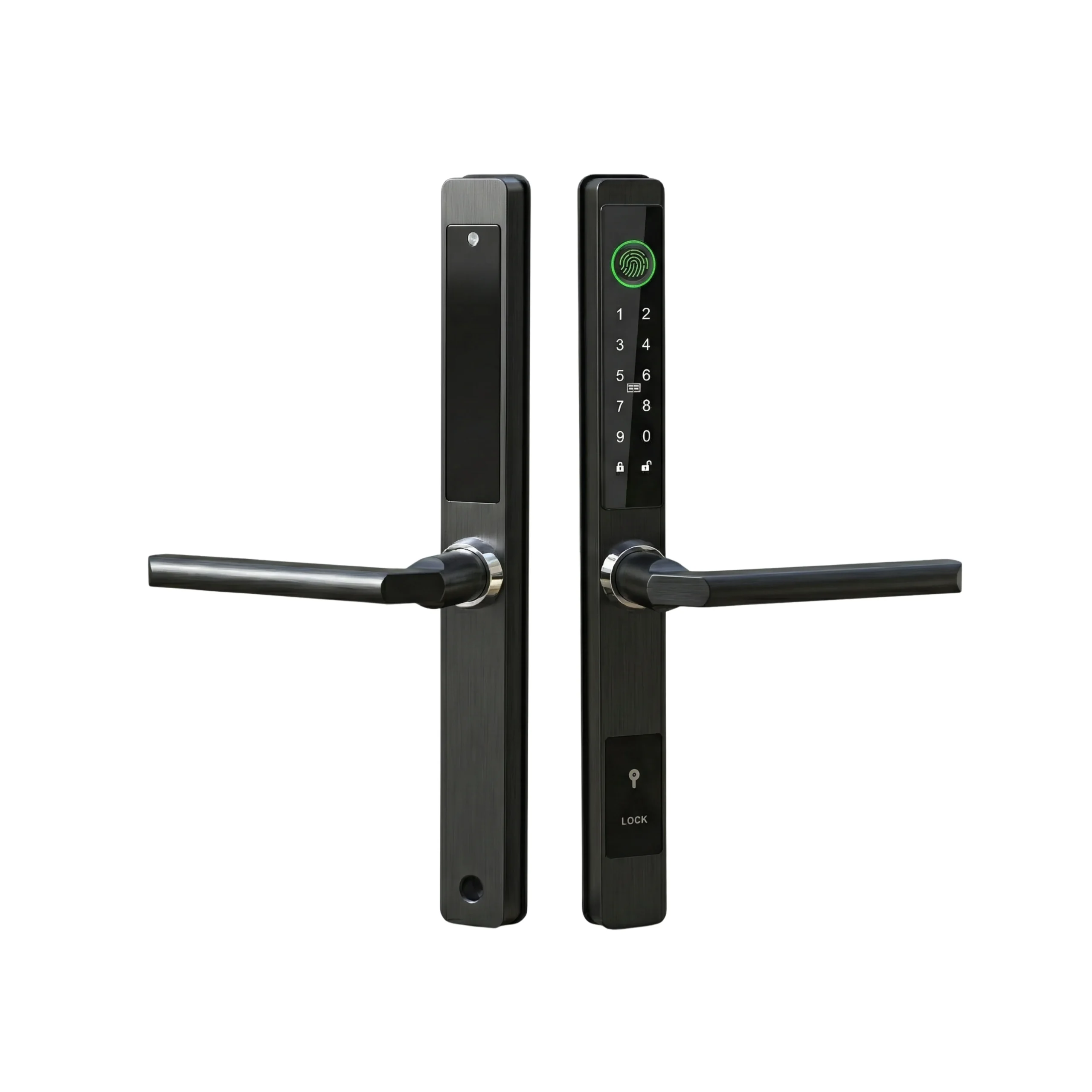

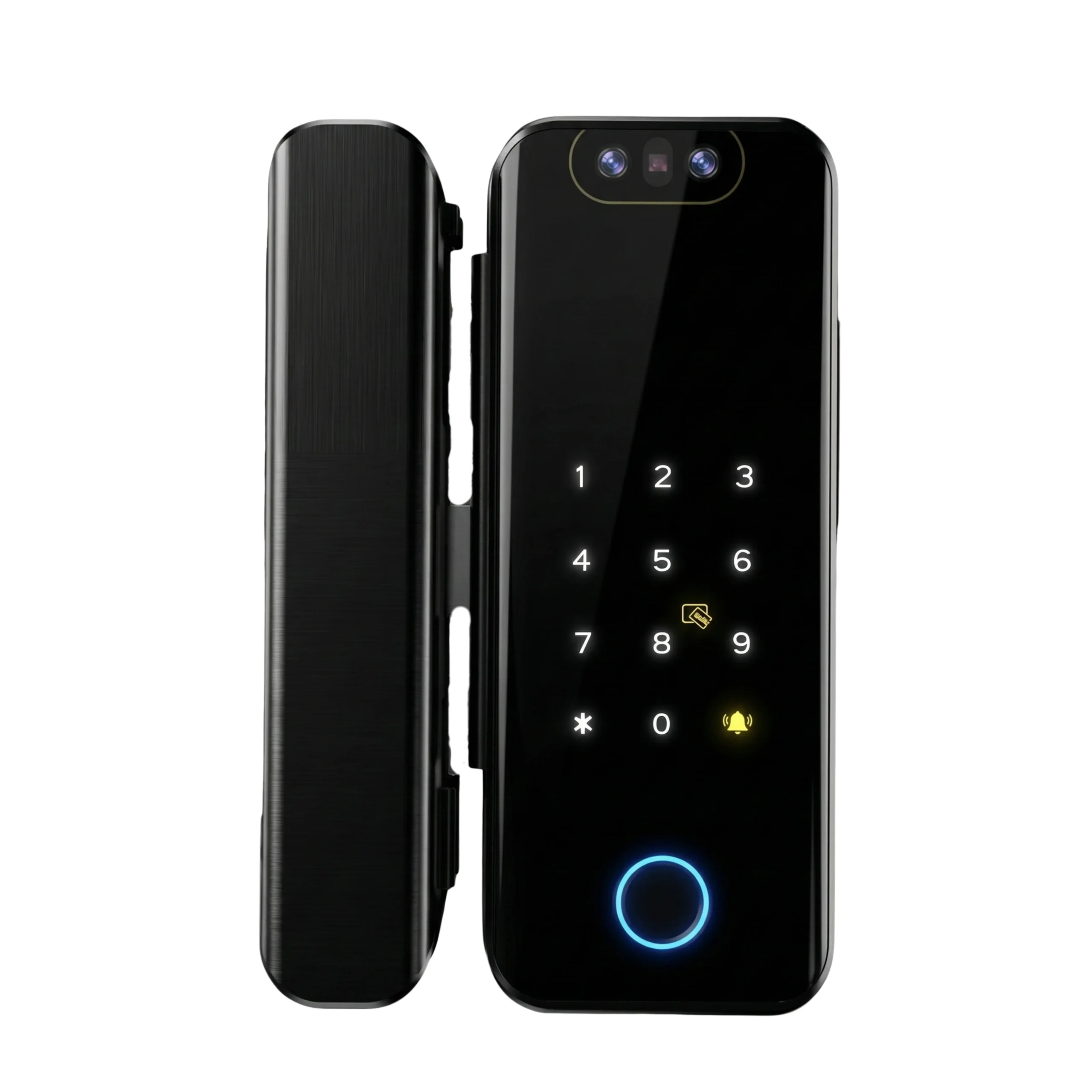
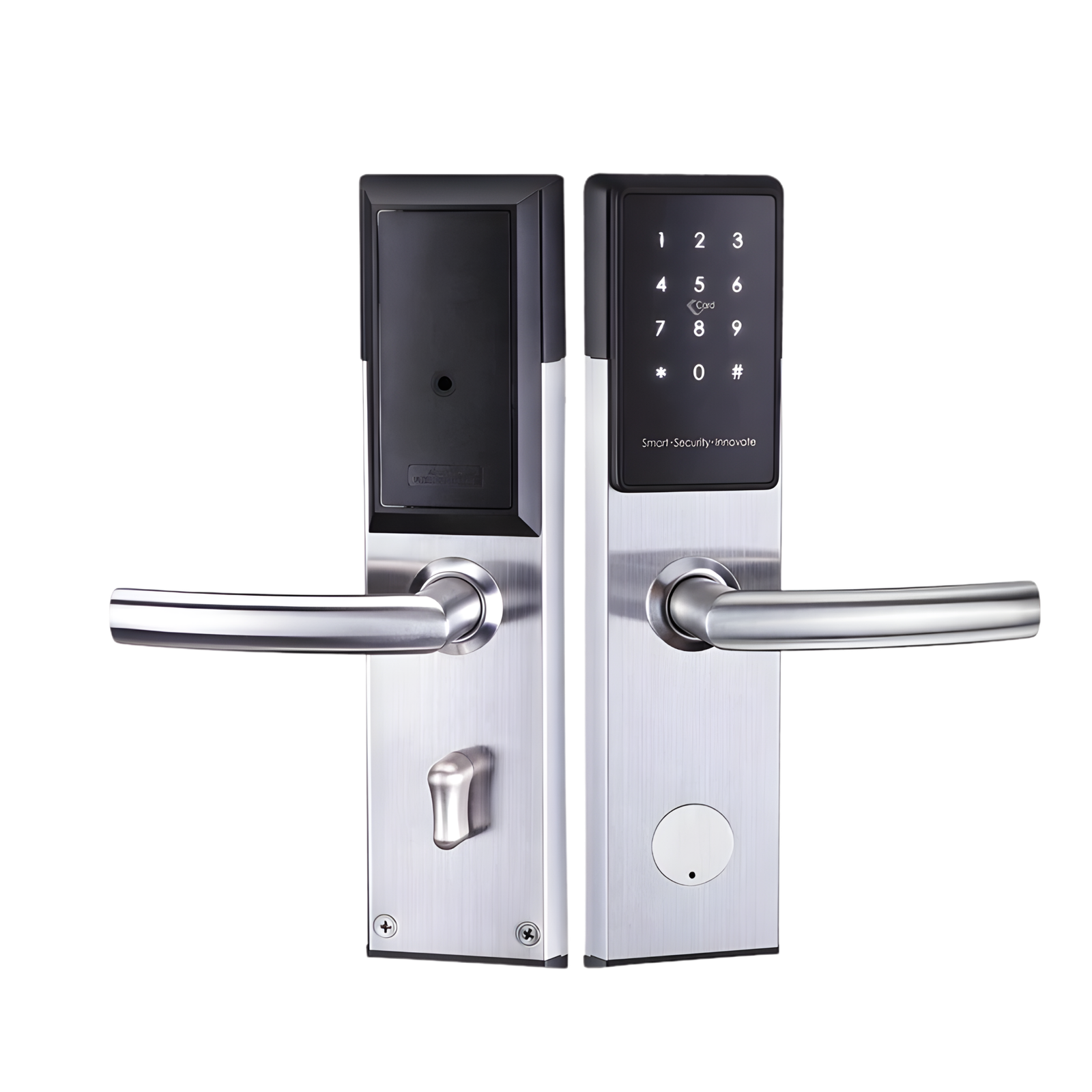
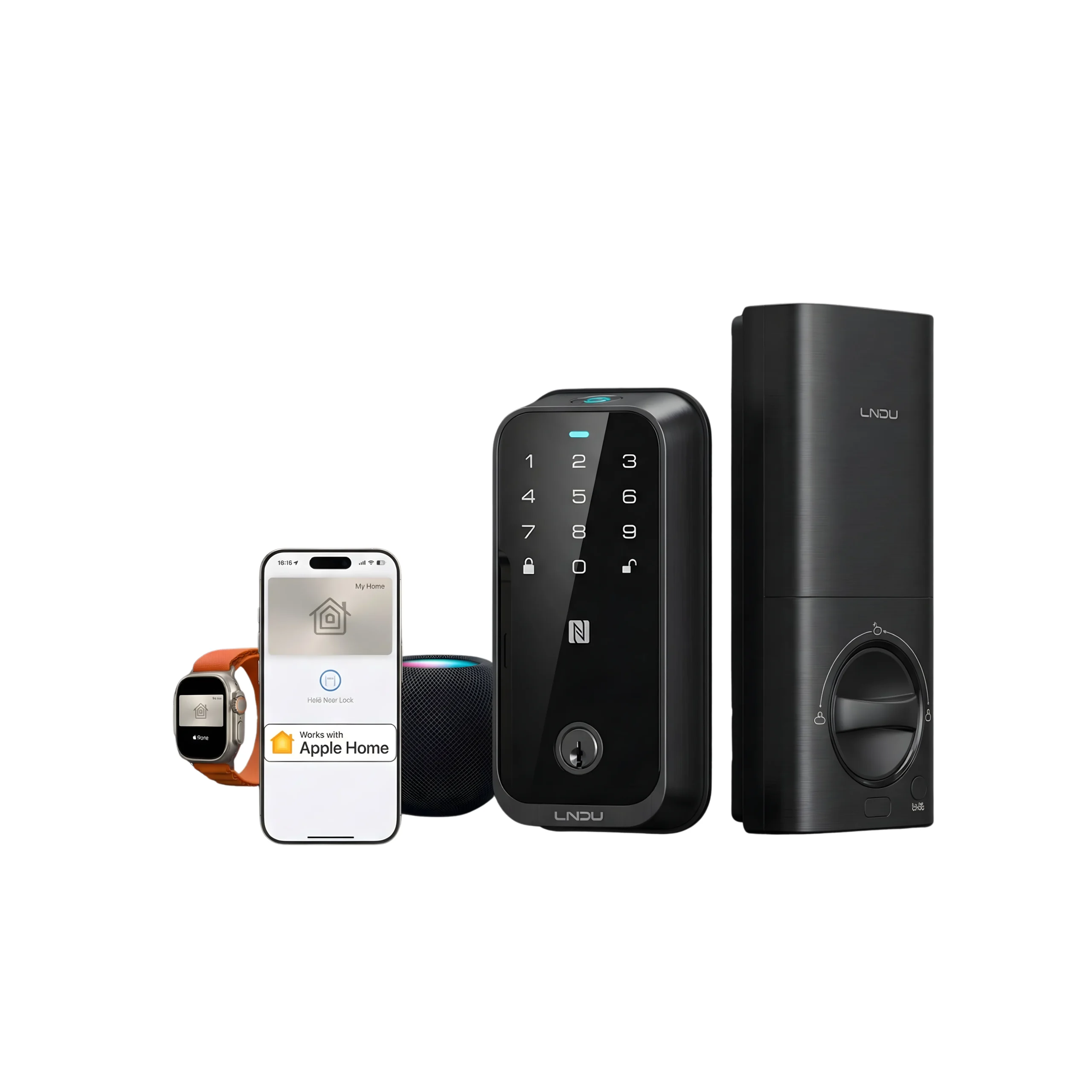









Smart lock failures are common across UAE homes, small offices, and rentals. Smart lock troubleshooting helps identify simple causes first, before assuming replacement or major repair is needed.
In many cases, the issue is not the lock itself but how it is used, powered, or connected. Factors such as heat exposure, door alignment, access settings, and network reliability often explain why a smart lock behaves unpredictably.
Recognising these patterns early helps users respond calmly and make better decisions without unnecessary disruption.
Why Smart Locks Stop Working in UAE Properties?
Smart locks in the UAE operate under specific conditions that affect long-term reliability. Heat, frequent use, and connectivity dependence all play a role.
Most issues fall into predictable categories. Identifying the category early helps avoid unnecessary replacements and confusion.
In Dubai and Abu Dhabi, the most common causes are power issues, connection problems, door alignment, and access setup errors.
Smart Lock Not Responding or Completely Dead
When a smart lock shows no response, users often assume a serious fault. In reality, this is usually caused by a basic power or contact issue.
This situation is disruptive at home, delays staff access in small offices, and creates urgent problems in rentals.
Common causes:
- Fully drained batteries
- Battery contacts affected by dust or humidity
- Lock entering sleep mode after long inactivity
What to check first:
- Replace batteries with fresh, recommended types
- Remove batteries briefly and reinsert
- Test manual access using the key
If manual access also fails, the issue is likely mechanical or installation related.
Battery and Power Issues Caused by Heat and Usage
Battery-related problems are the most common smart lock issue in the UAE. High temperatures and frequent use shorten battery life faster than many users expect.
This often leads to sudden lockouts rather than gradual warnings.
Typical signs:
- Frequent low-battery alerts
- Slower response from the lock
- Inconsistent keypad behaviour
Practical guidance:
- Expect shorter battery cycles in sun-exposed doors
- Replace batteries before full depletion
- Avoid mixing old and new batteries
In small offices and vacation rentals, planned battery replacement prevents access failures during working hours or guest check-ins.
Wi-Fi, Bluetooth, and App Connection Problems
Many smart lock complaints are actually connectivity issues rather than lock faults. The lock hardware may be working, but communication is unstable.
This is common in UAE apartments with weak door-side Wi-Fi, small offices with shared networks, and rentals that rely on remote access.
What typically happens:
- Lock works locally but not remotely
- App shows the lock as offline
- Bluetooth works only at close range
What to check:
- Test unlocking while standing next to the door
- Confirm app background and location permissions
- Check whether the router was moved, reset, or replaced
Why this matters by use case:
- Homes face inconvenience with deliveries or family access
- Small offices experience staff entry delays
- Vacation rentals risk failed guest check-ins
If local access works consistently, the lock hardware is usually functioning correctly.
Door Alignment and Lock Calibration Problems
Smart locks depend on smooth mechanical movement. Even small door alignment changes can disrupt operation.
In the UAE, doors often expand or shift slightly due to heat, affecting lock performance over time.
Common symptoms:
- Loud motor noise
- Lock working when the door is open but failing when closed
- Increased resistance while locking
Checking strike plate alignment and recalibrating the lock usually resolves this without further intervention.
Access codes, User Permissions, and Admin Control Issues
Access-related problems are often mistaken for hardware failures. In reality, they are usually setup or management errors.
These issues increase as more people use the same lock.
Common situations:
- Family members change codes and forget to share them
- Former staff retain access in small offices
- Guest access expires earlier than expected in rentals
What helps prevent confusion:
- Maintain one permanent admin account
- Avoid casual sharing of admin rights
- Review active users and schedules regularly
If the lock responds but denies access, permissions should be reviewed before assuming a fault.
Environmental and Installation Factors in UAE Properties
Some smart lock issues appear immediately after installation. These are often related to compatibility rather than malfunction.
Door material, humidity, and fitting accuracy all influence performance.
Common challenges:
- Glass or metal doors
- High humidity near entrances
- Incorrect installation depth or fitting
Early issues should prompt a compatibility or installation review rather than repeated resets.
When Basic Troubleshooting is Not Enough
Not all problems should be solved through repeated testing. Some situations require a more structured decision.
Escalation becomes reasonable when reliability is affected.
Escalate when:
- New batteries do not improve performance
- Mechanical resistance continues after alignment checks
- Remote access remains inconsistent over time
Decision factors:
- Frequency of daily use
- Number of users
- Dependence on remote access
From a use-case perspective:
- Homes prioritise reliability and peace of mind
- Small offices need predictable staff access
- Homes prioritise reliability and peace of mind
At this point, professional assessment helps determine whether adjustment or reconfiguration is needed.
How to Handle Smart Lock Issues with Confidence?
Smart lock problems rarely mean immediate failure. A calm, structured approach helps users avoid unnecessary replacements.
Actionable guidance:
- Check power and connectivity before assuming hardware issues
- Match the problem category to the correct fix
- Review access permissions before resetting the lock
- Escalate only when reliability or daily use is affected
Following this approach allows smart lock troubleshooting to remain practical, controlled, and effective in UAE homes, small offices, and rental properties.
FAQs
No. Door thickness, material, and alignment affect compatibility, especially with glass and metal doors.
Usually every 4 to 6 months, sooner for doors exposed to heat or heavy daily use.
Yes, but landlord permission is required. Many rentals prefer non-invasive or retrofit installations.
This is usually related to Wi-Fi strength, router placement, or app background restrictions.
For shared access and frequent usage, professional installation reduces long-term access and alignment issues.


