Security gaps often happen when tenants and staff are not clearly trained on access control. In many Dubai and Abu Dhabi properties, access is shared between family members, domestic staff, office employees, and short-term guests.
Without clear rules, PIN codes are reused, permissions remain active after roles change, and entry logs are rarely reviewed.
The practical solution is structured education supported by defined smart lock safety practices for every user.
When access roles are clearly assigned, permissions are limited by time, and emergency procedures are documented, convenience remains intact while security risks are significantly reduced.
Why Smart Lock Education Matters in Dubai and Abu Dhabi?
In the UAE, shared access is common.
- Villas often have domestic staff.
- Apartments host short-term rental guests.
- Offices manage rotating employees and cleaning teams.
Without structured guidance, access codes are reused. Permissions stay active after staff leave. Guest access may not expire properly.
Education reduces these risks by:
- Assigning individual credentials instead of shared codes
- Limiting access hours
- Monitoring entry logs
- Removing permissions immediately when no longer required
Smart systems are secure only when users follow defined procedures.
Common Access Mistakes Property Owners Face
Most problems are behavioral.
Typical mistakes include:
- Sharing master PIN codes
- Giving unlimited access to maintenance teams
- Failing to deactivate former employee access
- Ignoring battery alerts
- Not preparing for Wi-Fi disruption
A structured approach makes a clear difference:
| Unstructured Access | Controlled Access |
|---|---|
| Shared credentials | Individual user codes |
| No access review | Monthly audit process |
| Permanent staff access | Time-restricted entry |
| No emergency plan | Defined override procedure |
Security improves when access is intentional, not casual.
Core Safety Rules Every Tenant Should Follow
Tenants must understand that digital access carries responsibility.
Key rules include:
- Never share PIN codes via messaging apps
- Avoid writing codes in visible locations
- Use personal app accounts only
- Enable two-factor authentication when available
- Report lost devices immediately
For short-term rentals in Dubai Marina or Yas Island, temporary PIN codes should expire automatically at checkout.
Clear written instructions during onboarding reduce confusion later.
Training Office and Facility Staff Effectively
Offices in Abu Dhabi and Dubai require role-based access.
Start by defining levels:
- Full administrative access for management
- Restricted access for supervisors
- Scheduled access for cleaning and maintenance
Then establish procedures:
- Monthly permission review
- Immediate access removal during employee exit
- Single authorized administrator control
Training sessions should be short and practical.
Avoid technical language.
Focus on responsibility, reporting, and access discipline.
Managing Guest and Rental Property Access
Vacation rental hosts face high turnover.
Best practice includes:
- Auto-expiring PIN codes
- No shared master codes
- Entry log review after checkout
- Immediate reset if misuse is suspected
Automation reduces manual errors, but monitoring remains essential.
Battery levels and internet stability should be checked regularly.
Handling Lost Phones, PIN Exposure, and Emergencies
Urban environments increase the likelihood of lost devices.
A response protocol should include:
- Immediate account deactivation
- PIN reset
- Review of recent access logs
- Notification to relevant occupants if necessary
Emergency preparation is equally important.
Maintain:
- A secure physical backup key
- An override administrator account
- Contact details for technical support
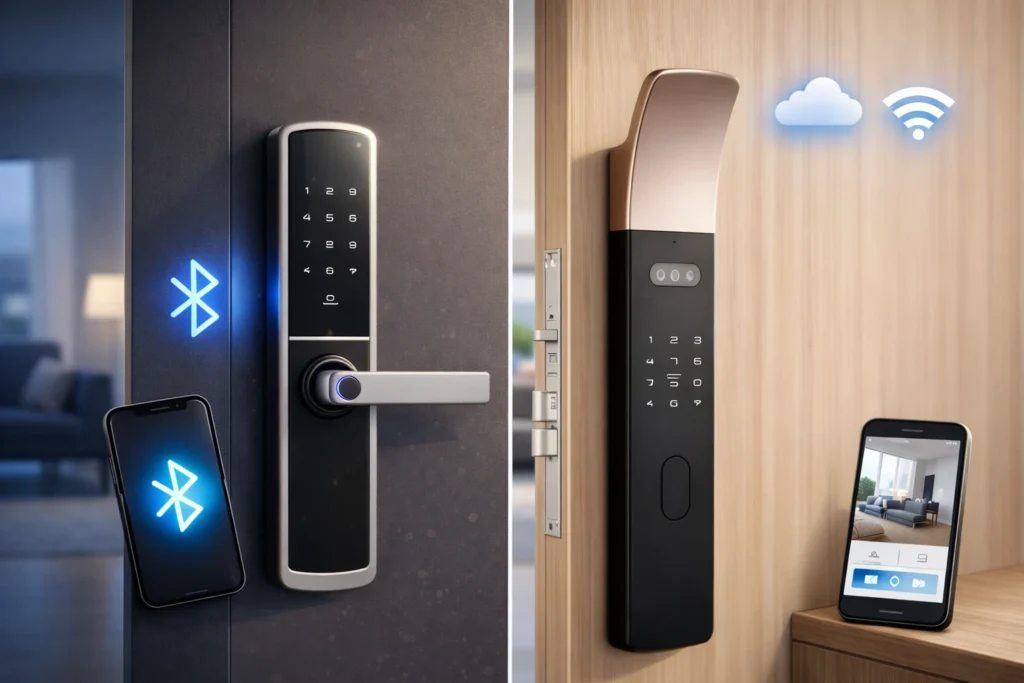
Wi-Fi interruptions may limit remote control but usually allow local PIN access to continue.
Understanding system limits prevents unrealistic expectations.
Realistic Limitations and Maintenance Expectations
Smart locks require ongoing attention.
Property owners should plan for:
- Battery replacement every 6–12 months
- Firmware updates
- App compatibility checks
- Stable internet connection
Costs typically include:
- Hardware
- Installation
- Occasional servicing
- Replacement batteries
Clear communication with tenants prevents misunderstandings about maintenance responsibilities.
What to Consider Before Installation in the UAE?
Before installing a smart lock system in Dubai or Abu Dhabi, evaluate:
- Door compatibility and thickness
- Community or building regulations
- Fire safety compliance
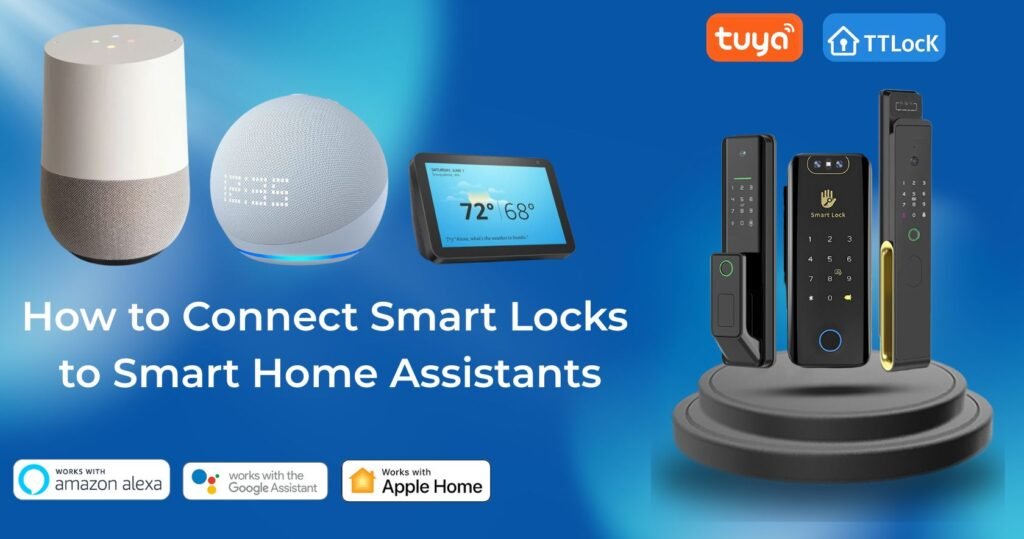
- Integration with existing smart home or office systems
- Number of expected users
Improper installation often leads to misalignment, connectivity issues, or weak access configuration.
Professional setup ensures the system is secure from the beginning.
Building a Secure Access Framework for UAE Homes and Offices
To maintain control and reduce risk, property owners should:
- Define clear access roles for every tenant and staff member
- Provide written onboarding instructions during handover
- Use individual credentials instead of shared master codes
- Schedule regular permission audits
- Establish an emergency response protocol before incidents occur
- Monitor battery levels and system updates
- Revoke access immediately when roles change
When these steps are followed consistently, smart lock safety practices become part of daily routine rather than a reactive measure.
Altix.ae supports homeowners, office managers, and rental hosts across Dubai and Abu Dhabi with structured installation, secure configuration, and ongoing guidance to ensure access remains controlled and reliable.
FAQs
Door type and building policy determine this. Some high-rise towers require approved installation methods. A professional assessment prevents warranty issues.
Most systems support integration, but compatibility depends on the specific lock and gateway. Verification before purchase avoids integration problems.
Most locks continue functioning with stored PIN codes. Remote monitoring and app control resume once the connection is restored.
Provide individual, time-restricted credentials instead of shared codes. Access should match working hours only.
For multi-user office environments, professional configuration ensures correct role-based access, proper audit setup, and secure administrator control from day one.