


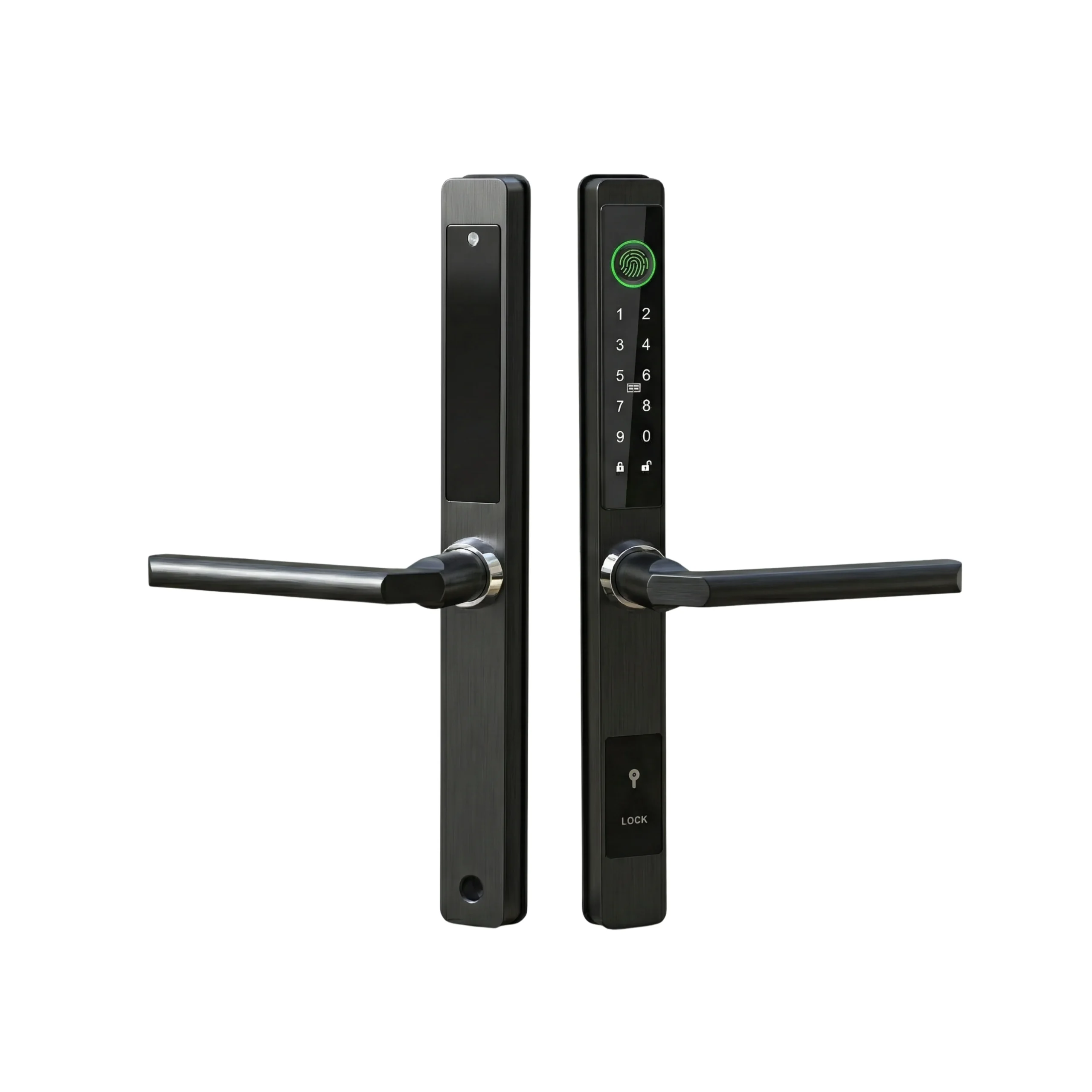

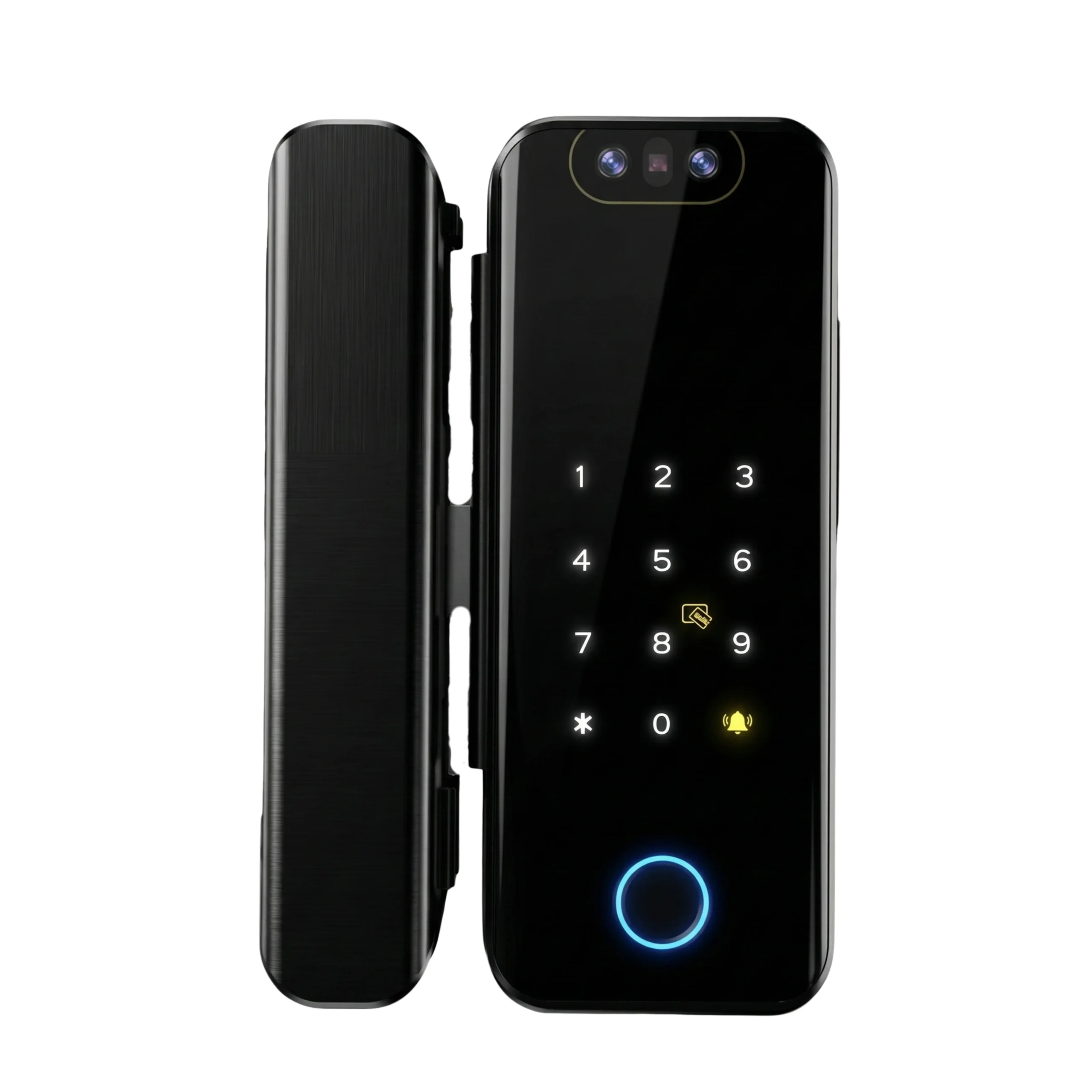
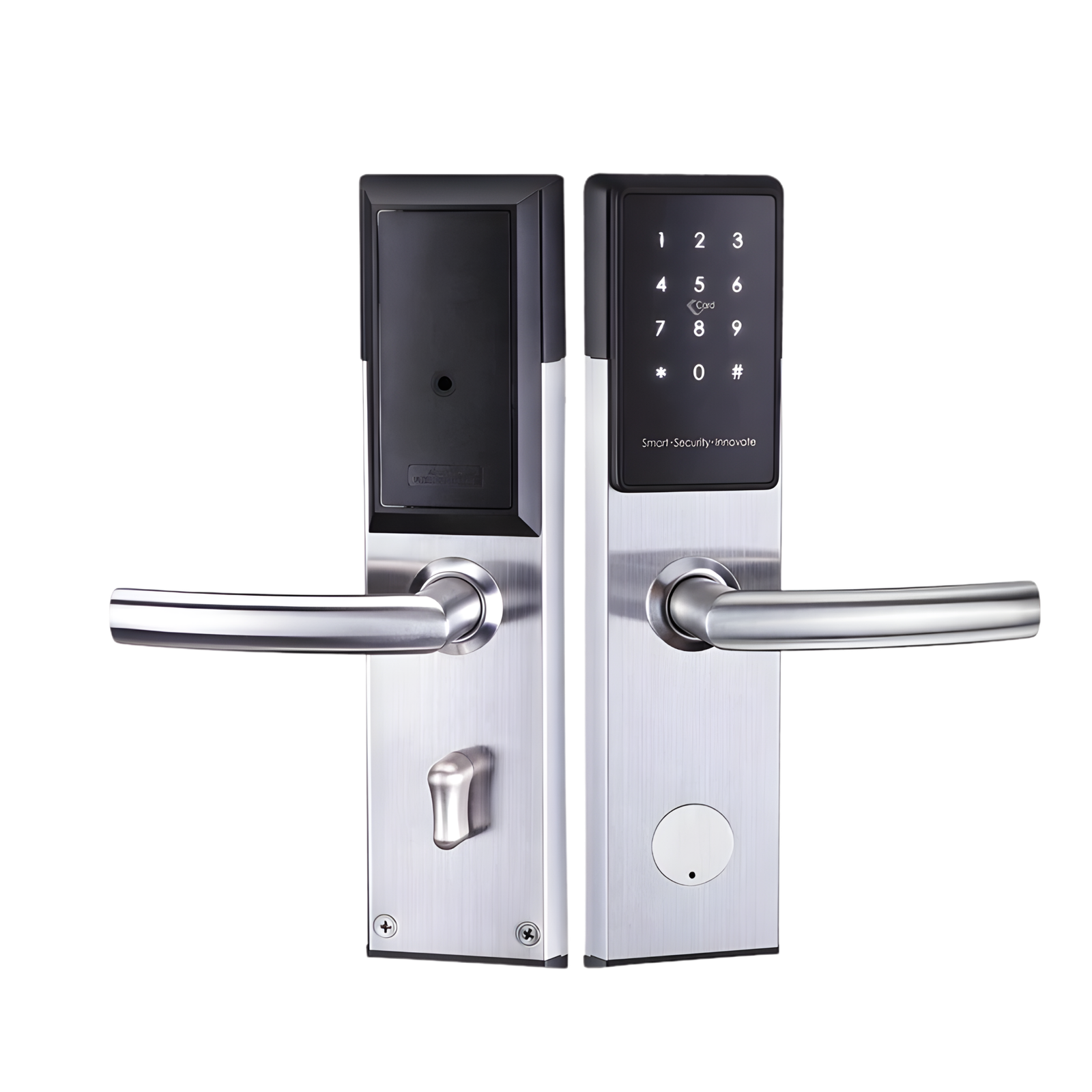
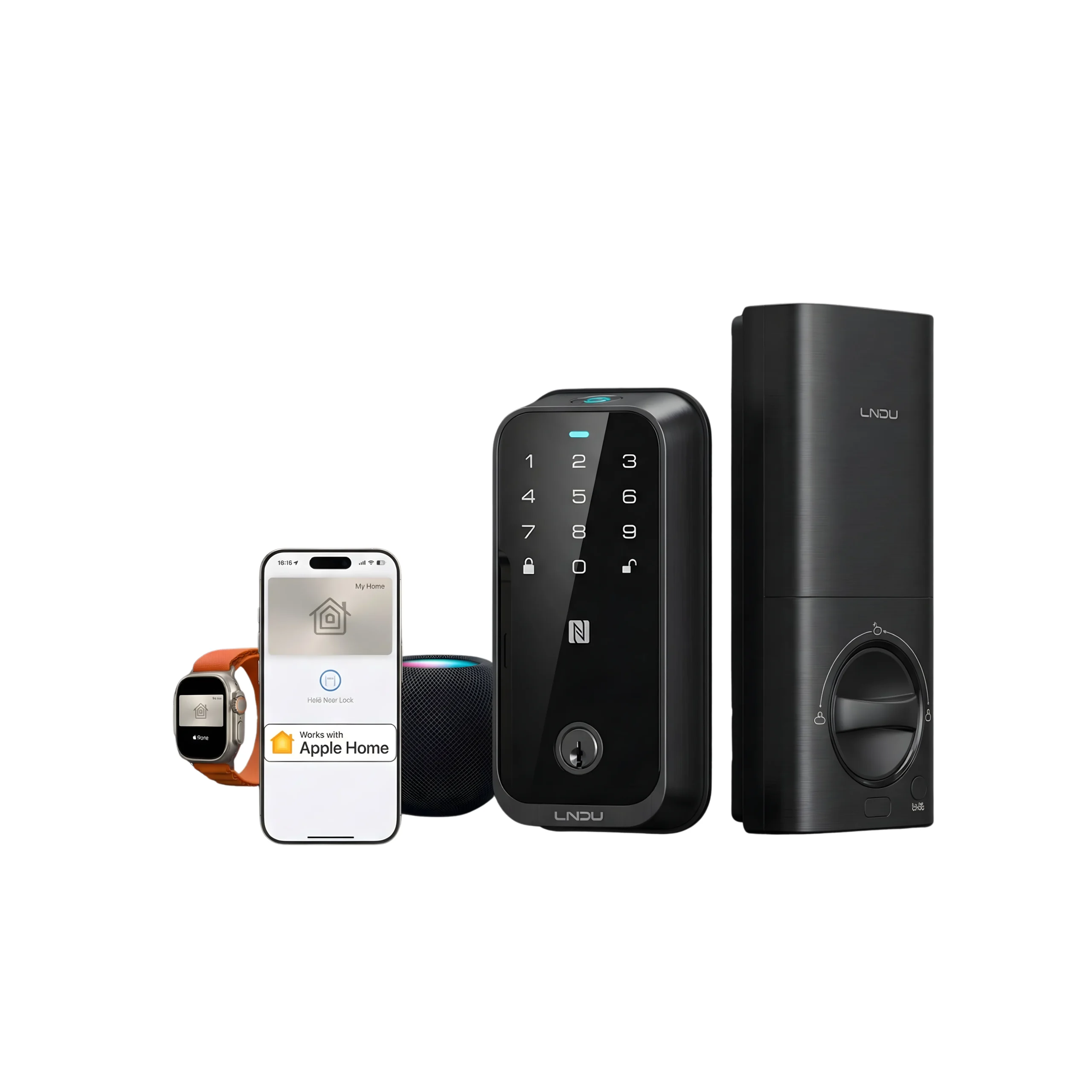
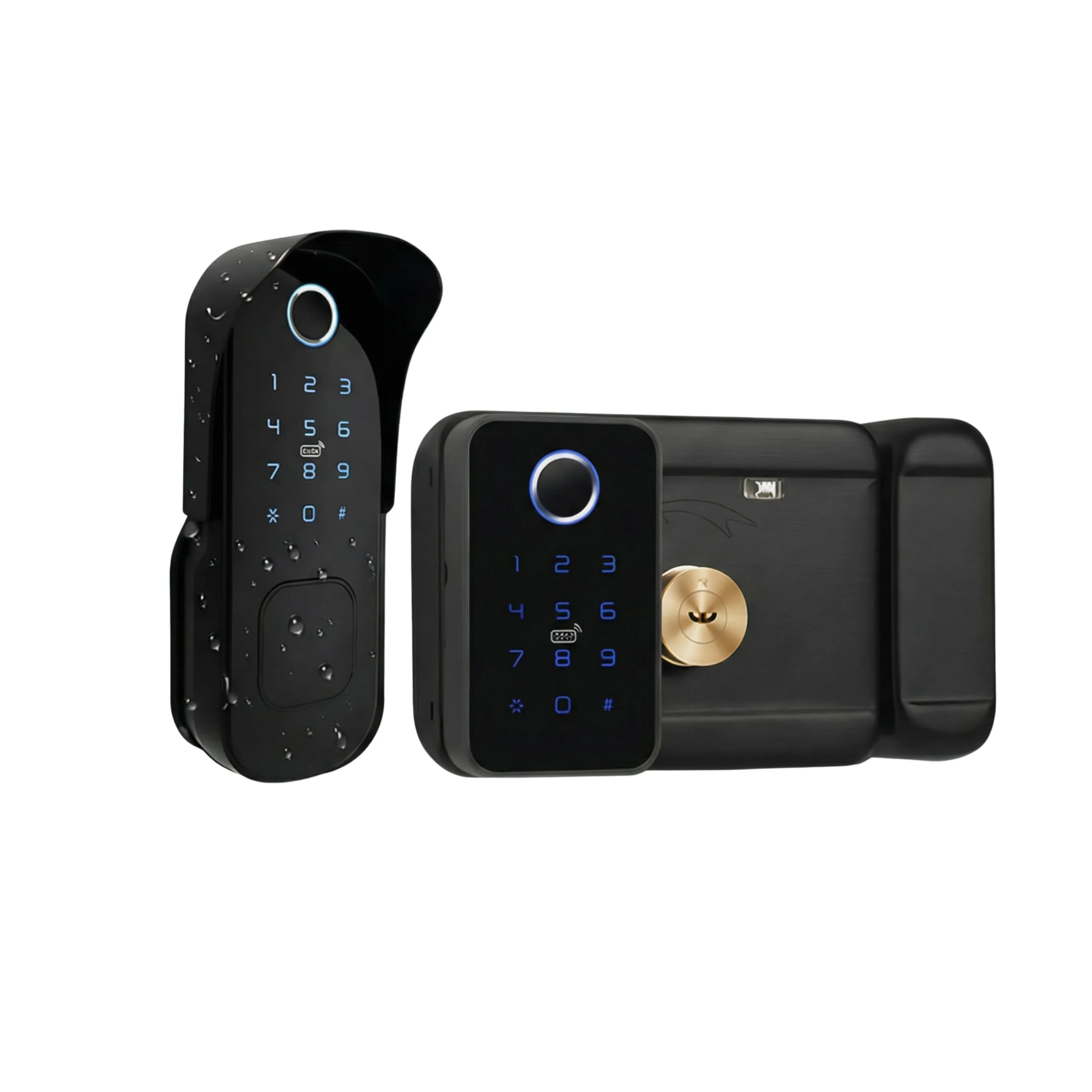
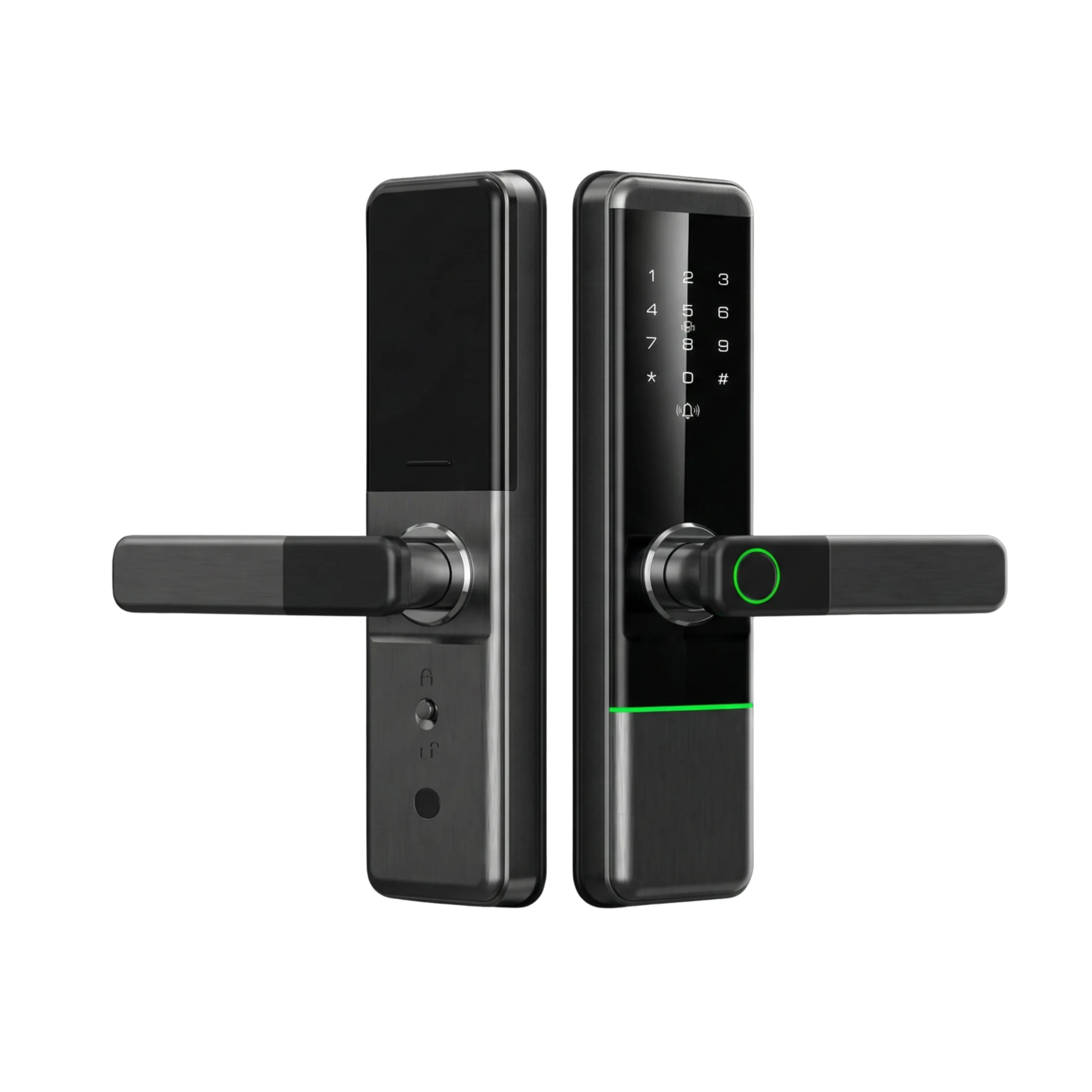









Keys get forgotten, staff need temporary entry, and guests often arrive before property owners. To connect your lock properly, you need a stable 2.4GHz network, the manufacturer’s mobile app, and correct pairing steps.
A reliable smart lock Wi-Fi setup allows remote locking, live monitoring, and controlled access across Dubai and Abu Dhabi properties.
The process is straightforward when network and signal conditions are prepared correctly.
This guide outlines the exact preparation steps, network requirements, and troubleshooting measures needed to avoid common connection failures.
It also explains when professional configuration may be necessary for villas, offices, or multi-property setups in the UAE.
Why Wi-Fi Access Matters for UAE Homes and Offices?
Bluetooth-only locks work within short range. That limits flexibility.
Wi-Fi connectivity allows:
- Remote unlocking for deliveries at villas
- Temporary access for cleaners in apartments
- Staff access control in offices
- Guest self check-in for vacation rentals
- Instant removal of digital keys
For property owners in the UAE, this improves convenience and reduces key dependency.
Without internet connectivity, remote management is not possible.
What You Need Before Connecting the Lock
Preparation prevents most connection failures.
Network Requirements
- Active 2.4GHz Wi-Fi band
- Stable broadband connection
- Strong signal near the entrance
- Correct Wi-Fi password
Most smart locks available in the UAE do not support 5GHz-only networks. Many Etisalat and DU routers combine bands automatically, which may require manual separation during setup.
Device Preparation
- Manufacturer app installed
- Bluetooth enabled
- Fresh batteries inserted
- Latest firmware version
2.4GHz vs 5GHz Comparison
| Feature | 2.4GHz | 5GHz |
|---|---|---|
| Signal range | Longer | Shorter |
| Wall penetration | Stronger | Weaker |
| Smart lock compatibility | Supported | Weaker |
| Speed | Moderate | Higher |
Concrete walls in Dubai apartments and large villas can reduce signal strength. Router placement near the entrance improves reliability. Large properties may require mesh Wi-Fi systems.
If you are renting, confirm landlord approval before modifying the door.
Step-by-Step Wi-Fi Connection Process
Most brands follow a similar configuration structure.
1. Enable Pairing Mode
- Open the mobile app.
- Select “Add Device.”
- Activate pairing mode on the lock.
2. Complete Initial Bluetooth Pairing
- Stand close to the door.
- Finish the Bluetooth connection.
3. Connect to the 2.4GHz Network
- Select the correct Wi-Fi band.
- Enter the password carefully.
- Wait for confirmation in the app.
4. Test Remote Access
- Turn off your phone’s Wi-Fi.
- Use mobile data to test locking and unlocking.
A completed smart lock Wi-Fi setup should allow full control even when you are away from the property.
Common Wi-Fi Setup Problems in Dubai and Abu Dhabi
Lock Cannot Detect Wi-Fi
Possible reasons:
- 5GHz-only broadcast
- Weak signal at the entrance
Solutions:
- Enable 2.4GHz in router settings
- Move router closer
- Install a Wi-Fi extender
Lock Fails to Connect Despite Working Internet
Possible reasons:
- Router firewall restrictions
- Incorrect band selection
- App permission settings disabled
Solutions:
- Restart router and lock
- Reset device and repeat pairing
- Check mobile app permissions
Large Villa Connectivity Gaps
Large properties may require:
- Mesh Wi-Fi systems
- Additional access points near entry doors
What Happens If the Internet Stops?
During ISP downtime:
- Remote access pauses
- Keypad, fingerprint, and manual unlocking continue
Remote functions resume automatically once internet service is restored.
Cost and Maintenance Considerations
Wi-Fi connectivity adds control but requires ongoing upkeep.
Battery Replacement
- Replace batteries every 6–12 months
- Remote usage can reduce battery life
Internet Dependency
Remote access depends on broadband stability. Temporary outages affect app control but not physical unlocking.
Firmware Updates
Periodic updates improve security and compatibility.
Installation Costs in UAE
Cost varies depending on:
- Door type
- Lock model
- Smart home integration
- Property size
Multi-property or office environments may benefit from professional configuration.
Altix.ae supports smart home and smart office installations across Dubai and Abu Dhabi to ensure stable connectivity and correct integration.
Bluetooth Only vs Wi-Fi Enabled Locks
| Bluetooth Only vs Wi-Fi Enabled Locks | Bluetooth Only | Wi-Fi Enabled |
|---|---|---|
| Remote control | No | Yes |
| Access logs | Limited | Detailed |
| Guest scheduling | Limited | Advanced |
| Multi-property control | No | Yes |
| Suitable for rentals | Limited | High |
For UAE property owners, Wi-Fi-enabled models provide stronger operational flexibility.
Making the Right Setup Decision for Your Property
Before finalizing your installation:
- Confirm your router supports 2.4GHz connectivity
- Check signal strength at the entrance door
- Separate Wi-Fi bands if needed during pairing
- Test remote access using mobile data
- Plan for battery replacement every 6–12 months
- Consider professional setup for offices or multiple properties
A properly configured smart lock Wi-Fi setup ensures reliable remote access, controlled entry, and long-term convenience for homes and workplaces across the UAE.
FAQs
Your router may be broadcasting 5GHz only, or the signal at the door may be weak. Ensure 2.4GHz is enabled and check signal strength near the entrance.
Some models require a bridge to connect to Wi-Fi. Check your lock specifications before purchase. Professional installers can confirm compatibility.
Yes, but you may need to manually enable or separate the 2.4GHz band during setup.
Remote connectivity increases battery usage slightly. Regular replacement every 6 - 12 months is recommended.
Distance depends on wall thickness and interference. In villas, installing a mesh system or extender near the entrance improves reliability.


