


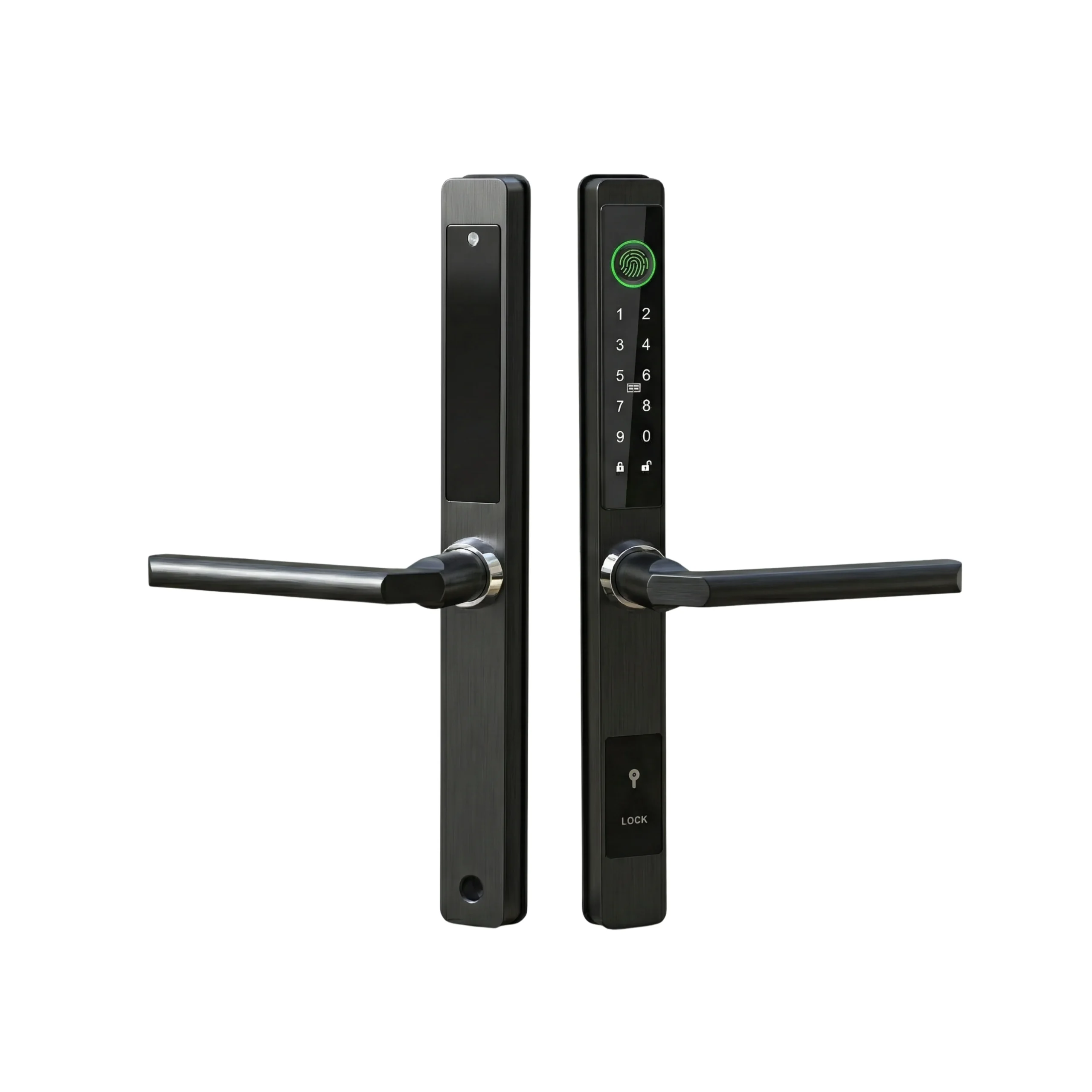

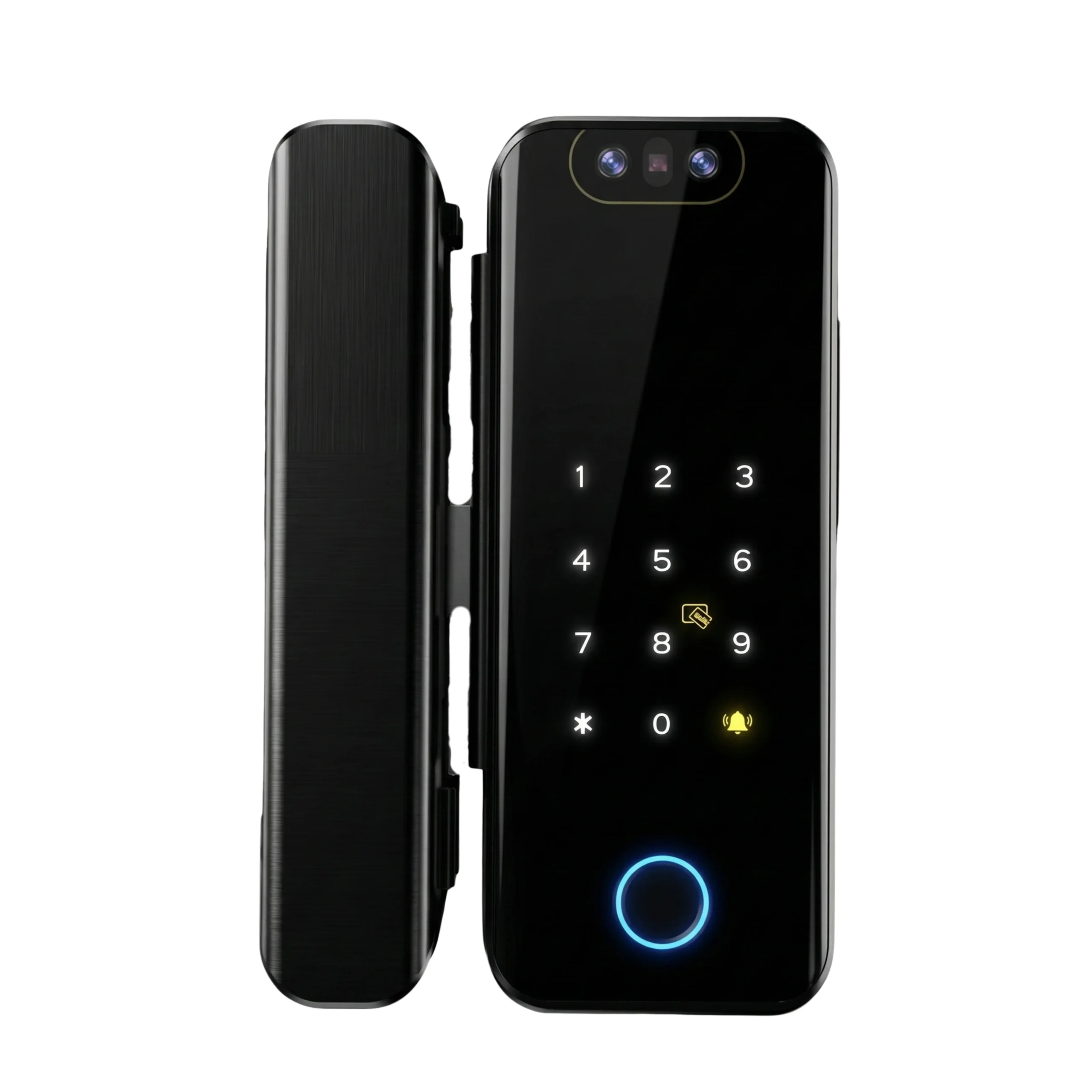
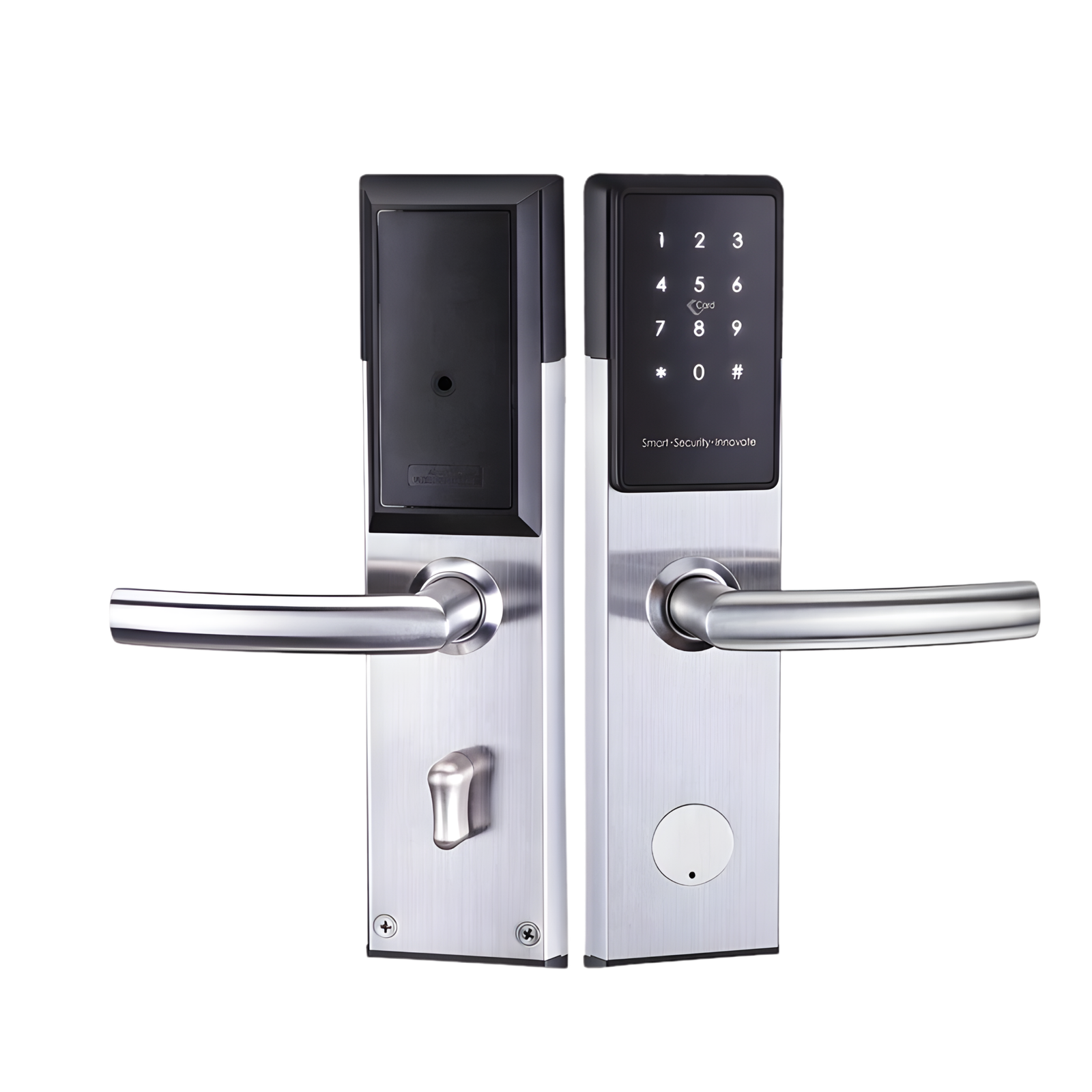
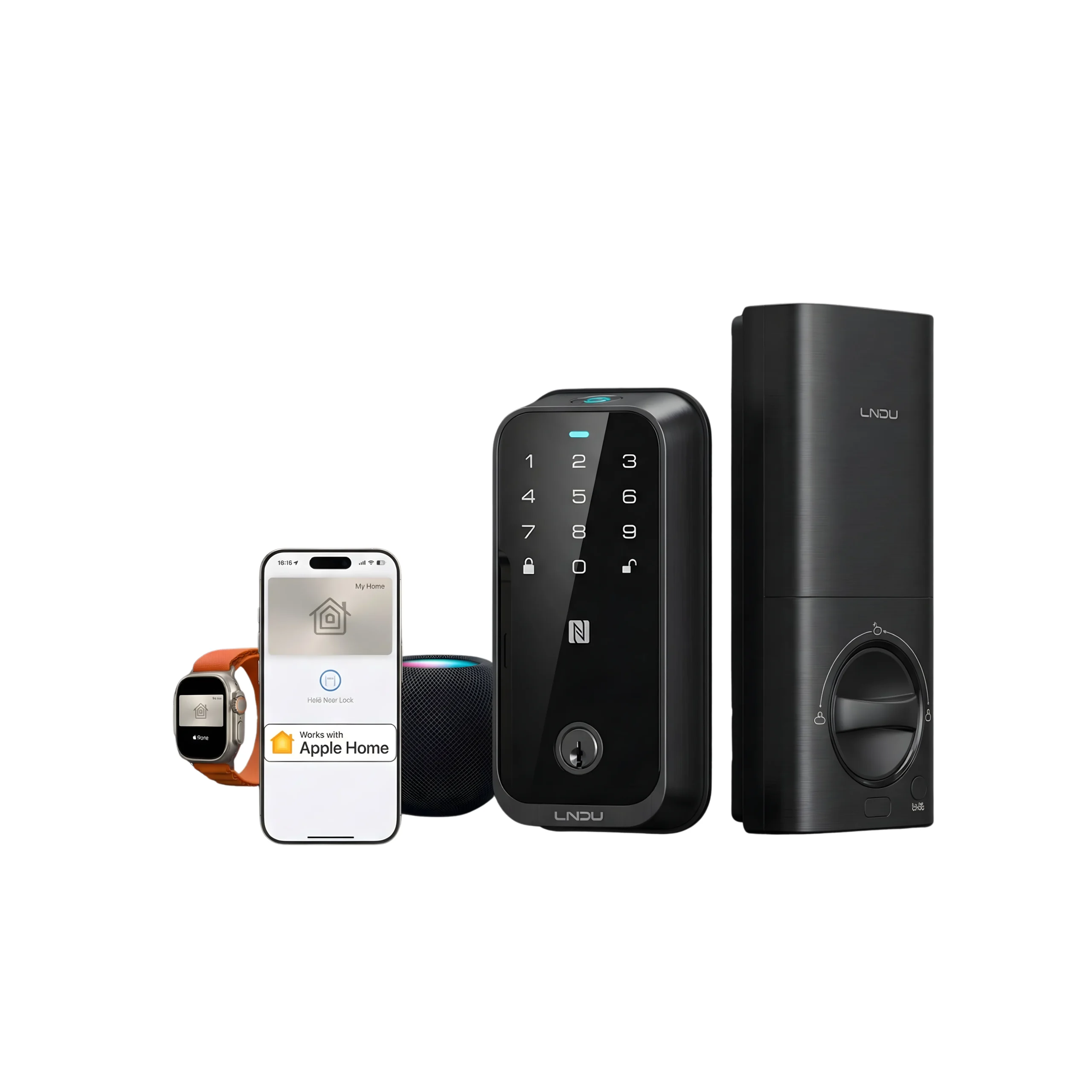
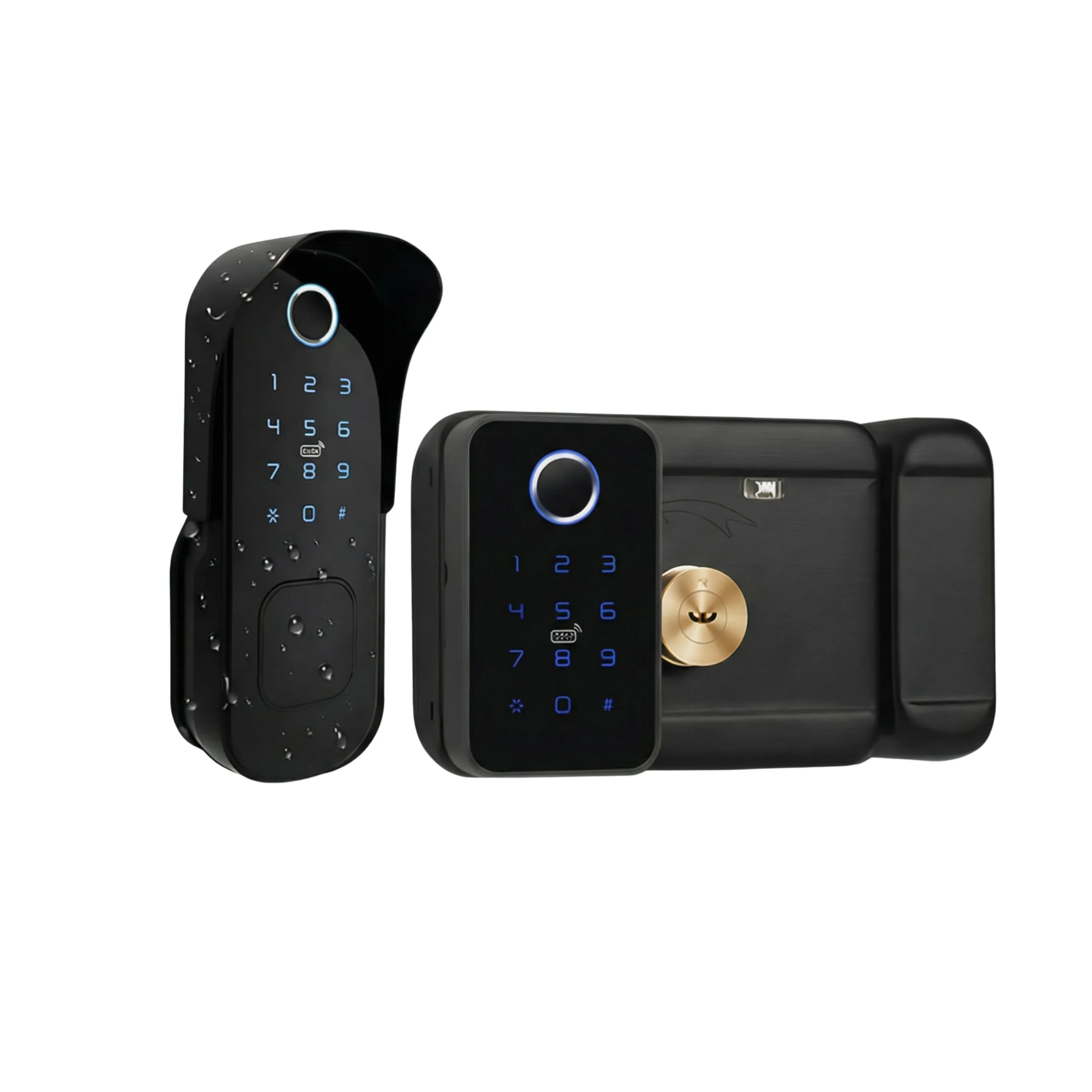
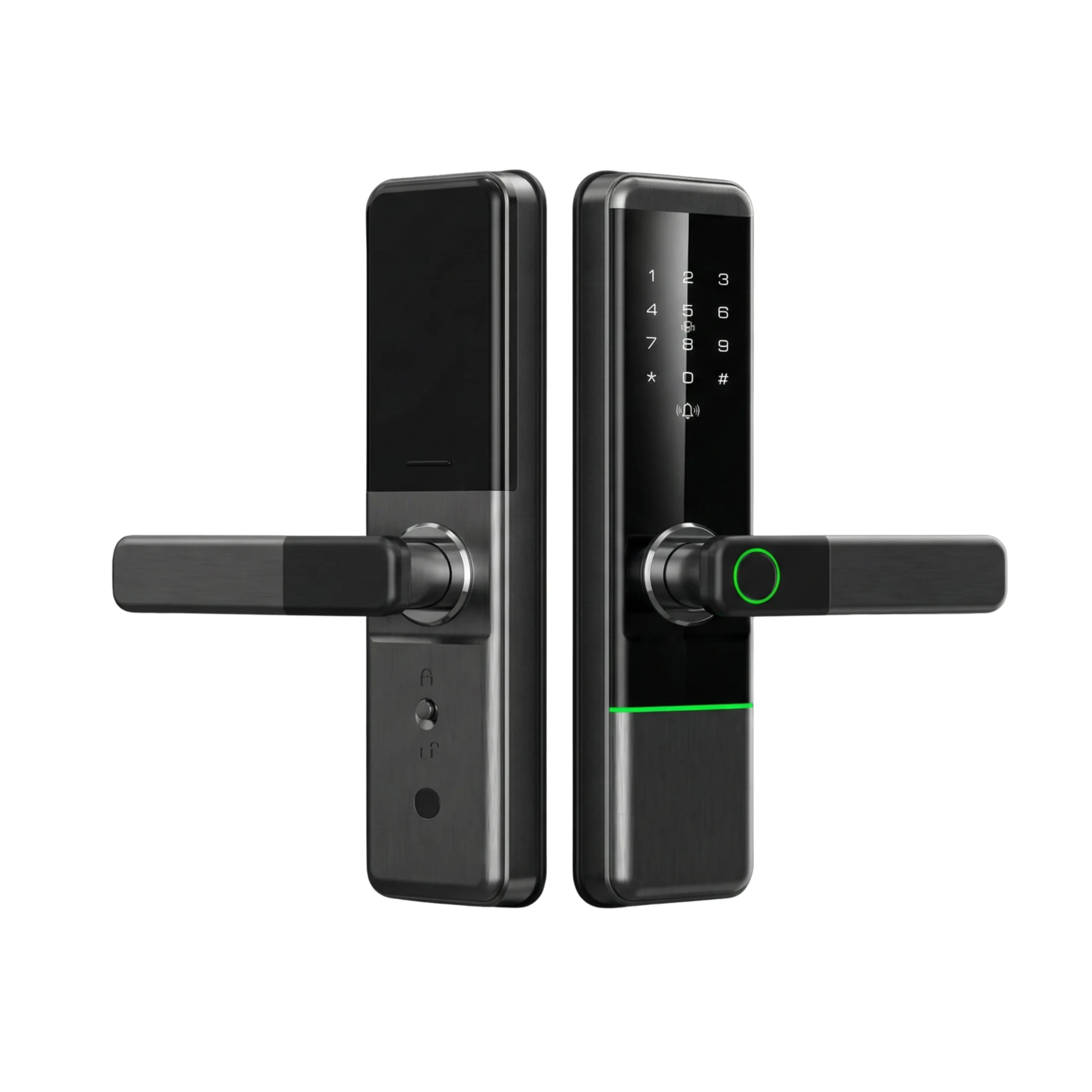









If your smart lock stops working in Dubai or Abu Dhabi, you are not automatically locked out. Most systems are designed with backup entry options such as physical key override, emergency external power, or offline PIN access.
Smart lock emergency access exists specifically to prevent complete lockouts, even when batteries drain or internet connectivity fails.
For homeowners, office managers, and short-term rental hosts in the UAE, the real concern is continuity.
You need reliable entry during power outages, staff changes, guest check-ins, or late-night access situations.
Understanding how backup systems work, what causes failure, and how to prevent disruption helps you choose and manage the right solution with confidence.
What Actually Happens When a Smart Lock Stops Working?
In most cases, the lock does not completely fail. The electronic function may stop responding, but the mechanical components remain operational.
Typical signs include:
- Keypad not lighting up
- Fingerprint scanner inactive
- App unable to connect
- Lock motor not retracting smoothly
These issues are usually caused by power depletion, connectivity interruption, or alignment pressure. Full hardware failure is less common.
Understanding this difference helps avoid unnecessary emergency locksmith calls.
Common Failure Causes in UAE Homes and Offices
Battery Depletion
Battery drain is the most frequent reason for access disruption.
In Dubai and Abu Dhabi, extreme summer temperatures can shorten battery life, particularly for locks exposed to direct sunlight. Most systems provide early warning signals through:
- Mobile app notifications
- Audible alerts
- LED indicators
Ignoring these alerts increases the likelihood of temporary lockout.
Internet or Network Disruption
Remote access depends on Wi-Fi or gateway connectivity.
If internet service stops:
- Remote unlock may fail
- App status updates may pause
- Stored PIN and fingerprint access usually continue working
For vacation rental hosts, this distinction is critical.
Heat and Dust Exposure
Outdoor villa entrances face:
- UV exposure
- Sand accumulation
- Humidity changes
Lower-grade devices may experience sensor inconsistency under these conditions. Weather-resistant models reduce this risk.
Door Misalignment
In high-rise apartments, natural building movement can cause:
- Bolt friction
- Incomplete locking
- Motor strain
This is typically an installation issue rather than a digital malfunction.
How Emergency Entry Works in Real Scenarios?
When electronic access stops, backup systems activate.
Mechanical Key Override
Most smart locks include a concealed key cylinder.
If batteries are fully drained, the door can still be opened manually. This remains the most reliable fallback method.
External Emergency Power
Some models feature a temporary power port.
Connecting:
- A 9V battery
- A portable power bank
restores enough power to enter using a stored PIN or fingerprint.
Offline Access Credentials
Even without internet:
- Pre-programmed PIN codes function
- Fingerprint data remains stored locally
- Bluetooth access may work at close range
Remote unlocking requires connectivity. Local access does not.
Remote Unlock by Authorized User
If internet is active, another authorized user can unlock the door remotely.
This is useful for:
- Office managers handling staff access
- Property owners managing service visits
- Short-term rental hosts coordinating guest entry
Proper configuration reduces physical key dependency.
Apartment Living in Dubai: Key Considerations
Before installation:
- Confirm landlord approval
- Ensure the device is reversible
- Maintain access to the physical key
For apartment residents:
- Replace batteries every 6 months
- Ensure stable Wi-Fi placement
- Select models with mechanical override
Proper setup reduces the likelihood of requiring smart lock emergency access unexpectedly.
Villa Properties in Abu Dhabi: Additional Planning
Standalone properties require additional precautions.
Consider:
- Weather-resistant hardware
- Surge protection for connected gates
- Backup power planning
- Scheduled inspection
Gate automation integration should be assessed before installation to avoid compatibility issues.
Smart Locks vs Traditional Locks During Emergencies
| Situation | Smart Lock | Traditional Lock |
|---|---|---|
| Lost key | Use PIN, fingerprint, or remote unlock | Requires spare key or locksmith |
| Dead battery | Use mechanical key or external power | Not applicable |
| Internet outage | Local access continues | Not applicable |
| Staff change | Update digitally | Replace or recollect keys |
| Guest entry | Issue temporary code | Hand over physical key |
Smart locks provide multiple recovery options. Traditional locks rely solely on physical key control.
Installation Errors That Increase Risk
Improper installation is a major cause of performance issues.
Common mistakes include:
- Incorrect door measurements
- Poor bolt alignment
- Weak Wi-Fi signal placement
- Ignoring firmware updates
- No battery monitoring routine
Professional assessment reduces these risks. Providers such as Altix.ae evaluate door compatibility, alignment, and configuration to ensure stable performance in UAE conditions.
Maintenance and Cost Expectations
Smart locks require regular but minimal upkeep.
In UAE environments:
- Replace batteries every 6 to 12 months
- Clean fingerprint sensors periodically
- Inspect alignment annually
- Update firmware when prompted
Battery costs are minimal compared to emergency locksmith services. However, like any hardware, long-term wear may require part replacement.
Smart locks improve control and flexibility but require responsible management.
When to Seek Professional Assistance?
Professional support is necessary if:
- The lock remains physically jammed
- The key override fails
- The device repeatedly resets
- The door frame causes structural pressure
While many locksmiths in Dubai can open smart locks, advanced systems may require trained technicians.
Correct installation and proactive maintenance reduce the frequency of smart lock emergency access situations.
Ensuring Reliable Access in UAE Properties
To reduce disruption risk and maintain reliable entry:
- Select models with mechanical key override and external emergency power
- Replace batteries before complete depletion
- Ensure correct door alignment during installation
- Use weather-rated devices for outdoor applications
- Maintain at least one backup access method
- Confirm rental permissions before installation
With proper planning, smart lock emergency access serves as a safeguard rather than a frequent necessity.
When installed and maintained correctly, smart locks provide controlled, secure, and flexible access for homes and offices across Dubai and Abu Dhabi.
FAQs
First, check for low battery alerts. If the keypad is inactive, use the mechanical key override or connect an external battery if your model supports it. If the lock remains jammed, professional inspection may be required to check alignment or internal motor issues.
Yes. Internet failure does not affect stored PIN or fingerprint access. If the battery is fully drained, entry is typically possible using the physical key override or emergency external power feature, depending on the model.
Emergency access methods such as mechanical keys or external power ports are designed for controlled recovery. Security depends on proper installation and keeping physical backup keys stored securely. Poor configuration increases risk.
Common causes include:
- Heat exposure reducing battery life
- Dust affecting sensors
- Door misalignment due to building movement
- Weak Wi-Fi signal placement
- Improper installation
Regular inspection and correct setup significantly reduce recurring issues.
You should seek professional assistance if:
- The mechanical key does not turn
- The bolt is physically jammed
- The lock resets continuously
- The door frame causes pressure on the locking mechanism
Attempting forceful entry can damage both the lock and door. Proper assessment prevents further cost.


