


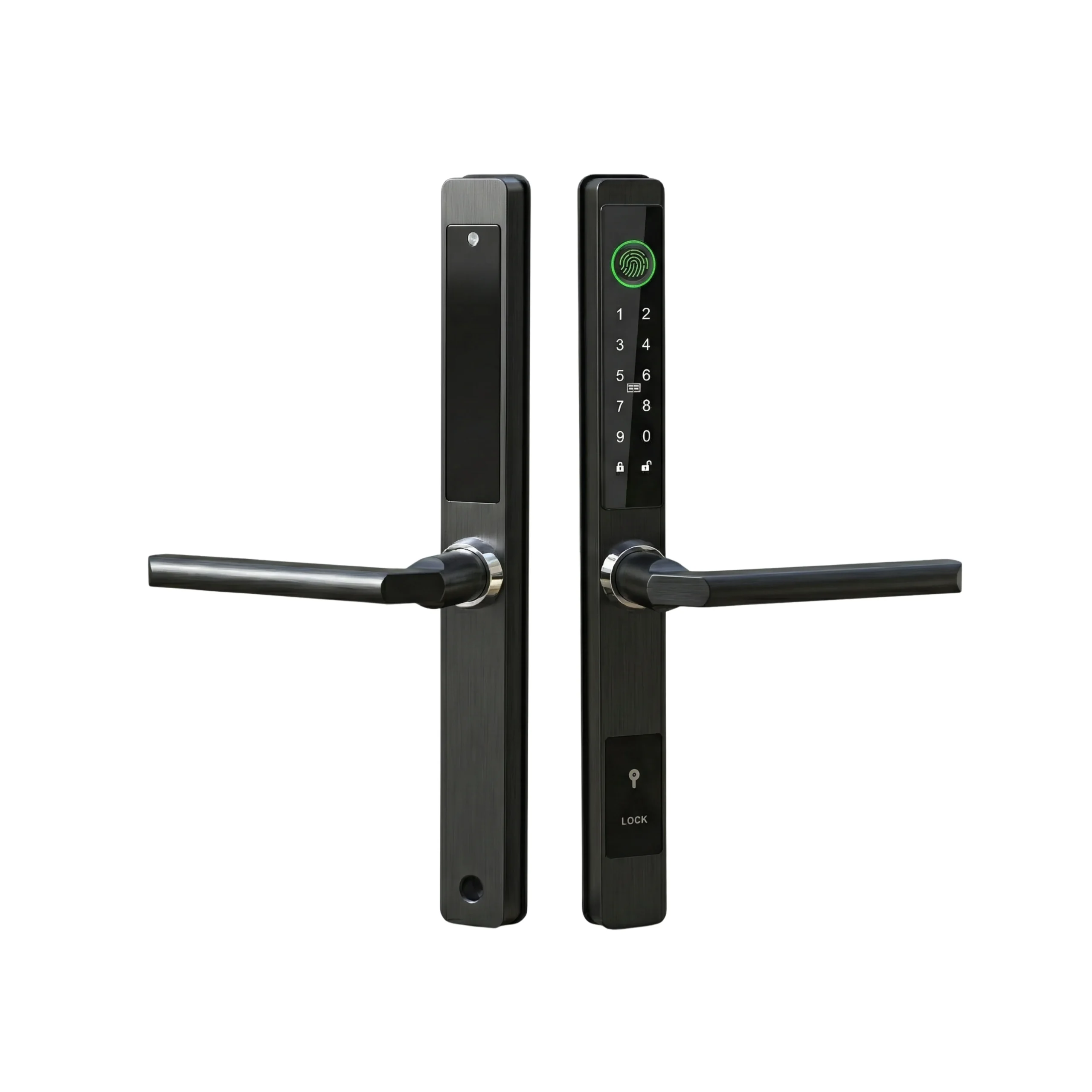

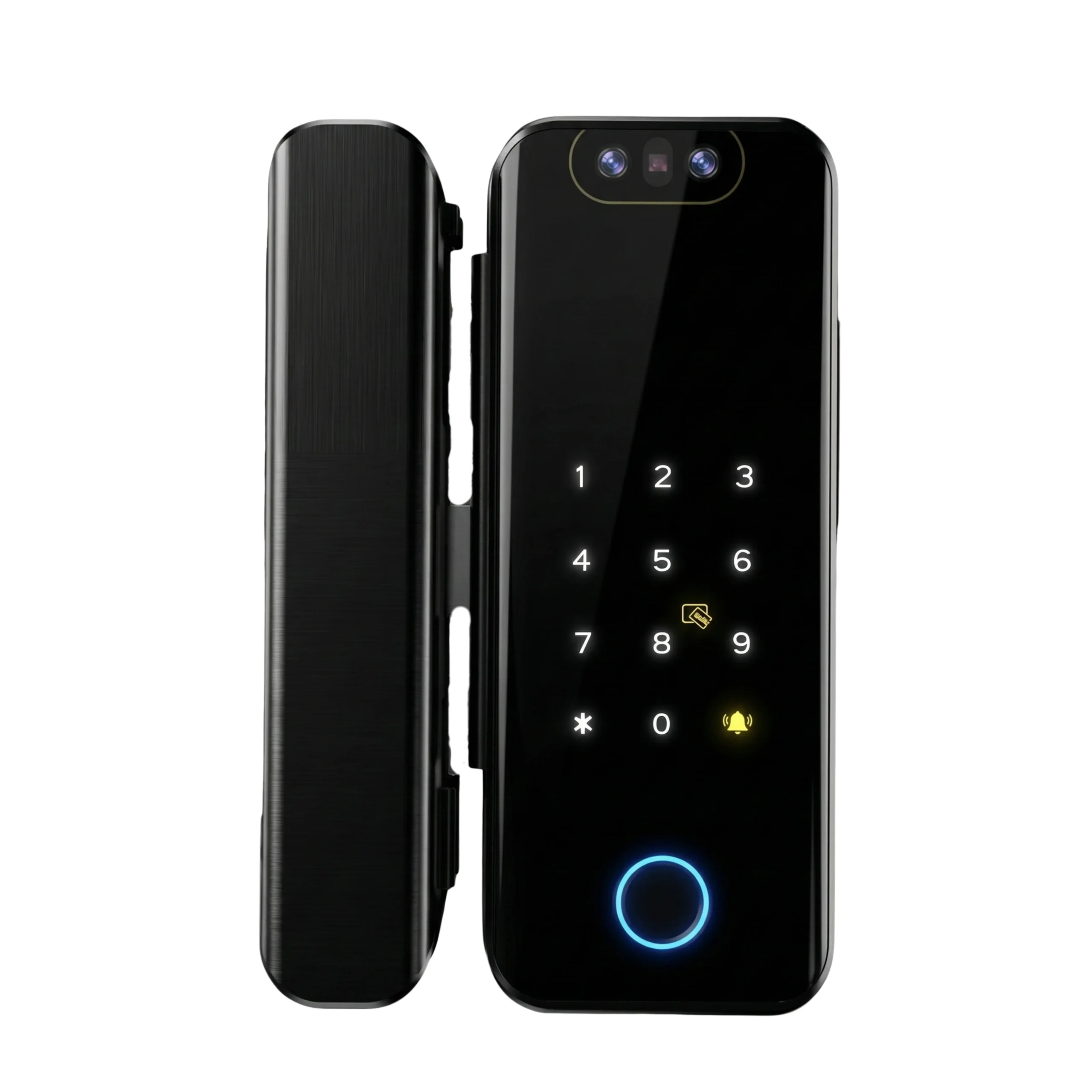
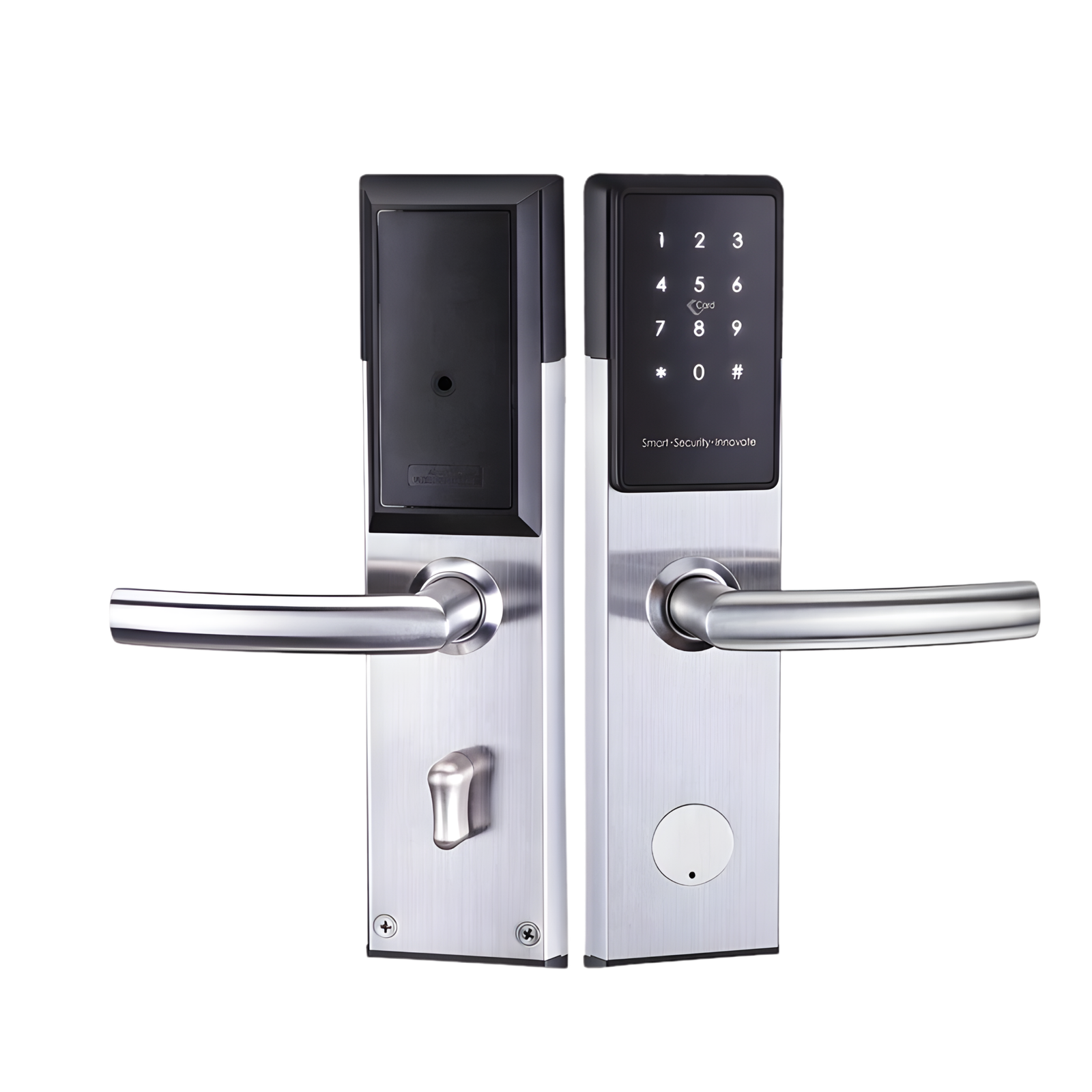
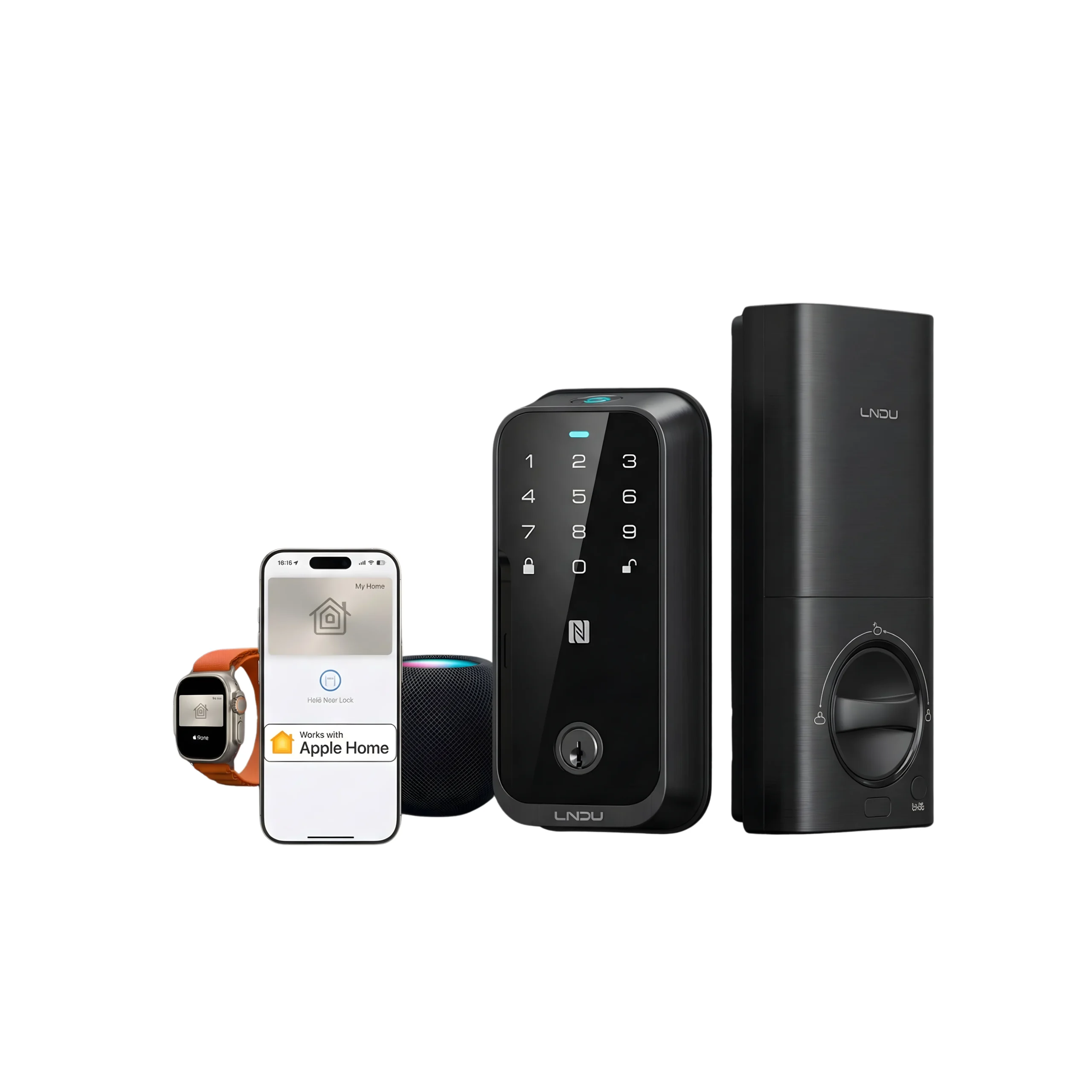









Upgrading home security becomes easier with the Aqara D200i. This aqara d200i smart door lock installation guide explains the installation process, setup requirements, unlocking methods, and smart features for UAE homeowners. For those who prefer professional assistance, Altix also provides smart lock installation services across the UAE.
Key Features of the Aqara D200i
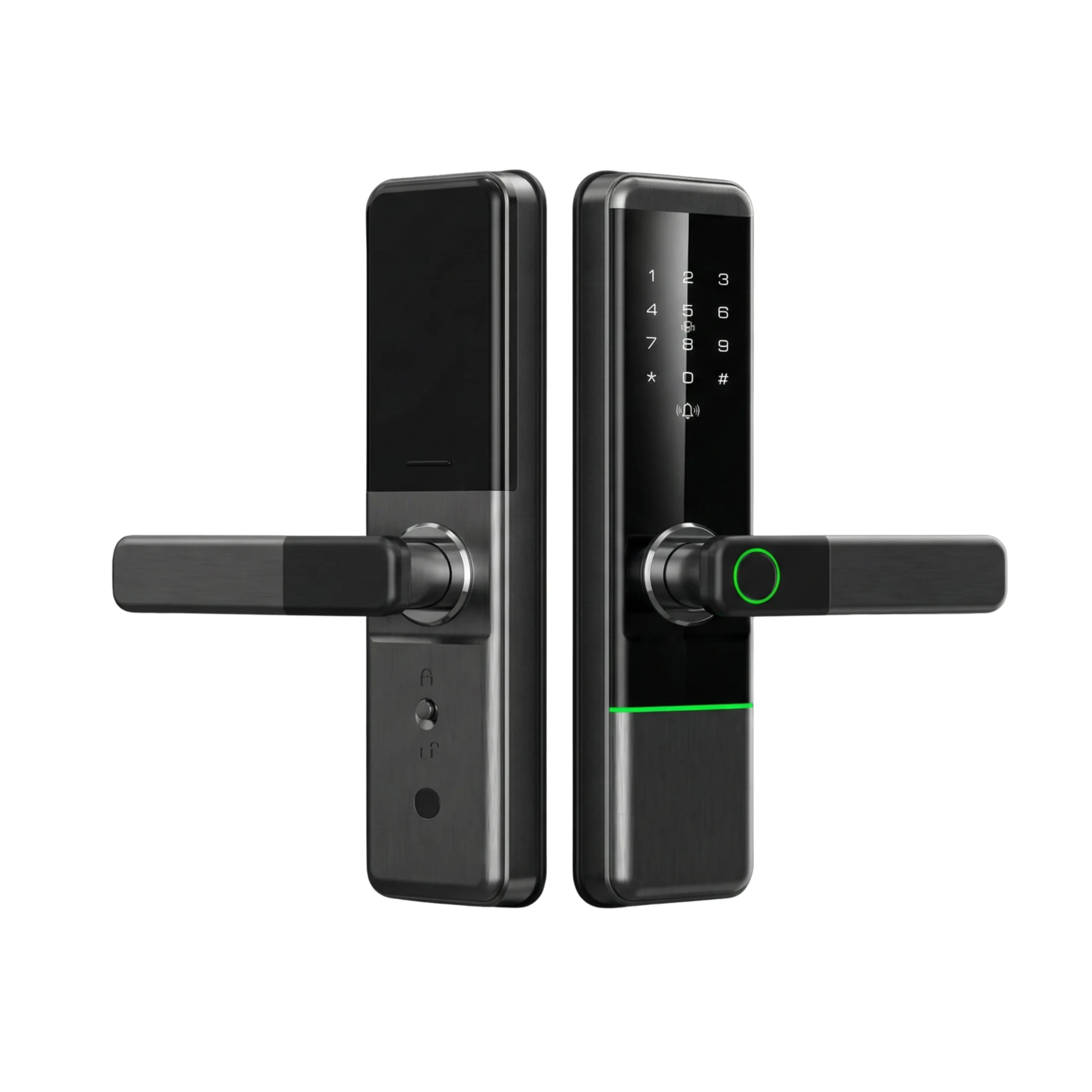
The Aqara D200i is a fully automatic smart door lock designed to provide convenient access while enhancing residential security.
Multiple Unlocking Methods
The lock supports several access options, allowing users to choose the method that best suits their daily routine.
Available unlocking methods include:
- Face recognition
- Apple Home Key
- Password entry
- Bluetooth unlocking
- NFC access
- Mechanical key
This flexibility allows different household members to use their preferred authentication method.
Instant and Automatic Unlocking
After successful verification, users can simply push or pull the handle to enter.
The lock also supports automatic locking after the door closes, helping maintain security without requiring manual operation.
Advanced Face Recognition
The Aqara D200i uses 3D structured light technology for facial recognition.
This system is designed to provide fast identification while improving accuracy and reliability during daily use.
Smart Alerts
The lock can notify users of various security and operational events, including:
- Low battery reminders
- Lockpicking alarms
- Trial-and-error alarms
- Door status detection
These notifications help users monitor lock activity and respond to potential issues promptly.
Smart Home Integration
The Aqara D200i integrates with Aqara Home and Apple Home ecosystems.
This enables automation functions, remote management features, and notification support through connected smart home devices.
Complete Installation Guide
The following steps outline the installation and setup process for the Aqara D200i.
Step 1: Preparation
Before installation, open the battery cover and install the supplied lithium battery.
It is also important to confirm that the door meets the required size and material specifications for the lock.
Prepare the following tools before beginning installation:
- Screwdrivers
- Measuring tape
- Pencil
- Drill (if required)
For UAE homes, professional installation is recommended to ensure correct alignment, reliable operation, and optimal security performance. Homeowners who want a hassle-free setup can also arrange professional Aqara D200i installation through Altix.
Step 2: Device Initialization
After the lock has been installed, proceed with device setup and user registration.
Add the Lock to Aqara Home
Begin by downloading the Aqara Home application from the appropriate app store.
Once installed:
- Open the Aqara Home app.
- Tap the “+” icon.
- Select “Add Device.”
- Choose Smart Lock D200i.
- Follow the on-screen instructions.
- Set the owner account as the administrator.
The administrator account is responsible for managing users and system settings.
Bind the Lock to Apple HomeKit
For iPhone and Apple Watch users, the lock can be connected to Apple Home.
To complete setup:
- Power on the lock.
- Open the Apple Home app.
- Select “Add Accessory.”
- Scan or enter the HomeKit code located beneath the battery cover.
- Complete the pairing process.
- Add users if required.
- Enable Apple Home Key functionality.
Once configured, users can unlock the door using compatible Apple devices.
Step 3: Unlocking Options
The Aqara D200i supports several convenient unlocking methods.
Face Recognition
Stand approximately 0.5 meters in front of the lock.
Once facial verification is completed successfully, the door can be opened immediately.
For security purposes, face recognition automatically deactivates around 15 seconds after door operation. Users can reactivate the function through the password keypad when needed.
Password Entry
Password unlocking provides an alternative access method.
To unlock:
- Enter the registered password.
- Press Enter.
- Wait for verification.
- Open the door.
Mechanical Key
The lock includes a mechanical key for backup access.
To use it:
- Slide the protective cover.
- Insert the key.
- Unlock the door manually.
Indoor Emergency Knob
Occupants inside the property can unlock the door by rotating the emergency knob.
This method does not require authentication.
Push/Pull Handle Operation
After any successful verification method, users simply push or pull the handle to enter.
This contributes to the lock’s fully automatic operation.
Step 4: Battery and Power Management
The Aqara D200i uses a replaceable lithium-ion battery rated at:
- 7.5V
- 1.5A
The lock monitors battery status and provides low-battery reminders before replacement becomes necessary.
Emergency Power Supply
If the battery becomes depleted, emergency power can be supplied through the USB-C port.
Power requirements include:
- USB-C connection
- 5V input
- 2A output
This temporary power source allows access while a replacement battery is installed.
Safety Guidance
UAE residents should only use recommended charging equipment and power sources.
Using incompatible accessories may affect product performance and could potentially damage the device.
Step 5: Smart Features and Local Settings
The Aqara D200i includes several management and customization options.
User Management
Through the Aqara Home application, administrators can:
- Add users
- Remove users
- Manage permissions
- Control access settings
Volume and Language Settings
Users can customize:
- Lock volume
- Voice prompts
- Language settings
The lock supports English and Chinese voice options.
Home Automation
When connected to Aqara Home or Apple Home, the lock can participate in automation routines and notification workflows with other compatible devices.
Local Settings Mode
To access Local Settings Mode:
- Open the battery cover.
- Press the set button.
- Verify administrator credentials using a registered fingerprint or password.
- Access configuration settings.
Tips for UAE Homeowners
Store emergency keys in a secure and accessible location.
Check the Aqara Home application regularly for firmware updates, as updates may improve functionality, stability, and security.
Homeowners can also integrate the Aqara D200i with compatible smart home products such as sensors and lighting systems to create a more connected home environment.
Regular inspection of battery status and user permissions can help maintain reliable operation over time.
Key Takeaways for UAE Homeowners
- Install the lithium battery and verify door compatibility before beginning the setup process.
- Complete device initialization through the Aqara Home app and assign an administrator account for managing users and settings.
- Connect the lock to Apple HomeKit if you want to use Apple Home Key with a compatible iPhone or Apple Watch.
- Configure preferred unlocking methods, including face recognition, password access, NFC, Bluetooth, or the mechanical key.
- Monitor battery status regularly and use the USB-C emergency power option when temporary access is required.
- Keep the mechanical key in a secure and accessible location for emergency situations.
- Check for firmware updates through the Aqara Home app to maintain security, stability, and functionality.
- Integrate the lock with compatible smart home devices to create a more connected and automated home environment.
- Consider professional installation if you want assistance with lock fitting, app configuration, user setup, and smart home integration. Altix provides installation support for homeowners seeking a professionally configured setup.
FAQs
Yes. The lock supports Apple HomeKit and can be paired through the Apple Home app using the HomeKit code located beneath the battery cover.
You can temporarily power the lock through the USB-C emergency power port and then replace the battery.
Users should stand approximately 0.5 meters from the lock for facial verification.


