


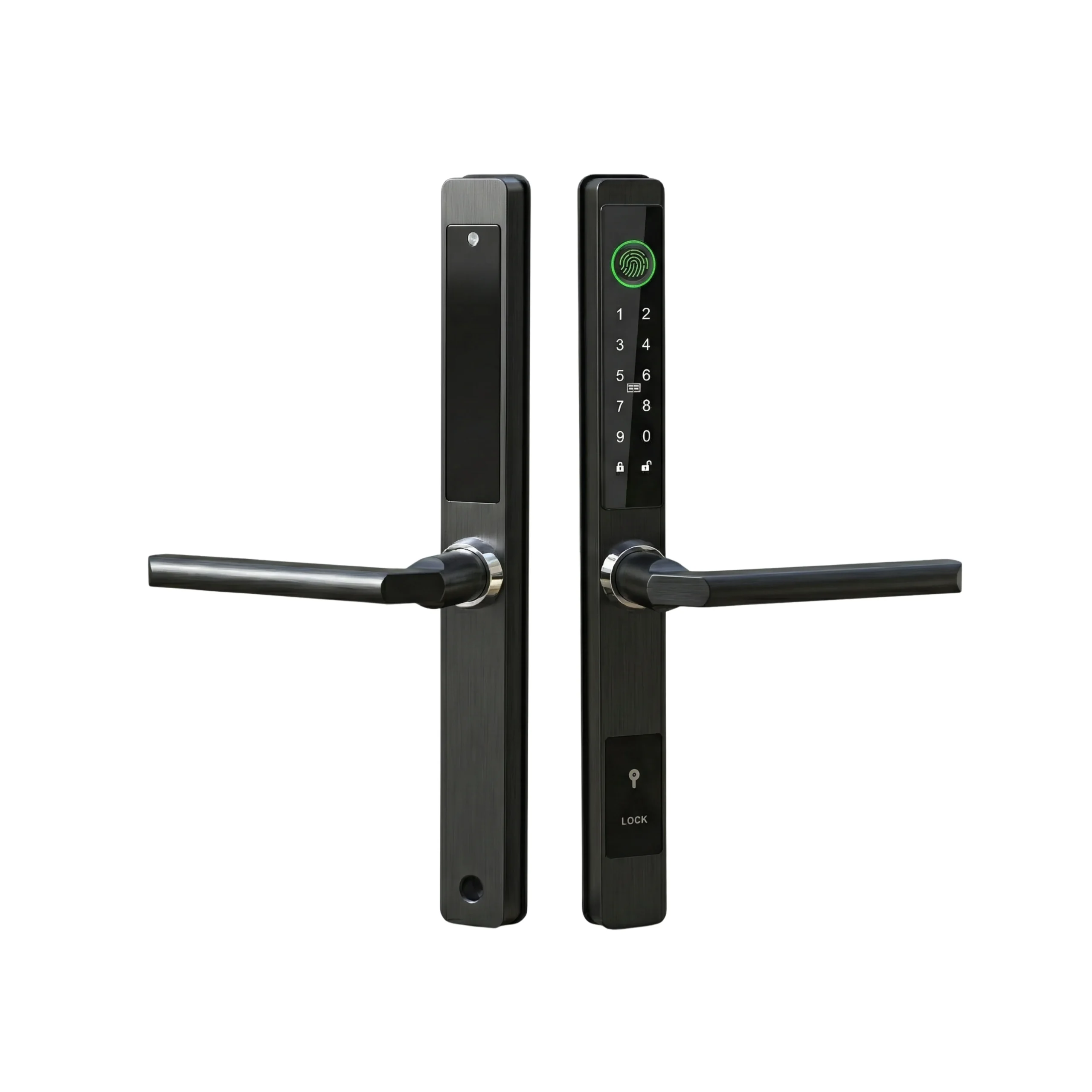

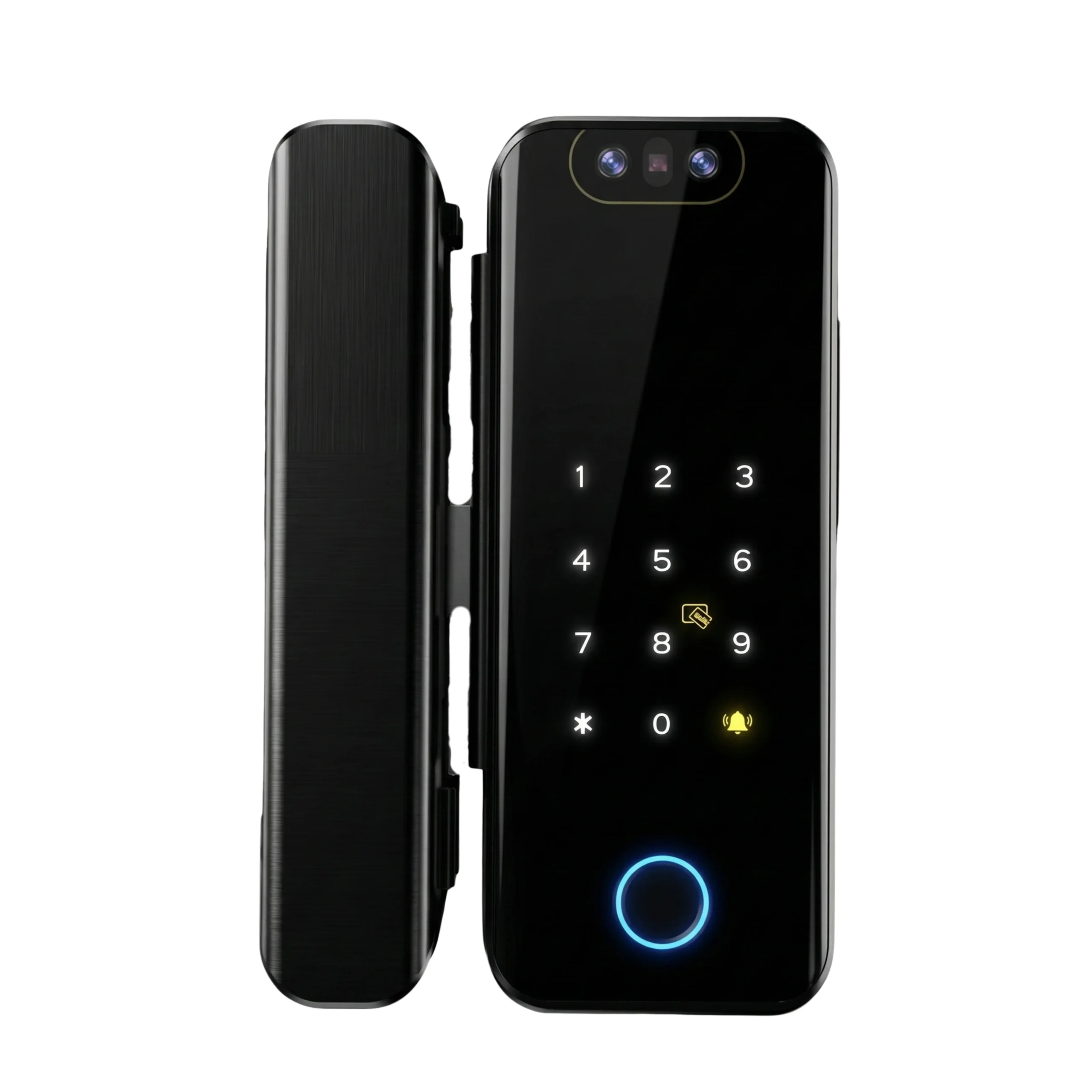
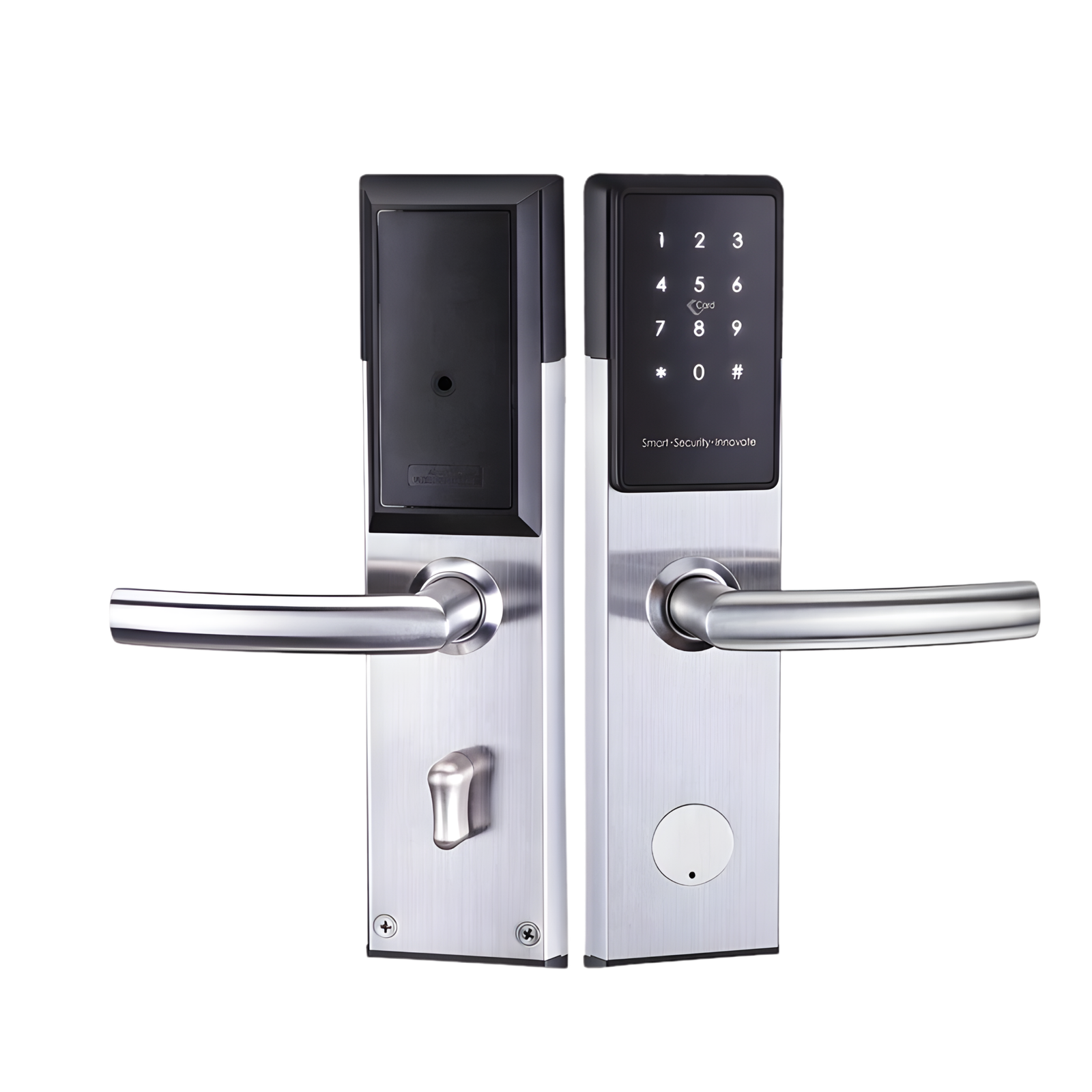
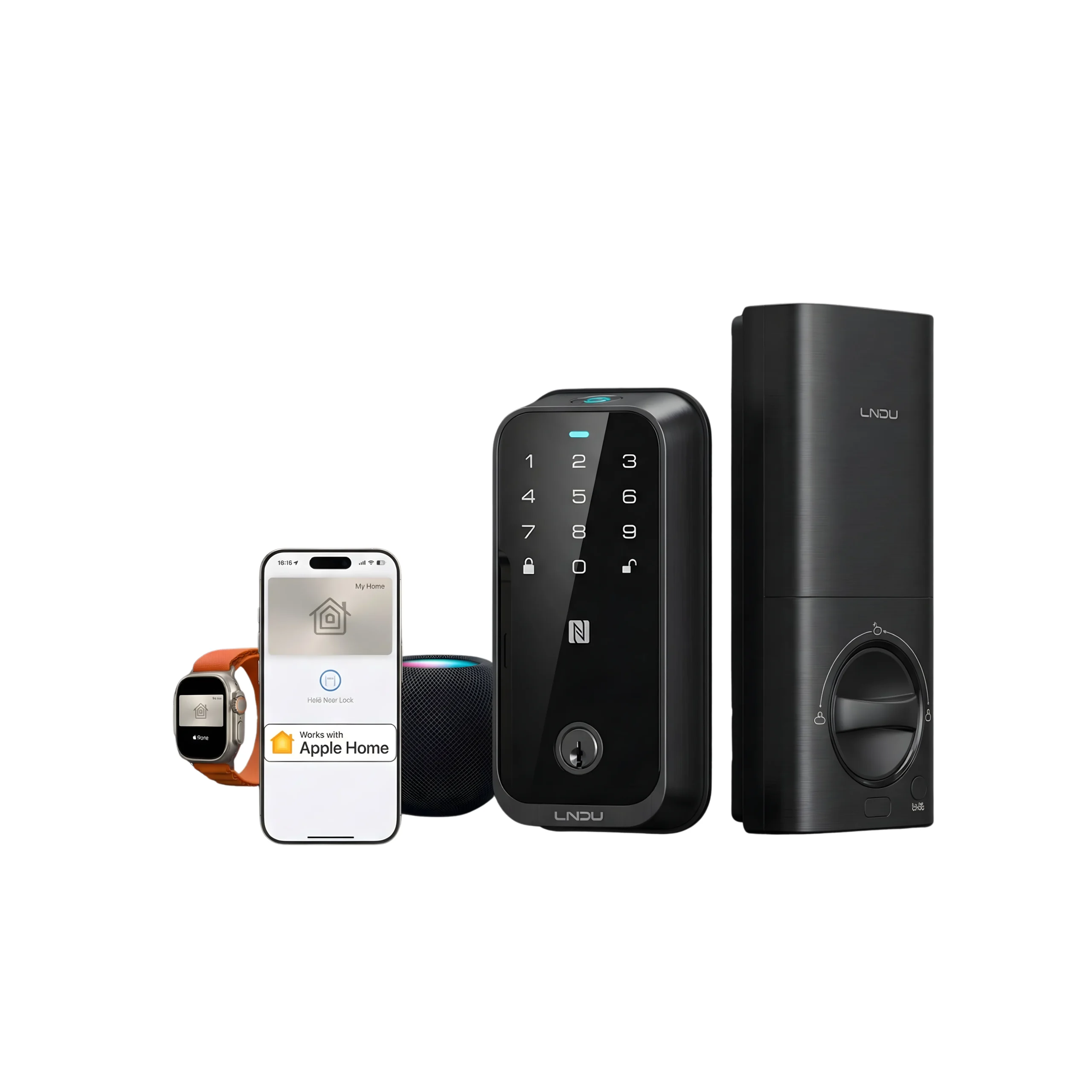









Smart lock systems can work reliably during limited access situations when they are set up with multiple entry methods, offline access, and backup options.
Smart lock installation in UAE homes and offices should not depend on internet or a single access method.
This guide explains how to set up a system that maintains access, control, and security even when conditions are restricted.
Why Limited Access Situations Matter in UAE Properties?
Access reliability is not only about convenience. It directly affects how smoothly a property operates when physical presence is not possible.
In UAE homes, offices, and rental setups, access often needs to function without manual intervention. This includes situations where entry must be granted, restricted, or monitored remotely while still maintaining control if connectivity or availability is limited.
Instead of focusing on common issues, the priority should be:
- Ensuring access works without dependency on a single method
- Maintaining control even when remote access is unavailable
- Allowing flexible entry without compromising security
- Supporting multiple users with different access needs
A well-planned smart lock installation addresses these requirements by combining online control with reliable offline functionality.
Key Features that Ensure Reliable Access
Not all smart locks perform the same during restricted conditions. The system must support multiple entry methods.
Essential features include:
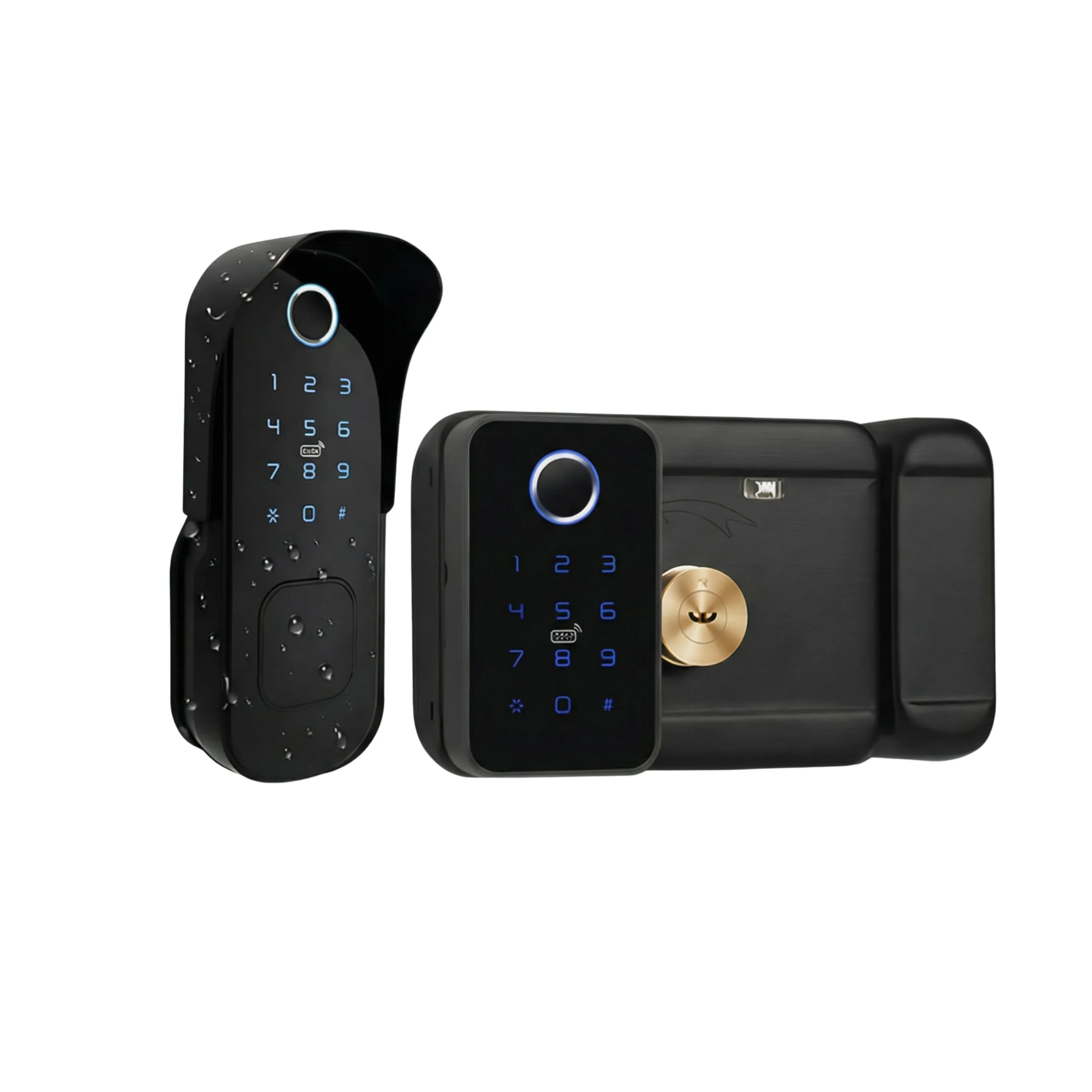
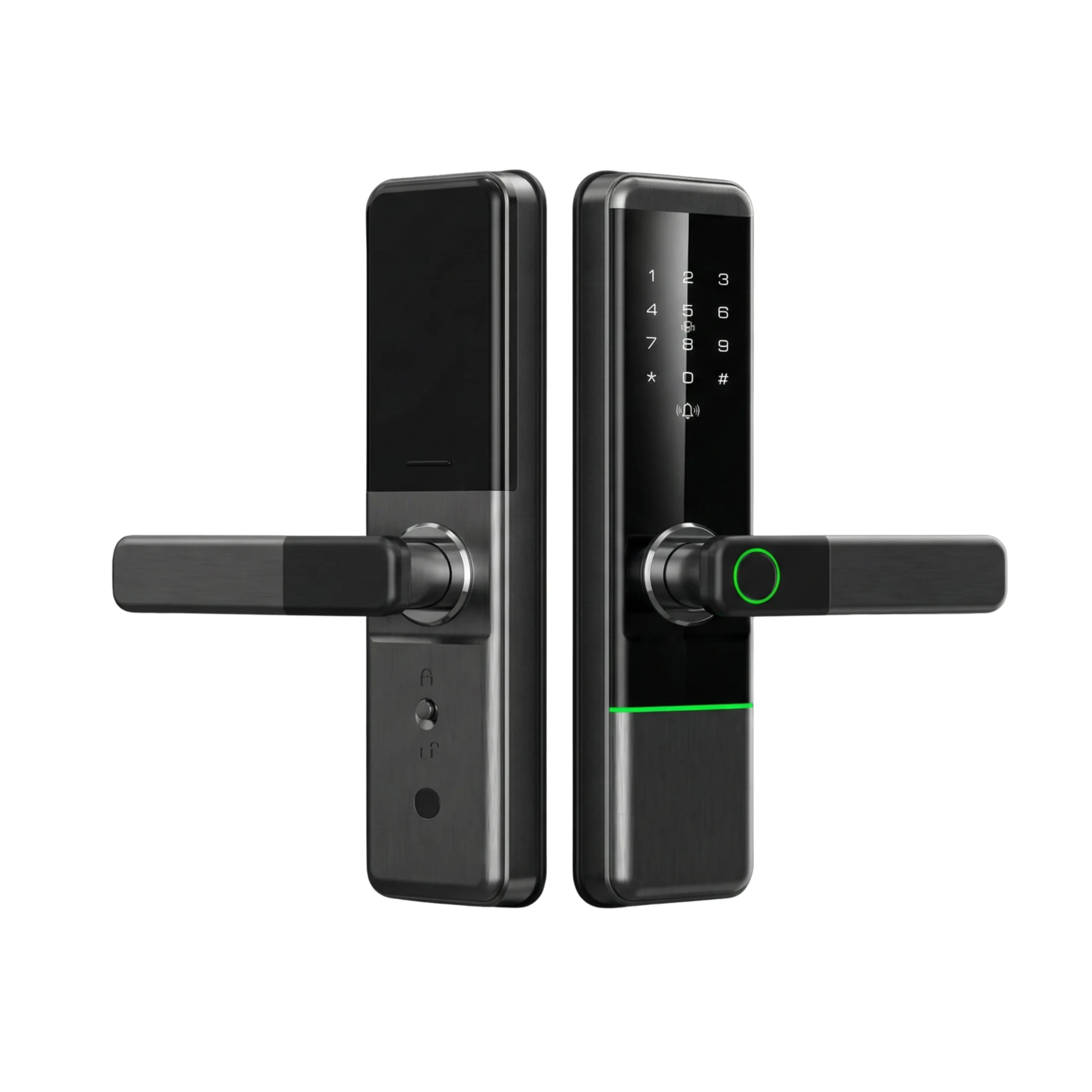
- PIN code access for offline entry
- Mobile app control for remote unlocking
- RFID cards or key tags for quick access
- Mechanical key override as a last option
- Auto-lock and audit logs for tracking usage
These features ensure that even if one method fails, others remain available.
Types of Smart Lock Systems Suited for UAE Properties
Choosing the right system depends on property type and usage.
For apartments:
- Bluetooth-enabled locks
- PIN + mobile access
- Works without constant internet
- WiFi-enabled systems
- Remote access for deliveries
- Integration with smart home systems
- RFID + PIN-based systems
- Access logs for staff tracking
- Time-based permissions
For vacation rentals:
- Temporary PIN generation
- Remote access control
- No need for physical key exchange
Step-by-step Setup for Reliable Access Control
A structured setup ensures the system works during limited access situations.
1. Check door compatibility
Ensure the lock fits your existing door type. UAE properties may have metal, wooden, or glass doors.
2. Install the lock hardware
Follow manufacturer guidelines. Proper alignment is critical for smooth locking and unlocking.
3. Configure multiple access methods
Do not rely on one method only.
Set up:
- Primary: mobile app
- Secondary: PIN code
- Backup: key or RFID
4. Enable offline functionality
Ensure PIN and RFID access work without internet.
5. Assign user access
Create access levels based on roles:
- Family members: full access
- Staff: restricted timing
- Guests: temporary access
6. Test all scenarios
Simulate real situations:
- No internet
- Low battery
- Remote access attempt
This step ensures the system works when needed.
Internet vs Offline Access: What Actually Matters?
Many users assume smart locks depend fully on internet connectivity. That is not accurate.
Internet-based features:
- Remote unlocking
- Access notifications
- User management
Offline features:
- PIN entry
- RFID access
- Mechanical key use
A strong setup prioritizes offline access first. Internet features should add convenience, not dependency.
Power Backup and Fail-safe Options
Power failure is a real concern. A smart lock must continue functioning.
Reliable systems include:
- Long-lasting internal batteries
- Low battery alerts
- Emergency power via USB
- Mechanical key override
Without these, access can be completely blocked.
Access Management for Different Use Cases
Different users require different access controls.
Homeowners:
- Permanent access
- Full control via app
Office managers:
- Scheduled access for employees
- Entry logs for monitoring
Rental hosts:
- Time-limited PIN codes
- Remote guest check-in
This flexibility reduces the need for physical presence.
Common Mistakes During Setup
Many access issues come from incorrect setup, not device failure.
Avoid these mistakes:
- Relying only on WiFi access
- Not setting backup entry methods
- Ignoring battery alerts
- Poor door alignment during installation
- Giving unrestricted access to all users
A well-planned smart lock installation prevents these problems.
When to Consider Professional Support?
Some setups require more than basic installation.
Consider expert help when:
- Integrating with a smart home system
- Managing multiple locks in offices
- Setting up rental automation
- Ensuring secure configuration
Providers like Altix.ae can guide proper setup without adding complexity. This ensures the system works reliably in real UAE conditions.
How to Ensure Reliable Access in Any Situation?
- Use at least two access methods such as mobile app and PIN
- Ensure offline entry works without internet dependency
- Activate backup options like mechanical keys or emergency power
- Assign access based on user roles and timing needs
- Test the system under real-life conditions such as no internet or low battery
A structured smart lock installation ensures access remains consistent, controlled, and dependable across different UAE property use cases.
FAQs
Access should not depend only on the app. A properly configured system allows entry using PIN or RFID even if the app fails. This is a critical step during smart lock installation.
Yes. WiFi is only required for remote control. PIN codes, RFID, and key access continue to work without internet, ensuring uninterrupted entry.
Set up backup access in advance. This includes sharing temporary PIN codes or enabling a trusted person with limited access. Avoid setups that require real-time approval for entry.


