



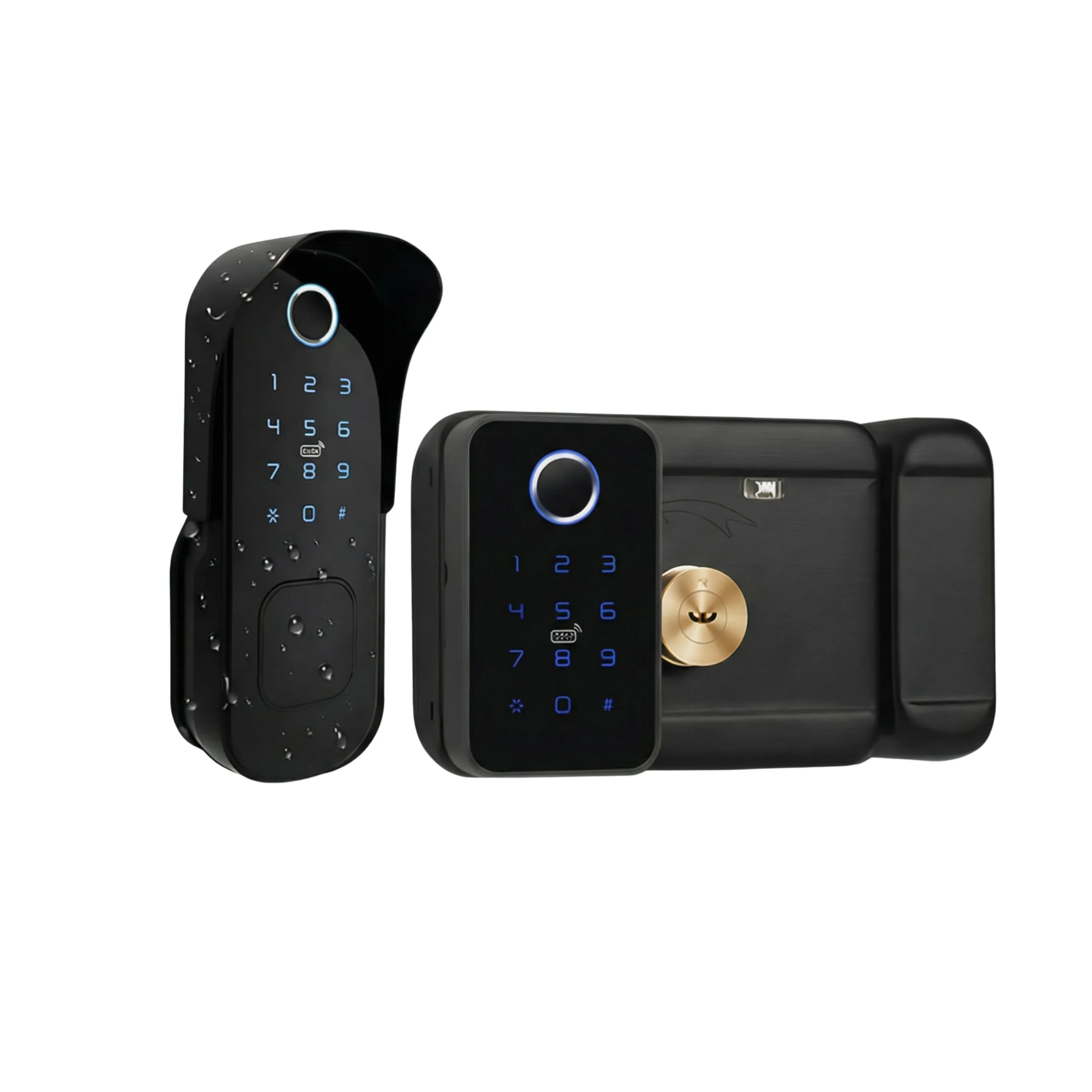
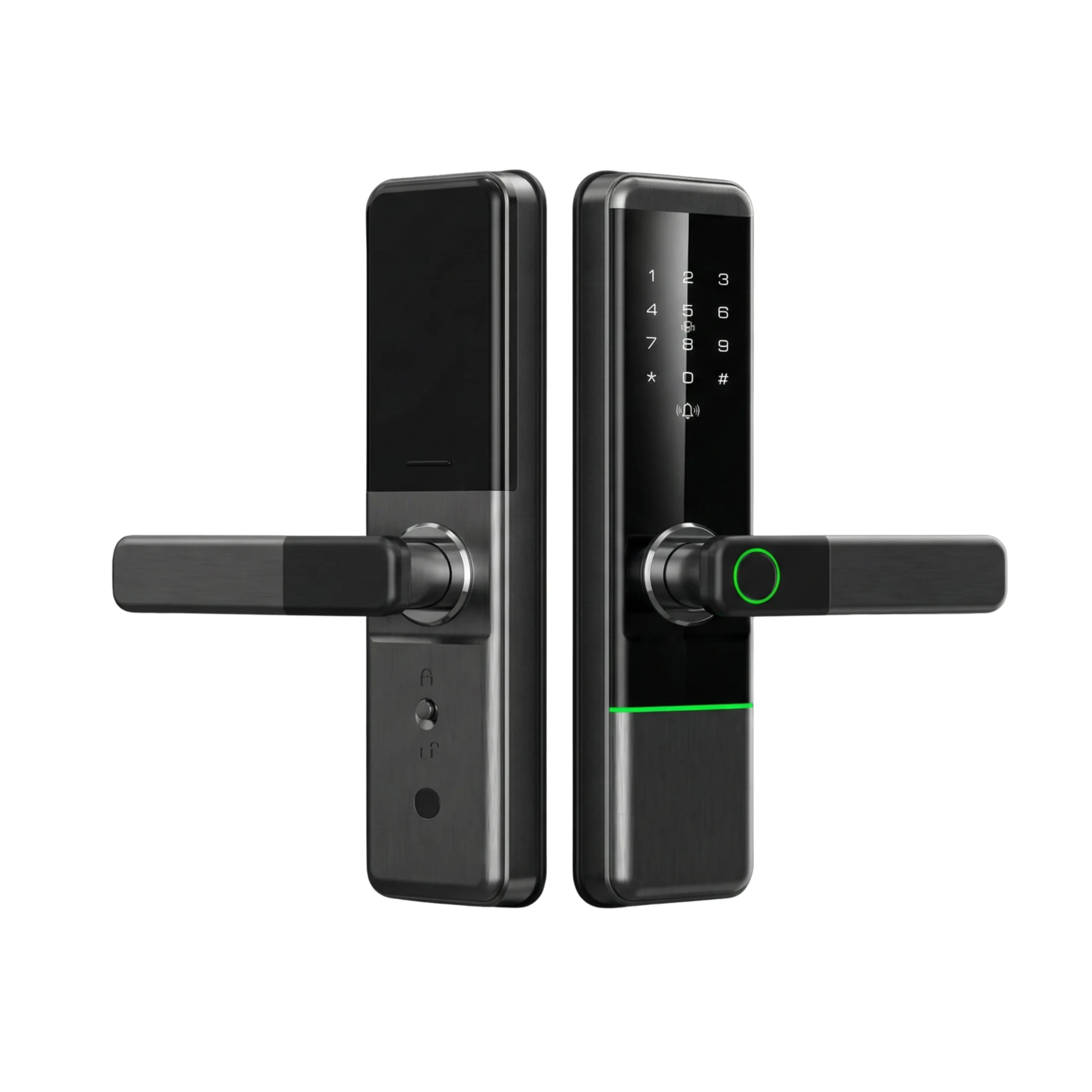









The lock works. The keypad works, the fingerprint works, the bolt throws. The app just refuses to find it, or finds it and drops it an hour later.
In nearly every case we see, the lock is fine and the router is the problem. Here’s the mechanism, because once you understand it the fix is obvious.
Why smart locks can’t use your main Wi-Fi
Home Wi-Fi runs on two frequency bands. 5GHz is fast over short distances and poor through walls. 2.4GHz is slower but travels further and penetrates concrete and steel much better.
Smart locks — Lockin, and essentially every other brand — use 2.4GHz only. That is a deliberate choice, not a cost cut. A device sitting inside a metal door frame, on battery, needs range and low power far more than it needs bandwidth. It’s moving a few bytes to say “someone unlocked the door,” not streaming video.
So a lock physically cannot join a 5GHz network. If that’s what your phone is on, pairing fails.
The band steering trap
Here’s where UAE households get stuck specifically.
Routers supplied by e& and du ship with band steering switched on by default. Both bands are broadcast under a single network name, and the router decides which band each device gets. From your phone it looks like one network. It isn’t.
This is genuinely convenient for phones and laptops. It breaks smart device pairing, because during setup the app typically hands the lock the credentials of whatever network your phone is currently on — and your phone, being a modern phone standing next to the router, is almost certainly on 5GHz.
The lock receives credentials for a network it cannot physically join. The app reports a vague failure. You reset the lock, try again, and get the same result, because nothing about the lock was ever wrong.
The fix
Option one: split the bands permanently — best
Log into your router’s admin page (the address and default password are usually printed on a sticker on the router itself), find the wireless settings, and either disable band steering or give the 2.4GHz network its own distinct name — something like HomeWiFi-24.
Then connect your phone to that 2.4GHz network, run the pairing, and switch your phone back afterwards. The lock stays where you put it.
This is the option we recommend. It takes ten minutes once and it fixes every future smart device you buy, not just the lock. If you’re adding cameras, sensors or plugs later, you’ll be glad you did it.
Option two: temporarily disable the 5GHz radio
If you’d rather not rename anything, switch the 5GHz radio off in the router settings, pair the lock, then switch it back on. Crude but effective, and it leaves no permanent change.
Option three: phone hotspot
Set your phone’s hotspot to 2.4GHz (most phones have this setting, often labelled “maximise compatibility”), pair the lock to the hotspot to confirm the lock’s radio works, then redo it properly against the real network. Useful as a diagnostic — if the lock pairs to a hotspot, the hardware is fine and you’ve proved it’s a router problem.
If the bands aren’t the issue
Work down this list.
Signal strength at the door. Your phone showing four bars in the hallway tells you nothing about what a lock inside a metal-framed door receives. Doors are among the worst RF environments in a home — steel frames, and often a concrete core. Stand at the door, on 2.4GHz, and check what you actually get there.
Gateway placement. Models that need a gateway are subject to two hops: gateway to router, and gateway to lock. Both have to be solid. Put the gateway within clear line of sight of the door where possible, and not behind a TV, a mirror or inside a metal cabinet. Villas with thick internal walls often need the gateway closer than people expect.
Password characters. Some smart device firmware handles certain special characters poorly in Wi-Fi passwords. If yours contains unusual symbols, test with a simple alphanumeric password to rule it out.
Hidden SSID and MAC filtering. Both break pairing. Turn them off for setup.
Guest network. Don’t pair the lock to one. Guest networks usually isolate clients from each other, which stops the app talking to the lock.
Router channel congestion. In a dense apartment tower — which describes most of Dubai Marina, JLT and Business Bay — the 2.4GHz band is crowded. If everything else checks out, manually setting the router to channel 1, 6 or 11 rather than auto can settle an unstable connection.
Connects, then drops
A different problem with a different cause. If pairing succeeds and the lock goes offline hours or days later, look at:
- Battery level. Radios are the first thing firmware throttles as voltage falls. A lock that still opens fine on the keypad may already be too low to hold Wi-Fi reliably.
- Router reboots. ISP routers on scheduled restarts sometimes reassign addresses in a way smart devices don’t recover from. A DHCP reservation for the lock fixes this.
- Marginal signal. A connection that’s just barely adequate will drop under load or temperature change. This is the most common cause of intermittent offline states.
The part worth knowing before you buy
Not every lock needs Wi-Fi at all. If you only want fingerprint and PIN entry, a Bluetooth-only lock does that without any of the above, and lasts longer on a charge.
Wi-Fi earns its place when you need remote unlocking, live notifications, or codes issued to someone while you’re abroad. If that’s not you, you’re paying a power and complexity cost for nothing. We went through which smart lock features are worth paying for in more detail, and connectivity is the one people most often overbuy.
Also worth reading before you start: what setup actually involves, including the admin account question you should ask any installer before they leave.
Still stuck after all this? Contact us with your lock model and your router make, and we’ll work through it. It’s usually the bands.


