


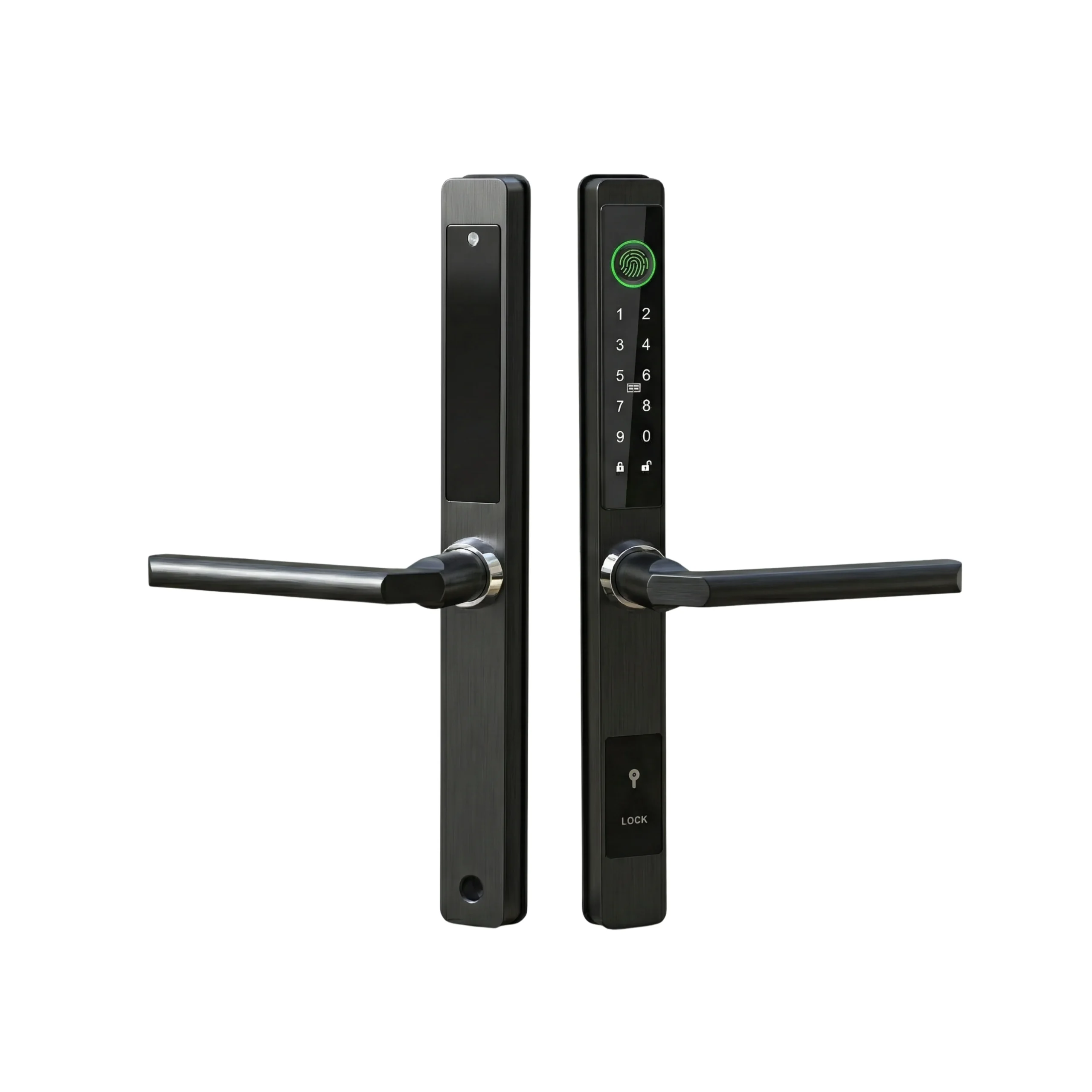

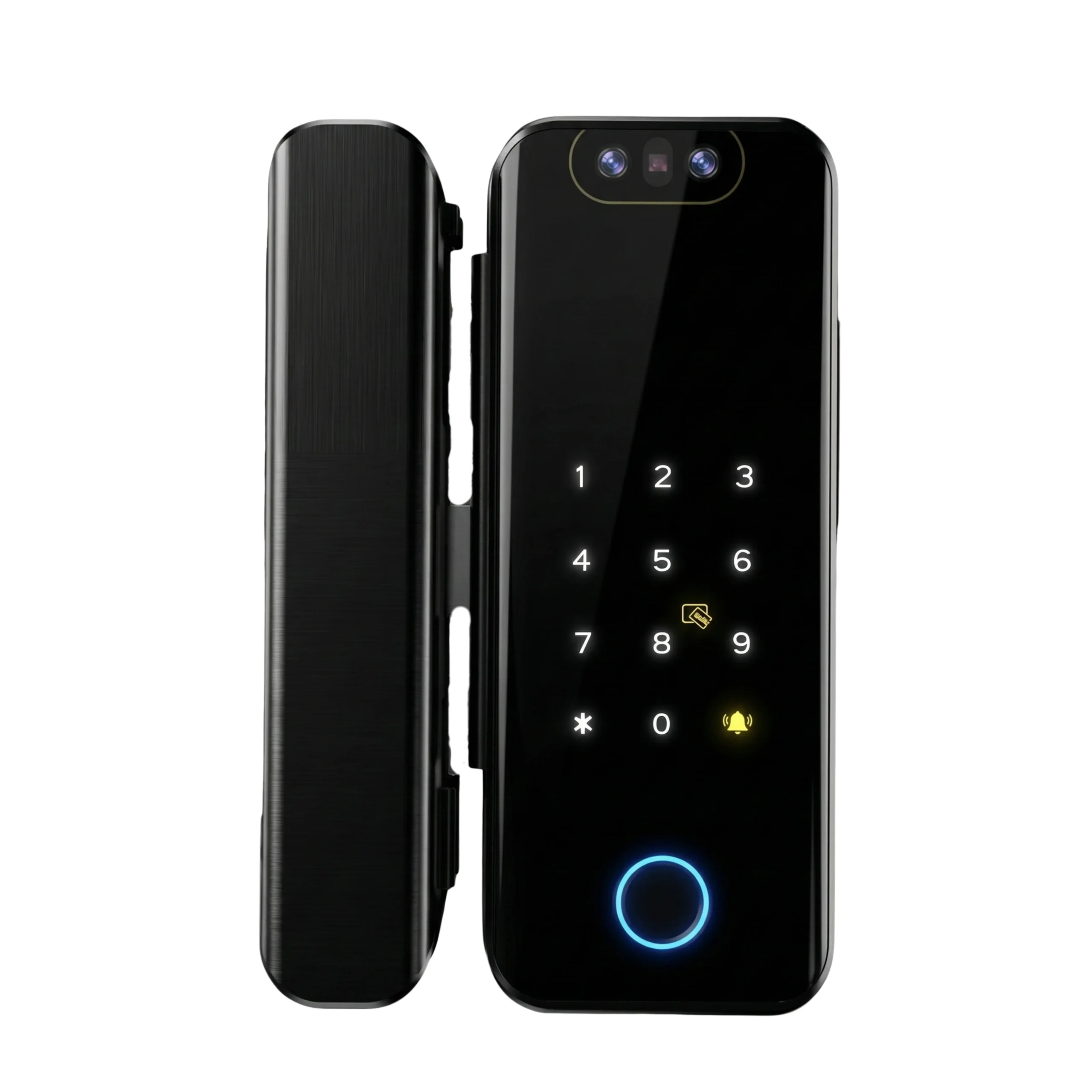
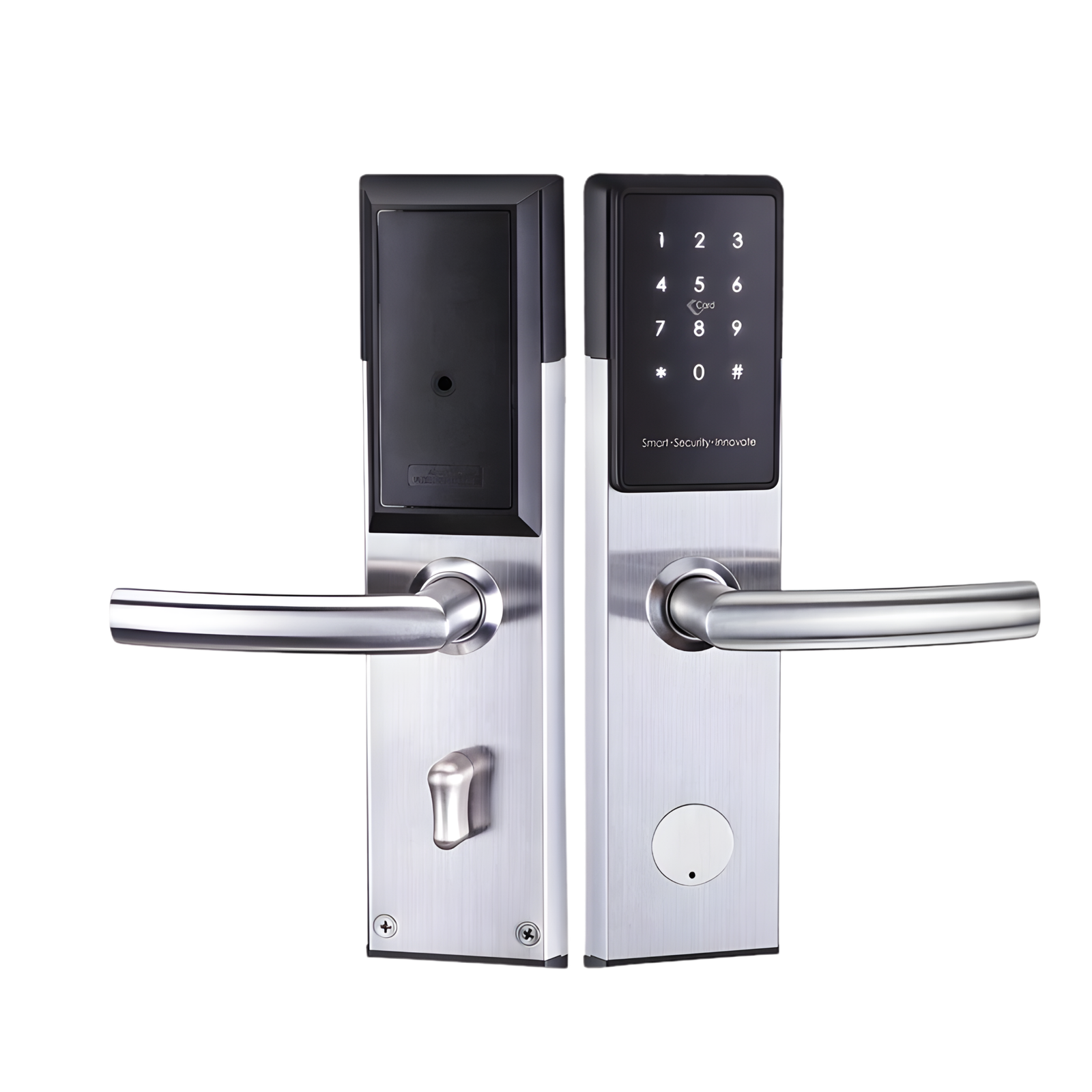
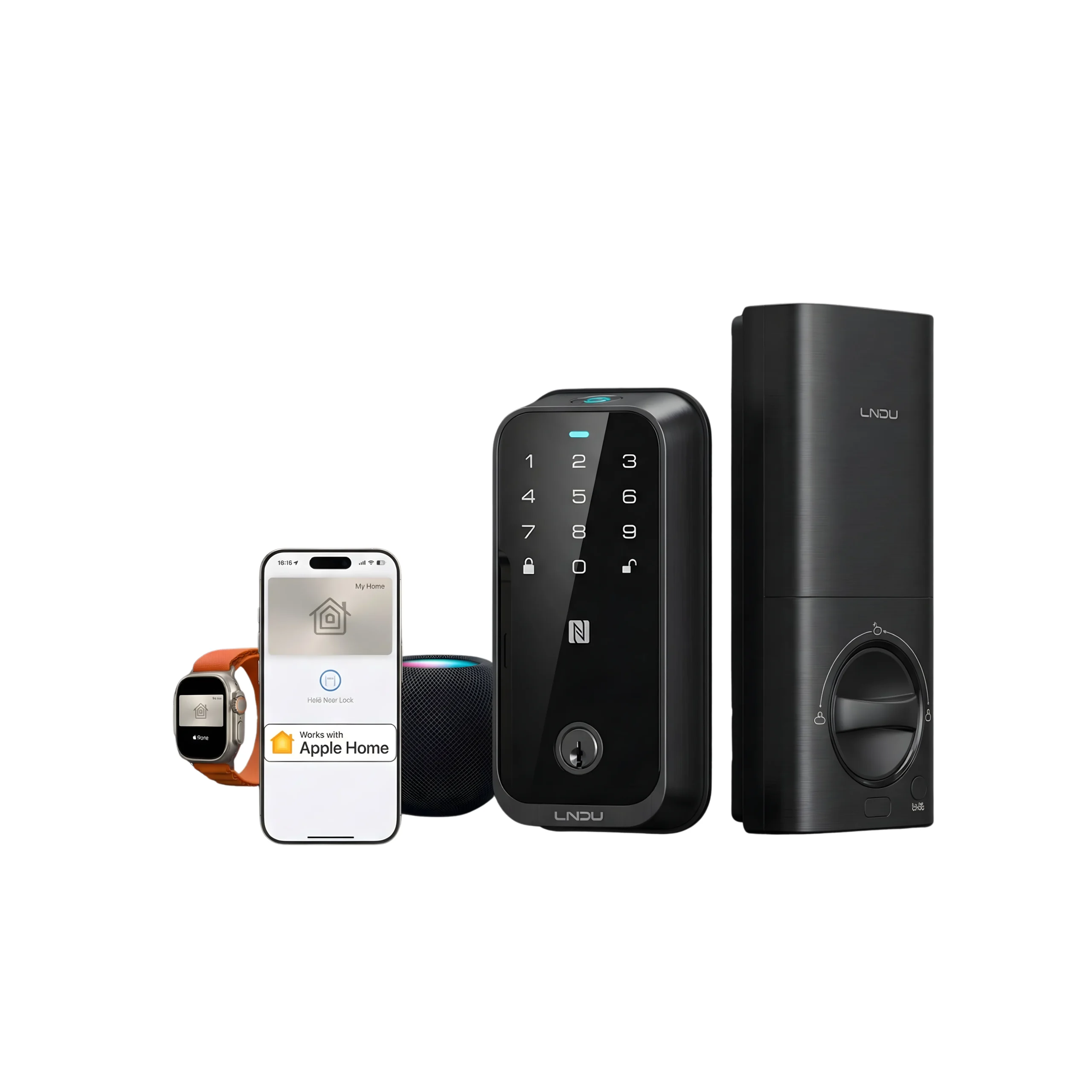









A factory reset is the most destructive thing you can do to a smart lock from the outside, and it’s the first thing most people try. It erases every enrolled fingerprint, every PIN, every card, the admin account and the app pairing. None of it comes back.
Often it isn’t even the right fix. Here’s how to tell.
What a reset actually fixes
Only three situations genuinely need one:
- You’ve lost admin access. Forgotten master code, admin phone gone, or you bought a property and the previous occupant’s credentials are still on the lock. This is the legitimate case.
- The lock is stuck in a corrupted state. Unresponsive keypad with good batteries, or it refuses every valid credential including the master. Rare.
- You’re handing the property over. A reset before a tenant or owner change is good practice — see below.
What a reset will not fix
These come up constantly, and a reset wastes your afternoon without touching any of them:
A biometric sensor that’s reading poorly. That’s power, a dirty sensor, or a bad enrolment. Resetting forces you to re-enrol everyone for a problem that re-enrolling one person would have solved. Work through the sensor checks first.
The app not connecting. Almost always the gateway, your router’s band steering, or the 2.4GHz problem. The lock is fine. This is a network issue with its own fix.
Rapid battery drain. A reset doesn’t change power draw. Look at auto-lock intervals, camera wake sensitivity and how often the gateway is polling.
A motor that grinds or a bolt that doesn’t throw. That’s mechanical — alignment, a dropped door, or a strike plate out of position. No amount of software resetting moves a misaligned bolt. This needs an installer.
Before you reset: the five-minute save
Do these and you may not need to go further.
- Fresh batteries. Not “they’re probably fine.” Actually fresh. A surprising share of lock-outs are brownouts.
- Check for a second admin. If a partner or family member set the lock up, their app account may still hold admin rights. Recovering access through them costs you nothing.
- Try the mechanical key. Every Lockin door lock ships with one. Getting into the property takes the urgency out of the decision, and urgency is what makes people reset prematurely.
- Call us before you wipe it. If the lock is in warranty and a fault is suspected, a reset can destroy the diagnostic evidence.
What you will need to redo afterwards
Budget the time honestly before you commit. On a household lock with a few users, a full rebuild runs 30 to 60 minutes:
- Re-enrol every fingerprint, palm, vein or face for every household member — several samples each
- Recreate the admin account and every user PIN
- Re-register every NFC card and fob
- Re-pair the gateway and re-link the lock in the app
- Rebuild any temporary codes issued to cleaners, maids or short-term guests — these do not survive
- Reconfigure auto-lock, volume, privacy mode and alarm settings
- Re-establish any smart home links — Mijia on the SV40, or Alexa and Google links elsewhere
If you manage several units, this multiplies fast. For a permitted shared villa or a building with a dozen doors, resetting one lock at a time on a hunch is not a strategy.
The general procedure
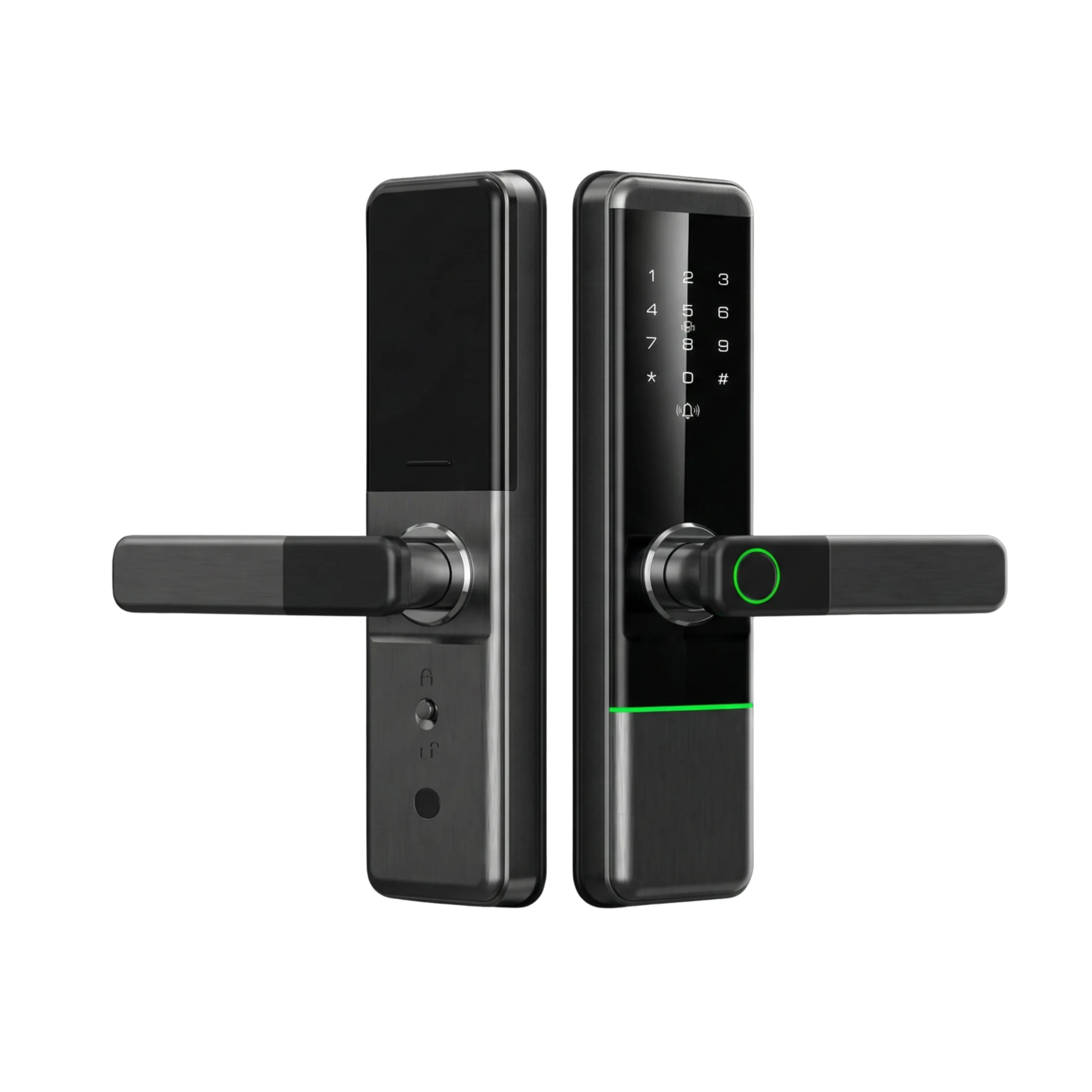
Every Lockin model works the same way in principle: the reset control lives on the inside panel, not the keypad. You will need to remove the interior cover or the battery cover to reach it. That’s a deliberate design decision — a reset that could be triggered from the outside would be a security hole.
Broadly:
- Open the door and keep it open. Never reset a lock with the door closed — if the bolt throws mid-reset you’re locked out of your own reset.
- Remove the interior panel cover or battery cover.
- Locate the reset control on the board. It is usually recessed and often needs a pin.
- Hold it until the lock gives an audible confirmation, then follow the voice or beep prompt to confirm.
- Re-enrol the admin account first, before anything else. A lock with no admin is a lock anyone can claim.
[Editor’s note for Altix: insert the exact hold duration and confirmation sequence per model — X9 Pro, SV40, S5, S6 Max, V5 Max, V5 Vision, Veno Plus, V7 Max — from the manuals in stock. Do not publish generic timings; a wrong sequence costs a customer an afternoon.]
Resetting at handover
Worth doing properly, and most people don’t.
When a tenant moves out or a property changes hands, the outgoing occupant’s biometrics and codes are still on that lock. So are any temporary codes they issued. A reset is the only reliable way to clear all of it — deleting users one by one leaves whatever you forgot.
If you’re a landlord, do the reset yourself at handover rather than trusting it was done. If you’re a tenant moving out, a reset also protects you: your fingerprint data shouldn’t stay on a lock you no longer control.
Tenants should also read our note on what Dubai tenancy law says about lock changes and move-out. If the property is a permitted shared villa or bed space, our access control checklist for Dubai’s shared housing law covers what the permit inspection expects on the doors, and who is actually permitted to change a lock sets out where owner, operator and resident each stand.
If the reset doesn’t take
A lock that won’t accept a reset, or resets and immediately misbehaves again, has a hardware fault. Stop there and bring it to us rather than repeating the cycle. Repeated resets don’t fix hardware, and each one destroys a little more of the evidence needed to diagnose it under warranty.


