


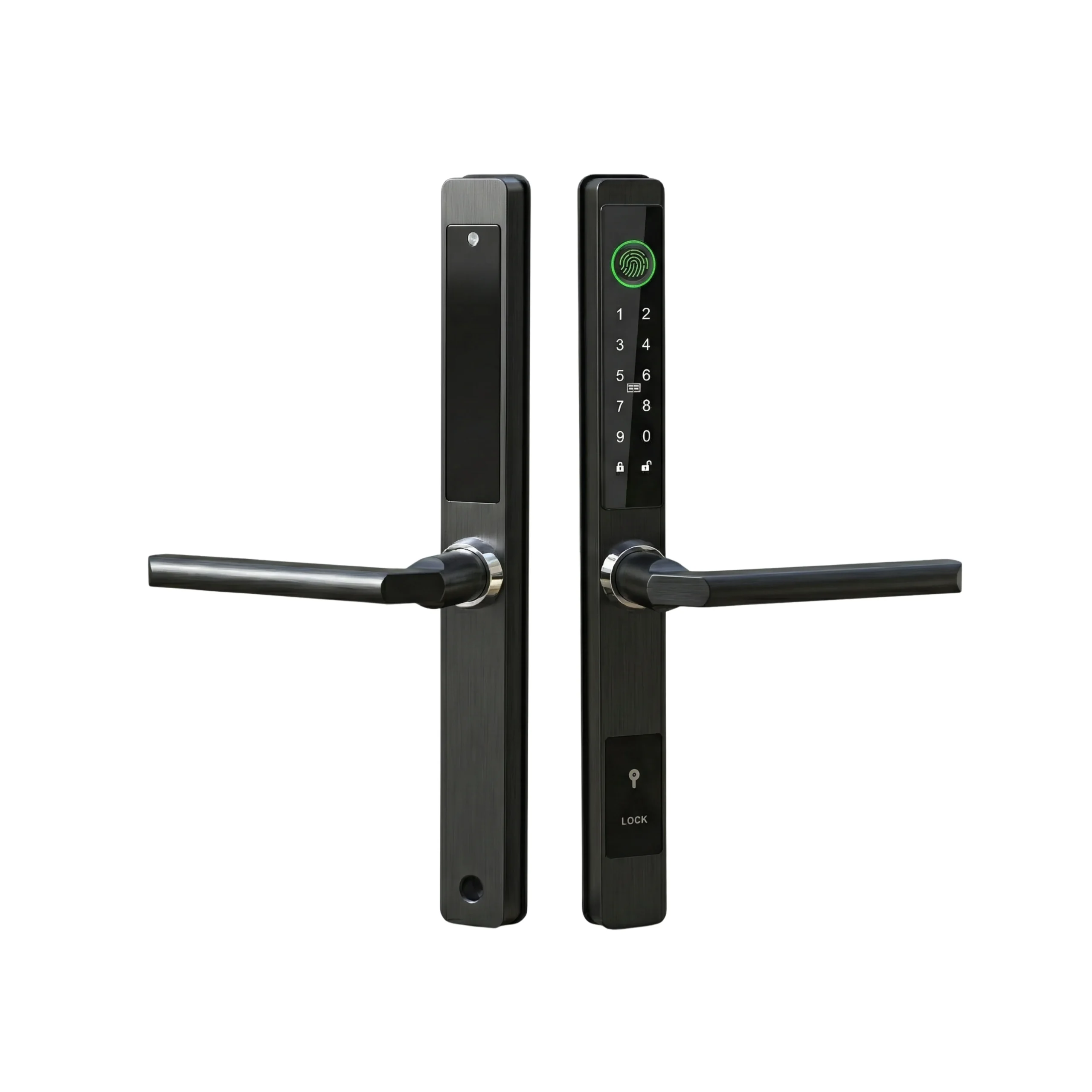

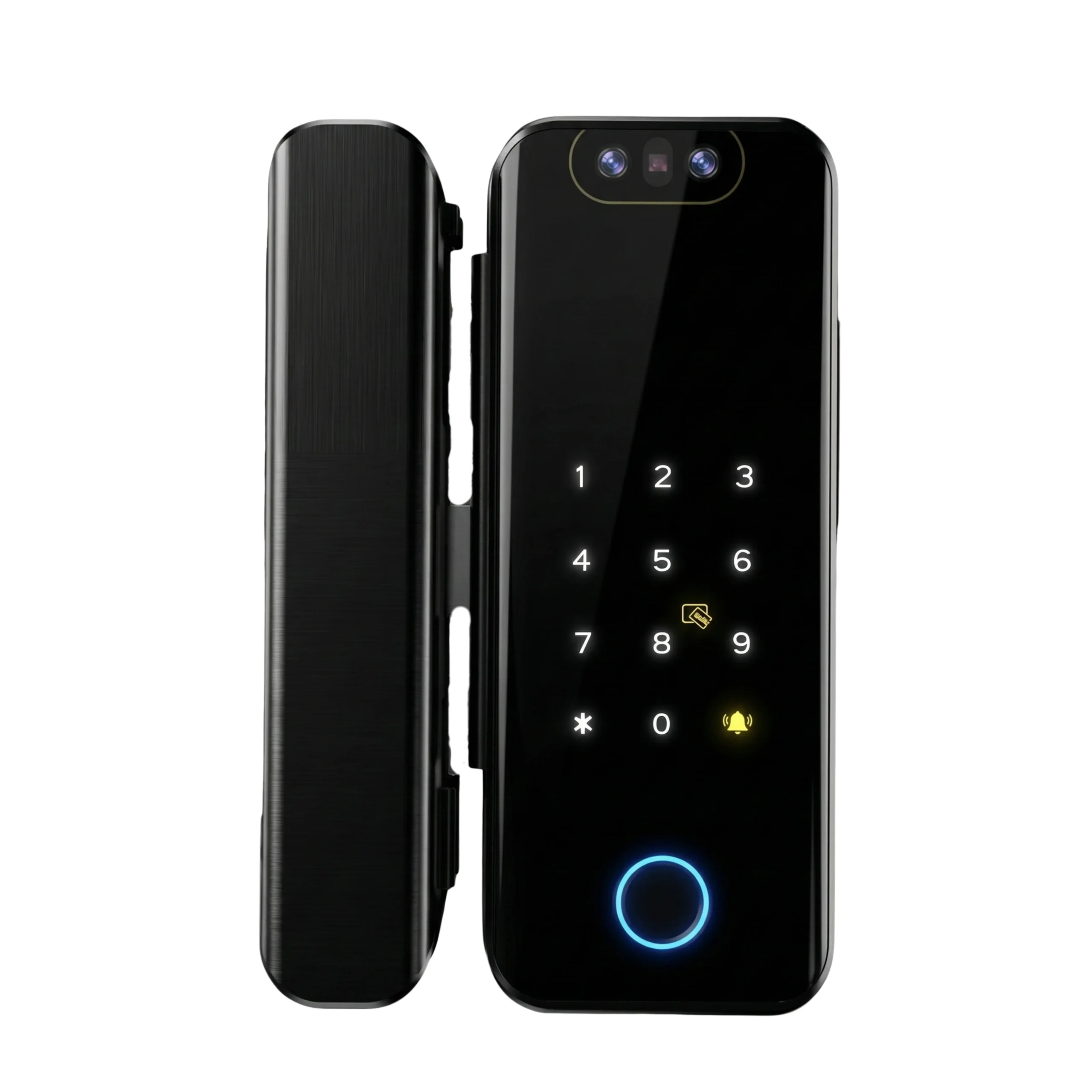
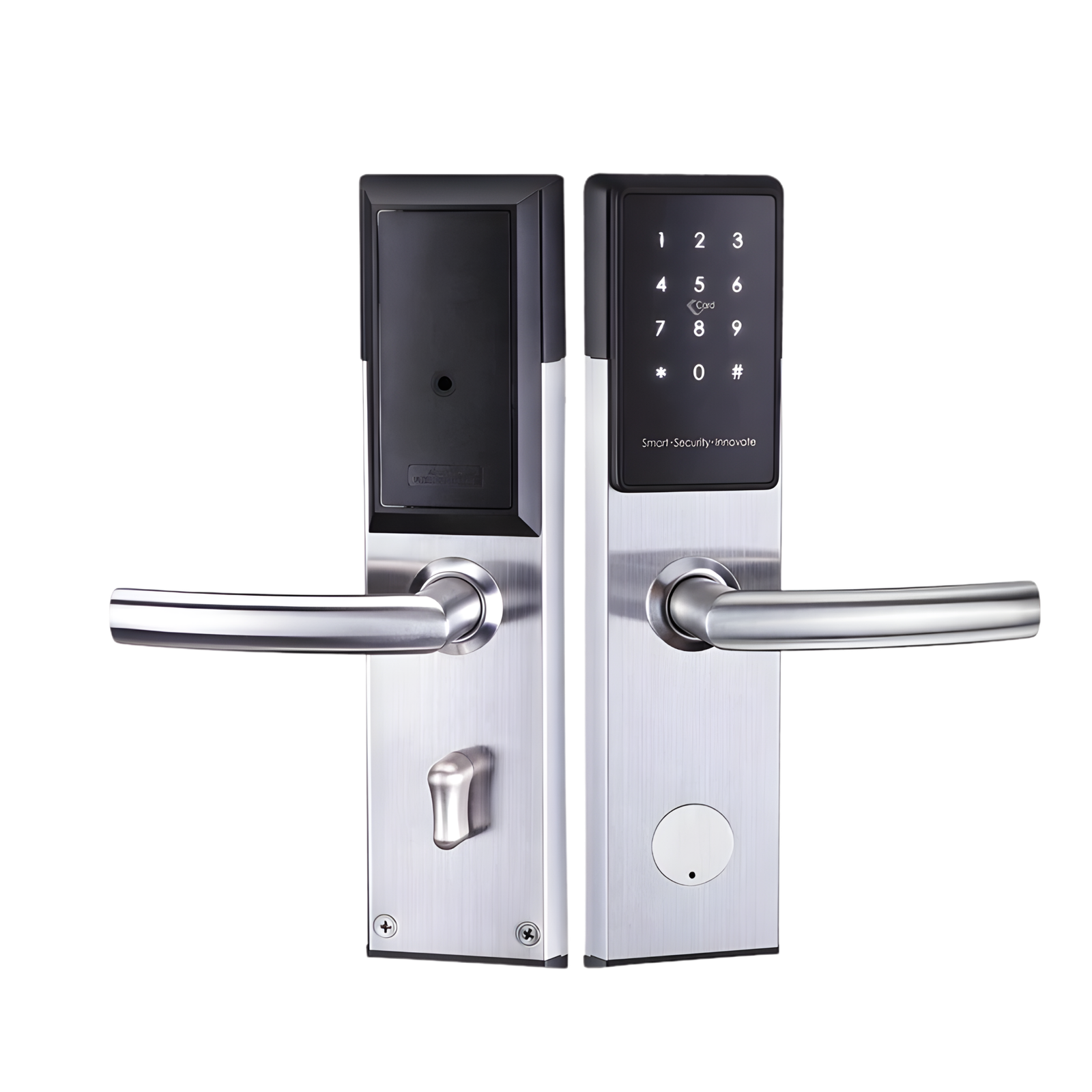
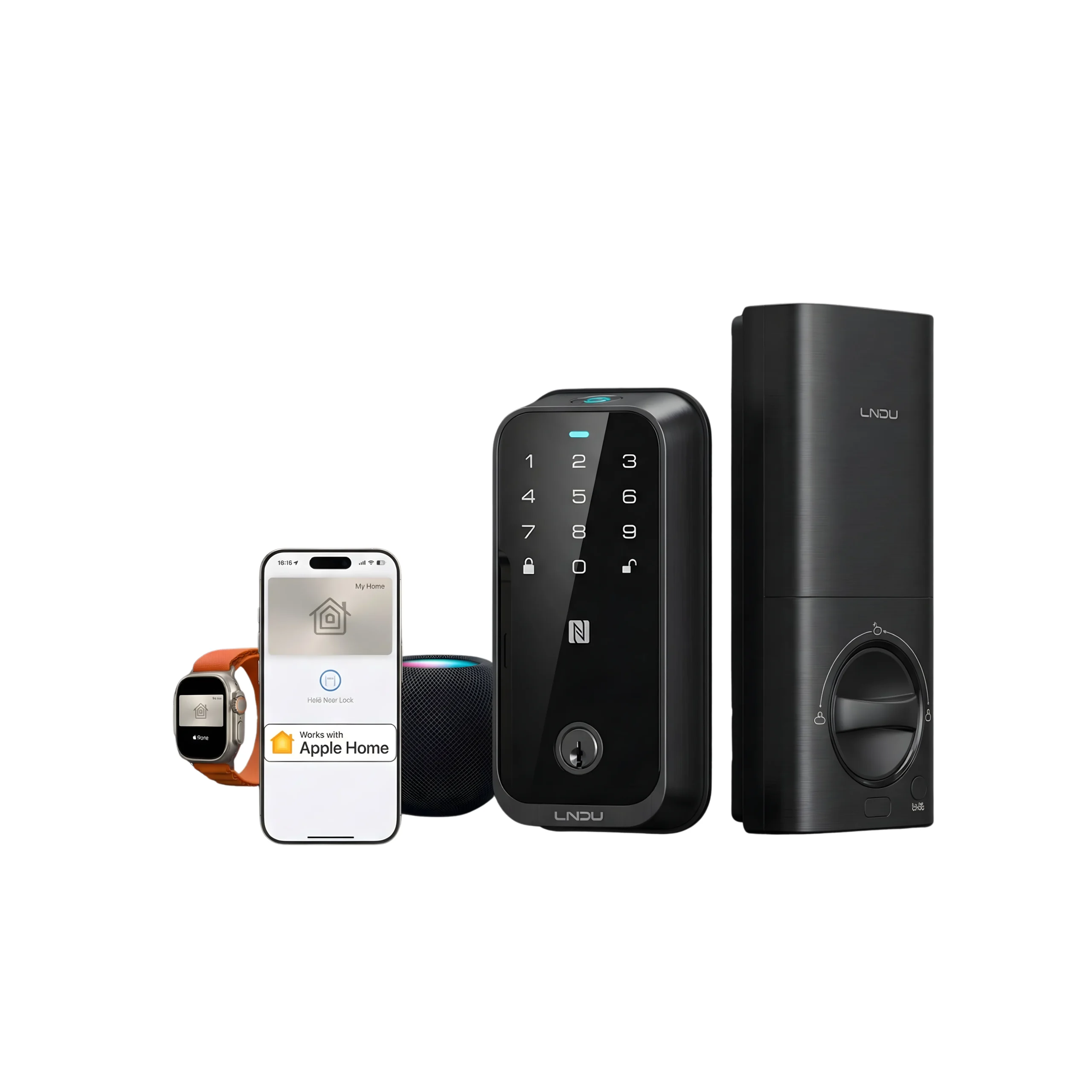
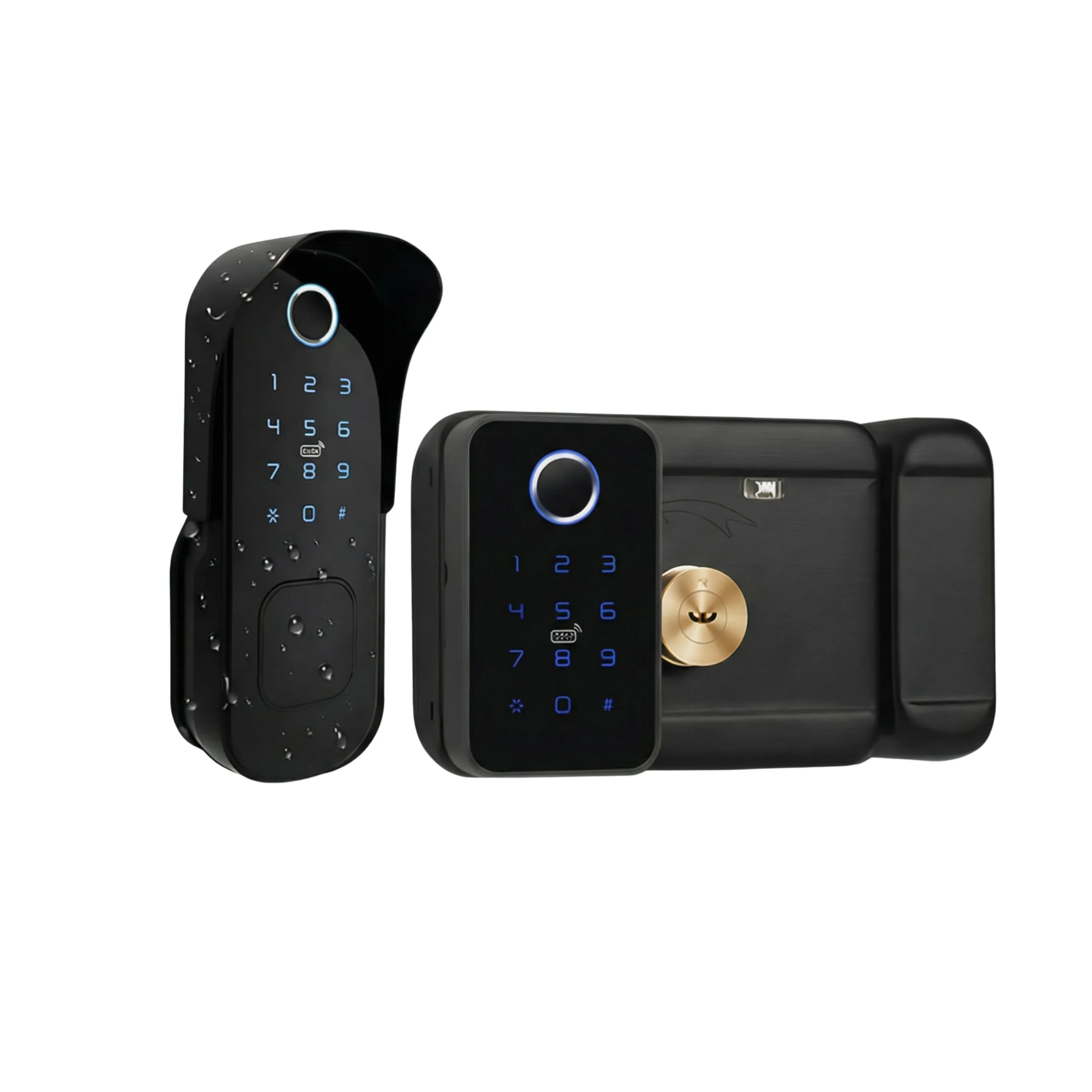
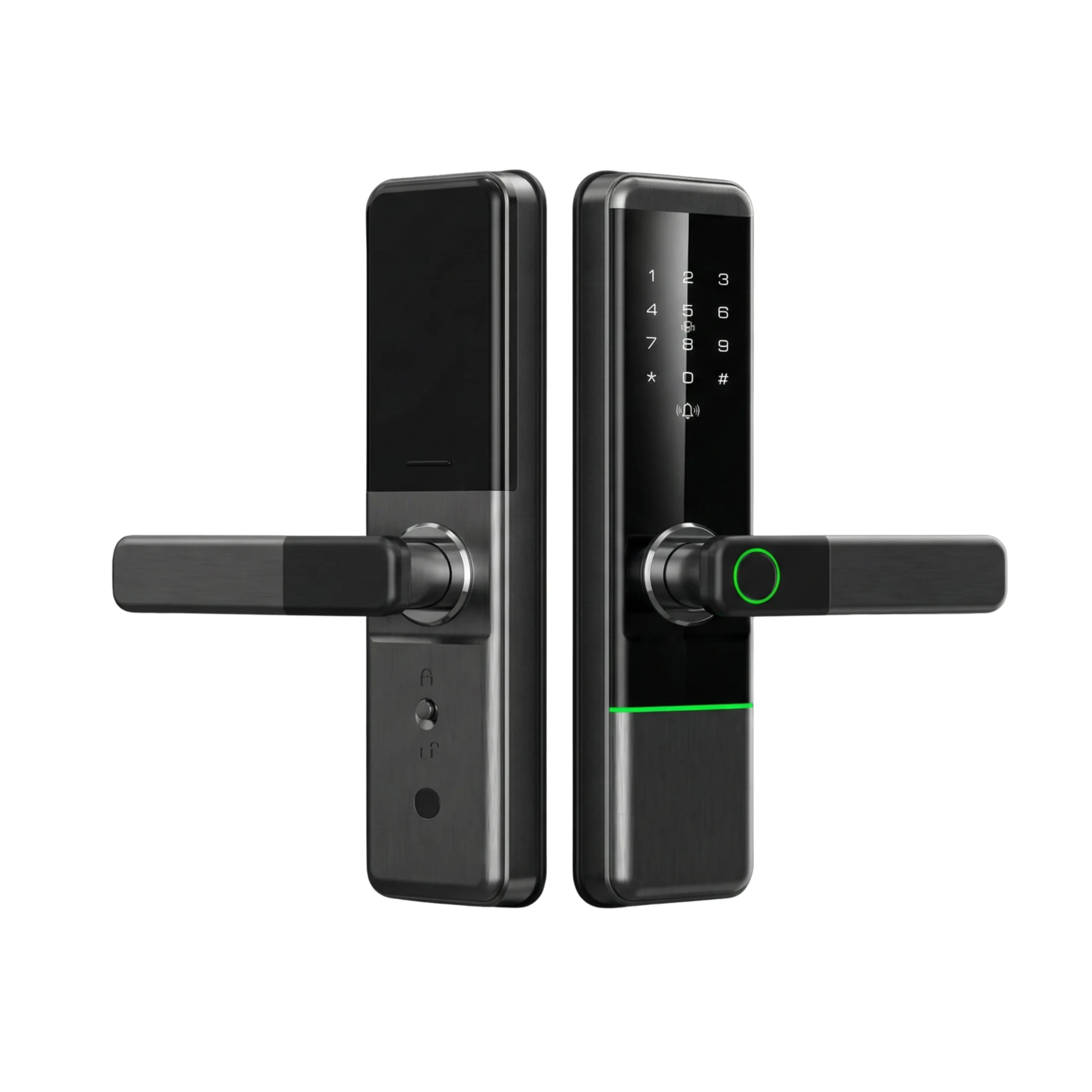









You can almost certainly set it up yourself. Programming a smart lock is not electrical work and it is not coding. It is about fifteen minutes of pressing buttons on a keypad and tapping through a phone app, and the lock arrives with everything it needs already inside it. Only three things are worth handing to somebody else: getting the Wi-Fi gateway to talk to your router, wiring a lock into an office access control system, and making sure the administrator account ends up in your name rather than the installer’s. That last one catches a lot of people in the UAE.
What “programming” actually means on a modern lock
There are three separate layers here, and people collapse them into one word.
The first is the lock itself. Every fingerprint or keypad lock has an administrator mode you reach from the keypad using a factory master code printed in the box. From there you enrol fingerprints, add PINs, and register cards. No phone needed. A lock with no app support at all is still fully programmable this way.
The second layer is the app over Bluetooth. You stand at the door, open TTLock or Tuya or whatever the model uses, and the app finds the lock and claims it. Whoever claims it first becomes the administrator. That is the entire security model, and it is the reason the last section of this article exists.
The third layer is remote access, which needs a small Wi-Fi gateway plugged in near the door. The lock talks Bluetooth to the gateway, the gateway talks to your router, and you get remote unlocking and live logs from anywhere. Without a gateway the lock still works perfectly. You just have to be within a few metres to use the app.
Layers one and two are DIY. Layer three is where people reasonably call for help.
The fifteen minute version, in order
Batteries in first, and check the keypad wakes up. Change the factory master code before you do anything else, because a default code that shipped on ten thousand locks is not a code. Then enrol your own fingerprint as the first user so you always have a way in.
Now the app. Download it, register with your UAE mobile number, stand next to the door, and add the lock. Once it is yours, add PINs for whoever needs them and eKeys for family members who have phones. Most locks let you set those as permanent, timed, one-time or recurring, which is more useful than it sounds the first time a maid service changes staff.
Then test the mechanical key, which is the step almost everyone skips. Lock the door properly, walk outside, and open it with the physical key. If that key does not work you have found out now, in your own hallway, rather than at 2am with a dead battery.
Where DIY setup actually goes wrong here
Gateways connect to 2.4GHz Wi-Fi only, and most home routers in the UAE, including the ones that come with du and e& packages, broadcast 2.4GHz and 5GHz under a single network name. Your phone sits on the 5GHz band without telling you, the gateway cannot see the network it needs, and nothing pairs. The fix is to split the bands in your router settings, or switch off 5GHz for two minutes while the gateway joins. Not hard, but it defeats a lot of people on a Friday evening. The gateway also only stays in pairing mode for about a minute after you plug it in, so if it times out, unplug it and start again rather than assuming it is faulty. Our guide to connecting a smart lock to Wi-Fi walks through the pairing steps in more detail.
Fingerprints are the other common complaint, and the climate is part of it. Dry hands read badly, and hands here get dry from sitting in air conditioning all day. Enrol the same finger two or three times as separate entries instead of once, and add a second finger while you are in the menu. On a new-build handover somewhere like Dubai South or Tilal Al Ghaf, fine construction dust on the sensor causes far more failed reads than the sensor ever will.
One more thing to check before you decide the lock is broken: the app. A TTLock lock will not open in the Tuya app and vice versa, and there are half a dozen white-label versions of each. Confirm which app your specific model uses.
The admin account problem
Whoever adds the lock in the app owns it. If your installer pairs the lock on his own phone with his own account and hands you a PIN, he holds administrator rights to your front door. He can generate codes, see your access logs, and revoke your PIN. Usually not out of bad intent. It was faster on install day and nobody thought about it.
You find out six months later, when you want to add a cleaner’s code and cannot, or when the number that set it up has stopped answering. Reclaiming the lock at that point often means a factory reset performed at the door, and that wipes every fingerprint and code you have added since.
So ask one question before the installer leaves. Is this lock registered to my account? Log in yourself, on your own phone, and check that you appear as administrator rather than as a shared user. Do it while the person is still standing there. If someone resists handing over the admin account, or says their company keeps it for support purposes, you have learned something useful about who you are dealing with.
When it really is a job for a professional
Offices and shared premises are the clearest case. Staff access with working-hours restrictions, per-person audit logs, and a lock tied into an existing access control panel is a configuration job rather than a setup job. Commercial premises in Dubai that fall under SIRA scope should confirm requirements before changing access hardware at all.
Multiple properties are the second. If you run six holiday homes across JVC and Marina, the sensible structure is one master account with per-property admins and check-in codes generated per booking. Worth paying somebody to build that once, rather than discovering later that you registered four locks across three different phones.
The other two cases are about the fitting, not the programming. On a fire-rated apartment door, the risk sits in drilling a certified assembly, so hand over the install and keep the setup. And if your door needed cutting to take the new lock, calibration matters, and calibration belongs to whoever fitted it. Our guide on whether you can install a smart lock yourself covers which doors fall into that group.
Where Altix stands on this
We program the lock at handover, then transfer the administrator account to your phone before we leave, and we show you how to add and remove people yourself. It adds five minutes and it means the lock is actually yours. If you bought elsewhere and you are stuck on a gateway that will not pair, or a lock registered to somebody else’s account, message us and we will talk you through it. Send us a message on WhatsApp with your lock model and what it is doing.
Frequently asked questions
Can I set up a smart lock without a phone at all?
Yes, on most models. Fingerprints, PINs and cards are all programmable from the keypad in administrator mode. You lose remote access and per-user logs, which is a real loss if you have staff or tenants, but the lock works fully.
Does the installer need my Wi-Fi password?
Only if you bought a gateway and want it paired that day. If you would rather not share it, ask them to fit and program the lock and pair the gateway yourself later. It takes five minutes once the bands are sorted.
What happens to my codes if I change the admin account?
Transferring a lock properly through the app keeps everything. A factory reset does not, and wipes all fingerprints and PINs. Sorting ownership on day one is cheaper than sorting it later.
How many fingerprints and codes can I store?
Most locks sold here hold somewhere between 50 and 200 of each, far more than a household needs. For an office, check the figure for the specific model before you buy rather than assuming.
Is setup different for a glass door lock?
The programming is identical. The only practical difference is gateway placement, because the gateway has to sit within Bluetooth range of the lock and next to a power socket, which is not always convenient in a glass shopfront.
Altix supplies, installs and programs smart locks across the UAE, and hands over the admin account every time. Tell us your door and your lock model on WhatsApp and we will tell you what setup actually involves.


