












A lost phone usually doesn’t put your smart lock at risk, because whoever finds it has to unlock the phone, open the app and then stand at your door. Still, treat it as a lost key. Log in to the lock app from another device and change the password, lock or wipe the phone remotely, change the codes it could see, and check the access log. In that order.
One thing catches people out. On a Bluetooth lock, a change you make in the app only reaches the lock when a phone is at the door or a gateway is connected. Until then the old code still works.
This post covers what a lost phone can and can’t do, how to get back inside, and what to set up now so the next lost phone costs you ten minutes and not a locksmith.
What can someone do with your lost phone?
It depends on three things: whether the phone is locked, which role your account has on the lock, and whether the lock has a gateway.
A phone with a passcode, face or fingerprint lock is the normal case. Whoever finds it in a Dubai taxi or at a mall can’t open the TTLock app without getting past that screen. They also don’t know which door it opens. The risk is low, but it isn’t zero, so you still work through the steps.
A phone that’s stolen unlocked is different. So is a phone taken by someone who knows where you live: a former helper, a flatmate, a colleague. That person can walk to your door, open the app and press unlock over Bluetooth. Bluetooth works at the door, within a few metres, so they have to be there.
Add a gateway, like the Altix G2, and the picture changes again. With a gateway and remote unlock switched on, the app can open the door from anywhere with internet. That’s the feature you bought it for. It’s also why a lost admin phone on a gateway-connected lock is the case to deal with first.
| Your situation | Can the finder open your door? | How urgent |
|---|---|---|
| Phone locked, no gateway | Only if they unlock the phone and stand at your door | Low, still change the password today |
| Phone locked, gateway with remote unlock on | Only if they unlock the phone, but then from anywhere | Medium, act within the hour |
| Phone stolen unlocked, or taken by someone who knows your address | Yes, at the door, and remotely if you have a gateway | High, start now |
| Phone had an eKey someone shared with you, not the admin account | Yes, within that eKey’s time window | Ask the admin to delete it |
Which of your credentials does a lost phone put at risk?
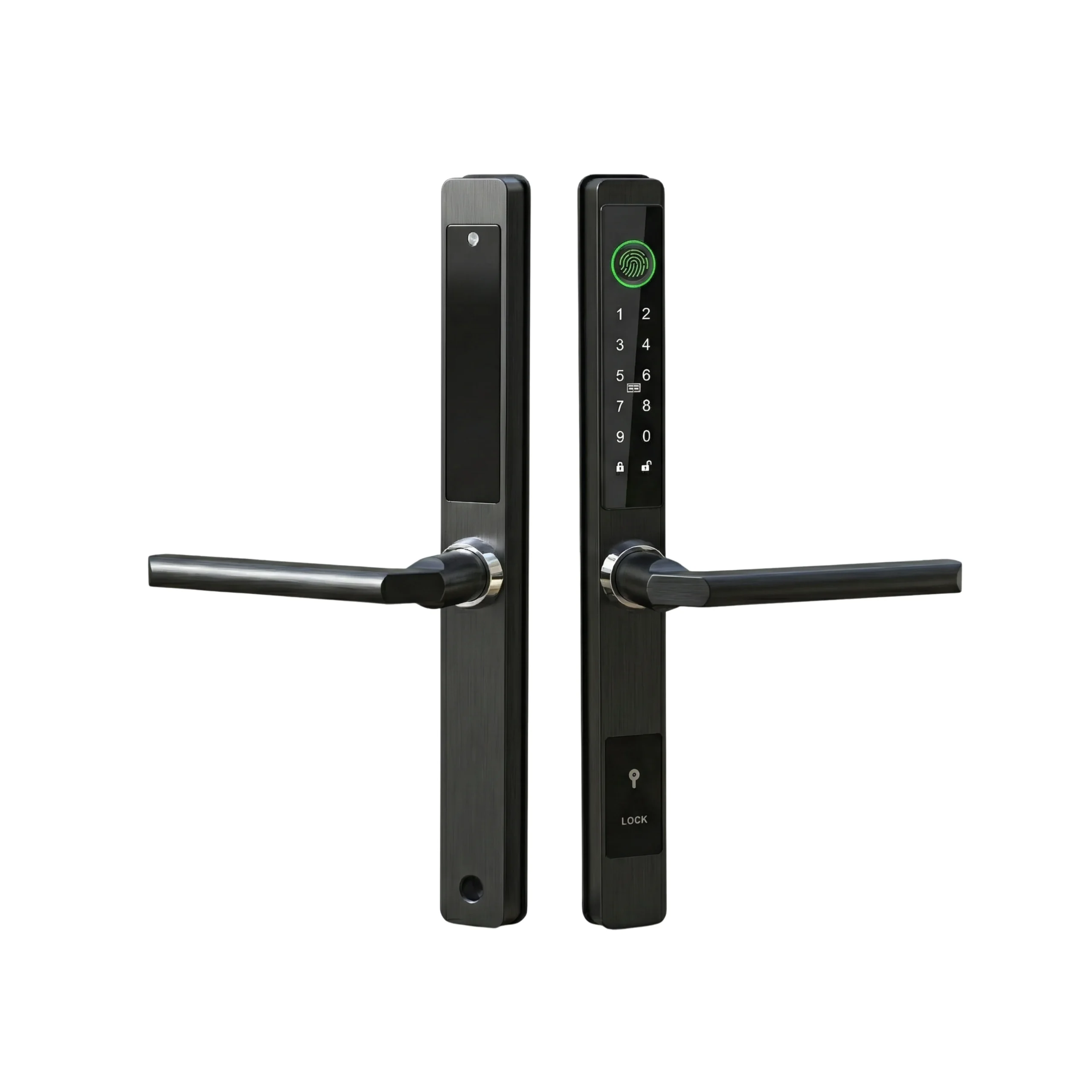
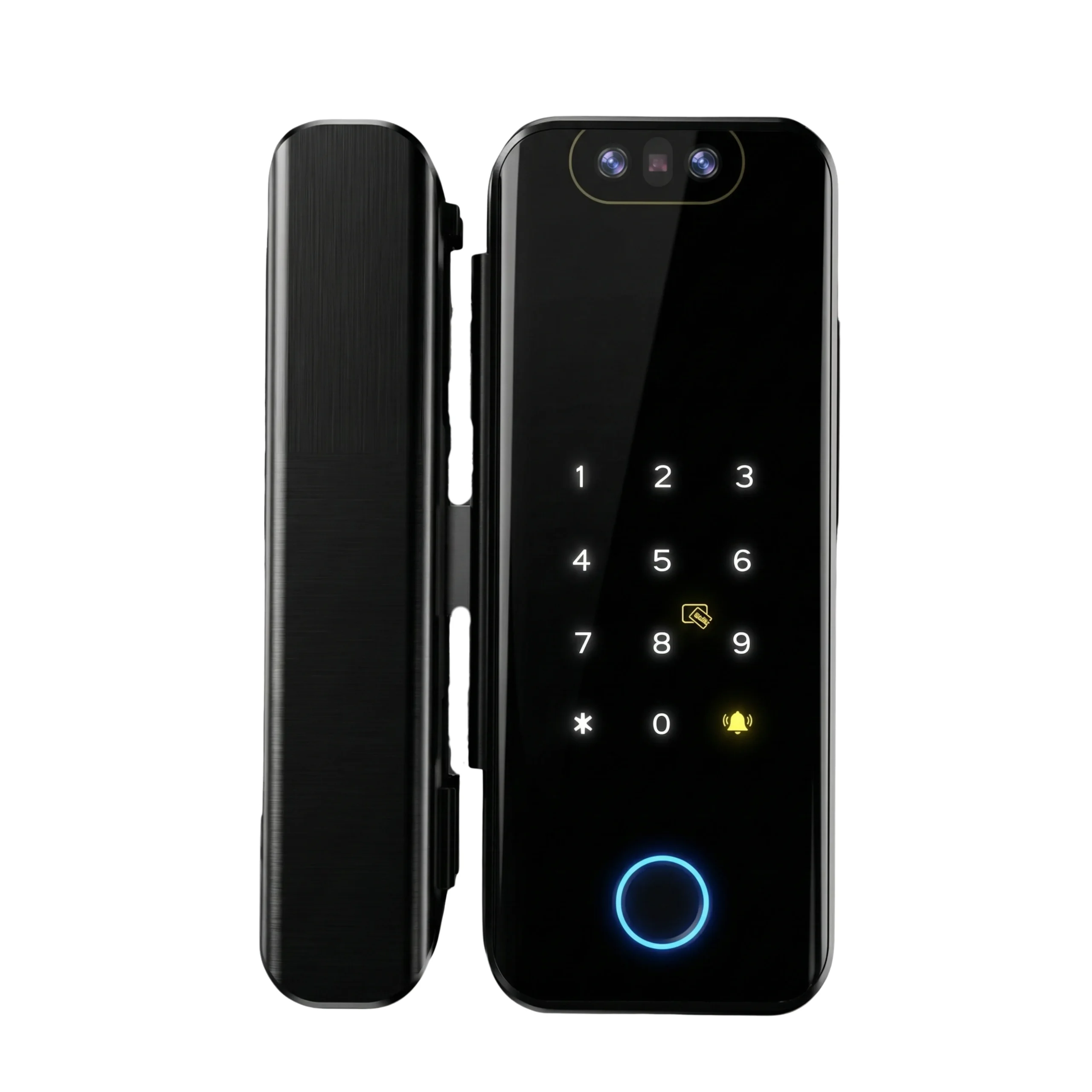
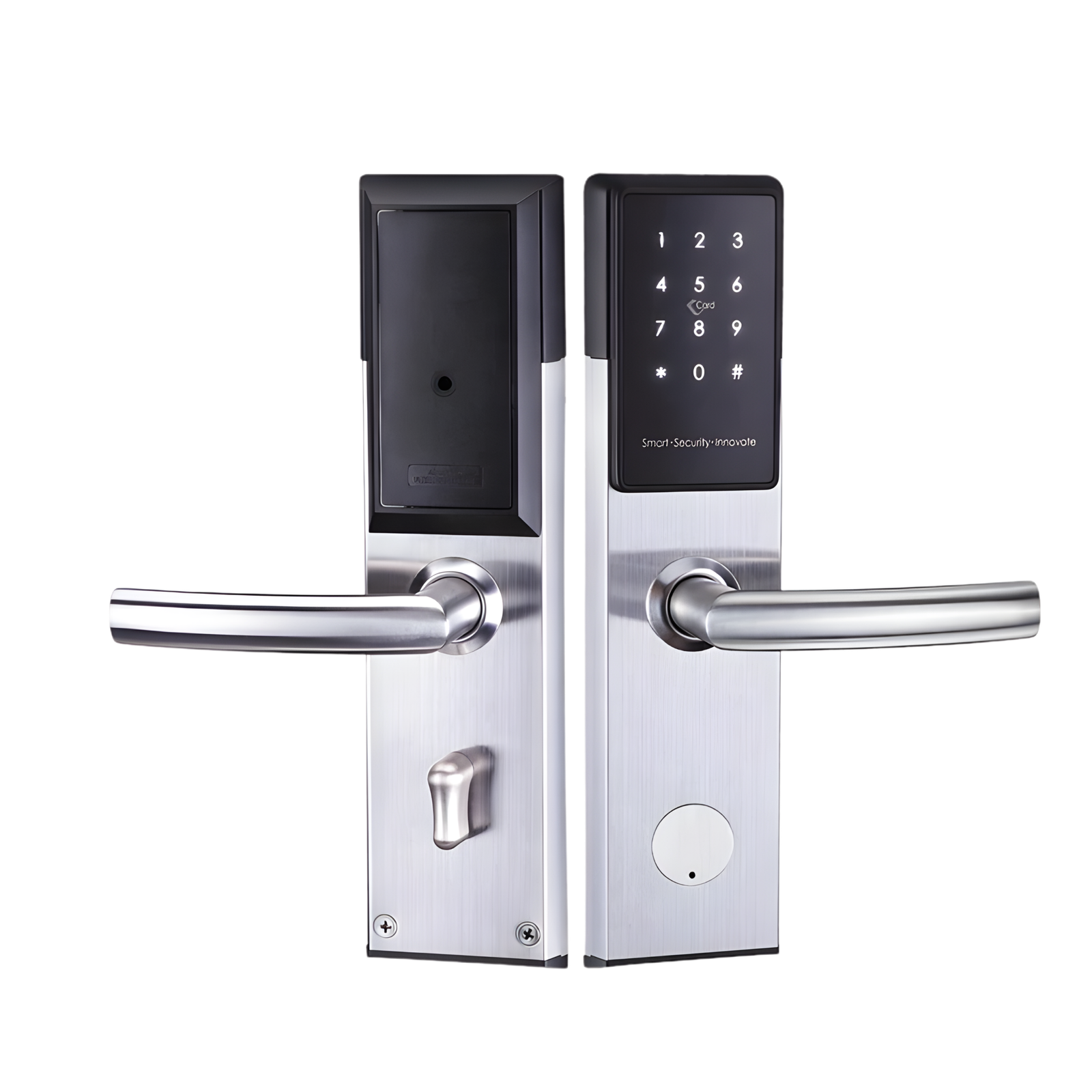
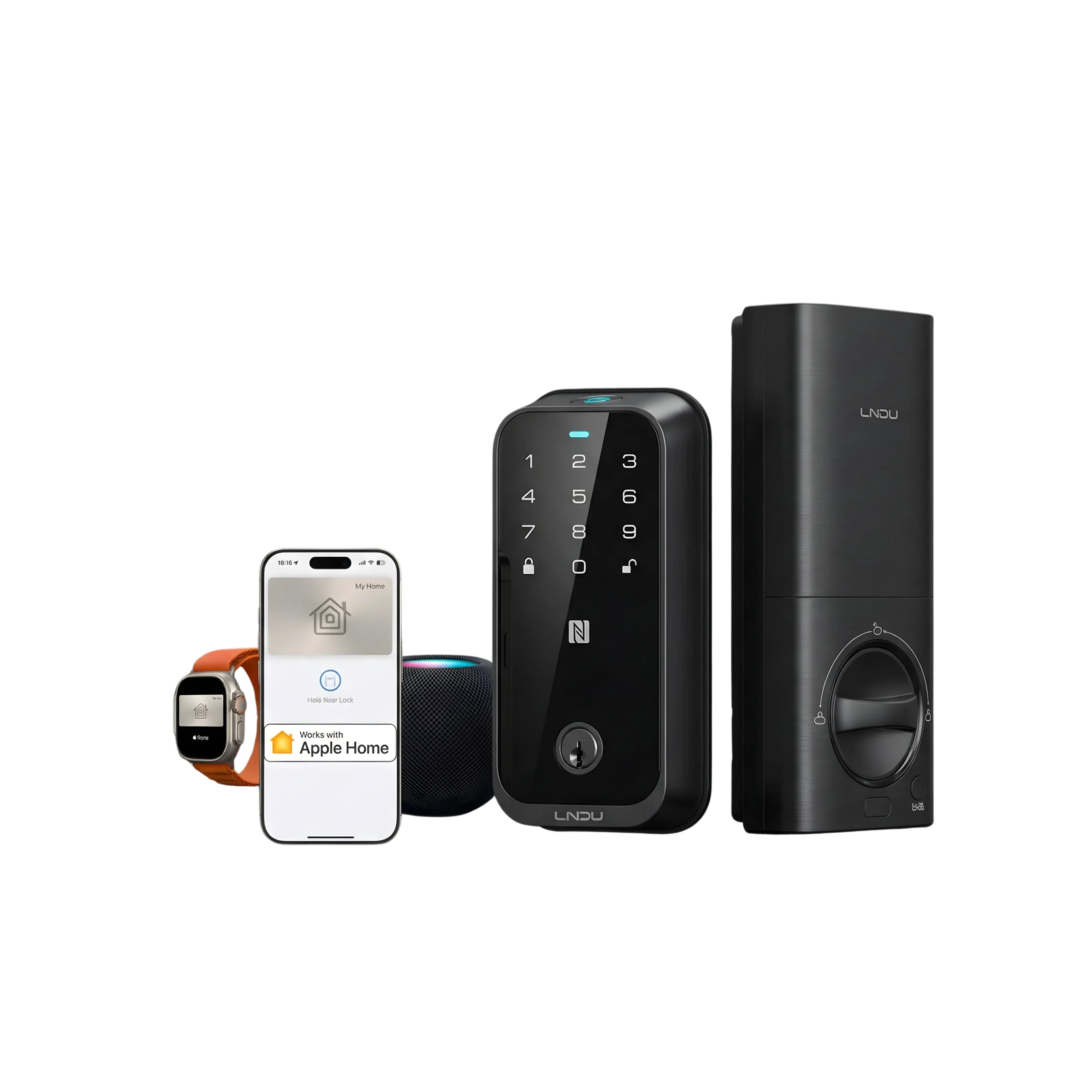
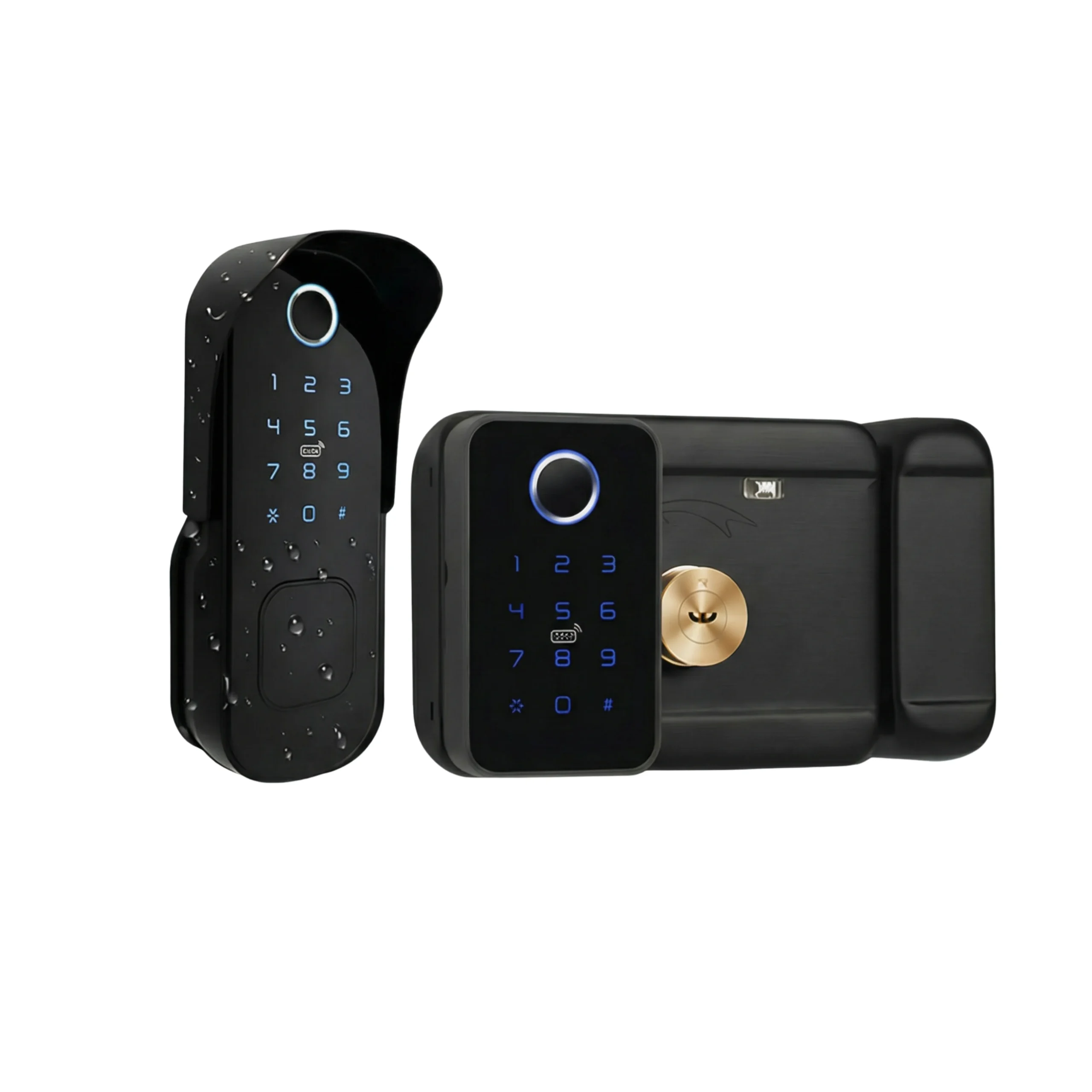
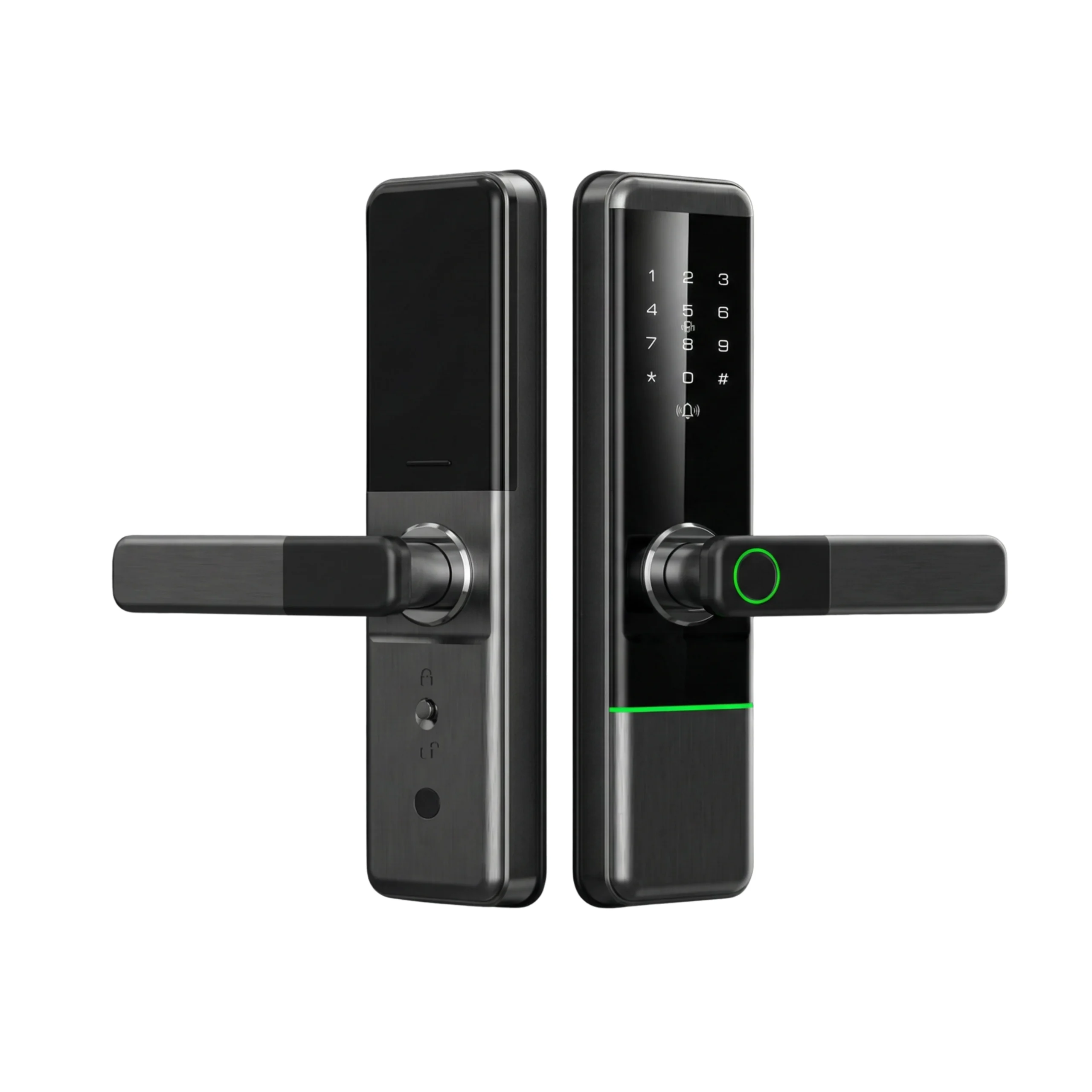
Most smart locks in the UAE open more than one way. The Altix R9, for example, opens with fingerprint, passcode, card, the TTLock app or a mechanical key. Only some of these live on your phone.
| Credential | Is it on the phone? | Does losing the phone expose it? | What to do |
|---|---|---|---|
| Admin account in the app | Yes | Yes, full control of the lock | Change the account password from another device |
| eKeys you sent to family or staff | Listed in the app | The finder can see and share them if they get in | Check the list, delete anything you don’t recognise |
| Passcodes | Listed in the app | Yes, the finder can read every code | Change your own code, reissue shared ones |
| Cards | Only the card names | No, a card has to be held to the reader | Nothing, unless a card is also missing |
| Fingerprints and faces | No | No | Nothing |
| Mechanical key | No | No, unless it was in the same bag | If it went with the phone, ask us about a new cylinder |
People forget about passcodes. In TTLock the admin can see the codes that were created, so anyone who gets into your app can read the code your helper uses. They can walk in with it next week, long after you’ve locked them out of the account.
What should you do in the first 10 minutes?
Go in this order. The first three cut the phone off. The last two clean up what it could see.
- Log in from another device. Install TTLock on a family member’s phone, a tablet or a borrowed phone and sign in with your phone number or email and password. Other lock apps work the same way.
- Change the account password in the app’s account settings. We couldn’t find TTLock documentation saying a password change signs out a phone that’s switched off or offline, so don’t rely on this alone.
- Lock or wipe the phone remotely with Find My on iPhone or Find My Device on Android. Locking keeps the app behind the phone’s screen lock. Wiping removes the app and everything it stored, and that’s what fully kills the phone as a key. Lock it first, and wipe it if it doesn’t turn up or you think it was taken unlocked. If the phone only held an eKey someone shared with you, ask that admin to delete it.
- Change your own passcode and every shared one. If anyone could have opened the app, assume they read the codes. Send the helper, driver or cleaner a new code, then delete the old ones.
- Check the log. It shows which method opened the door and when. Look for app unlocks you didn’t make after the phone went missing.
Then deal with the phone itself. Call your operator to block the SIM: etisalat by e& on 101, du on 155, Virgin Mobile through its app. According to TDRA guidance reported by Gulf News, once you report it the operator can add the phone’s IMEI to a blocklist, and the phone is blocked from the network within 24 hours. In Dubai, apply for a Lost Certificate through the Dubai Police app, or call 901, the non-emergency line.
Why doesn’t a deleted code stop working straight away?
A Bluetooth smart lock isn’t online. Keeping Wi-Fi on all day would drain four AA batteries in weeks, so the lock sleeps and wakes when someone touches it or a phone connects over Bluetooth. Codes, cards and fingerprints are stored inside the lock itself.
So when you delete a passcode, a card or a fingerprint in the app, the app has to tell the lock. That only happens in two ways.
- A phone with the admin account is at the door, within Bluetooth range, when you press delete.
- A gateway near the door passes the change on over the internet.
If you’re at the office in DIFC and your lock has no gateway, the delete can’t reach the lock. Depending on the app version, it either won’t let you delete or it waits until someone’s at the door. Either way, the old code keeps working until the change reaches the lock.
eKeys are handled differently, because they live on the TTLock server and on the phone that holds them. Deleting an eKey removes it from the server. But a phone that’s switched off or offline may still hold the old data until it next connects. That’s why step 3, wiping the phone, matters.
TTLock also has a Reset eKey option in the lock settings, which cancels every eKey for that lock in one go. It’s useful if you’ve lost track of who has what, but you’ll need to resend eKeys to everyone who should keep access afterwards.
How do you get back into your home without your phone?
Only with a second way in that you set up before you needed it.
| Way in | Works without your phone? | What it depends on |
|---|---|---|
| Fingerprint or face | Yes | You enrolled it, and the reader is dry and clean |
| Your own passcode | Yes | You remember it. Don’t keep it only in the phone’s notes |
| RFID card | Yes | The card isn’t in the same bag as the phone |
| Mechanical key | Yes | You know where it is, and it isn’t in the lost bag |
| A family member’s app | Yes | They have their own account or an eKey |
| Emergency USB power | For a flat battery, not a lost phone | Batteries, not access |
If none of those apply, you need someone who has access, or a locksmith. In an apartment tower in JLT or Business Bay, building security usually can’t open a private smart lock, and the developer’s master key won’t open a lock you’ve replaced. Our post on emergency access plans covers what to set up for that case.
A card in your wallet is the cheapest insurance here. A pack of five Altix RFID cards is AED 34.99. Keep one in your wallet and one with a family member, not on the same key ring as the car key, and name each card in the app so you know which one to delete if it goes missing.
Worked example: a phone left in a taxi in Dubai Marina
This is a composite of the situation we get asked about, with the times it takes.
A resident in a Dubai Marina apartment has an Altix R9 on the main door and a G2 gateway so she can let the cleaner in from work. She’s the admin. Her husband has an eKey. The cleaner has a passcode for Tuesday and Friday mornings. Friday night, 23:10, she gets home and realises her phone is in a taxi. Her husband is inside.
- 23:12. She uses her fingerprint to get in. The phone’s gone but the lock doesn’t care.
- 23:15. She signs in to TTLock on her husband’s phone with her account and changes the password.
- 23:18. She opens Find My on the laptop, marks the phone as lost and locks it. It’s showing near JBR, switched on.
- 23:20. She checks the unlock log. The last app unlock is hers, at 18:40. Nothing since.
- 23:24. She deletes the cleaner’s passcode and makes a new one for Tuesday and Friday mornings. The gateway pushes the change to the lock. She sends the new code to the cleaner on WhatsApp from the laptop.
- 23:27. She changes her own passcode as well. She’d saved the old one in the phone’s notes app.
- 23:30. She calls du on 155 to block the SIM.
- Saturday, 10:00. The taxi company has the phone. Before she collects it, she opens a Lost Certificate in the Dubai Police app in case it doesn’t turn up.
About 18 minutes, and most of it was typing. Without the gateway, steps 4 and 5 would have waited until she was standing at the door, which here was fine, because she was home. If she’d been abroad with no gateway, the cleaner’s old code would have kept working until someone with admin access reached the door.
What should you set up now, before you lose a phone?
This takes about ten minutes, once.
- Add a second admin. TTLock lets you authorise a family member as admin, so someone can always change codes without your phone.
- Keep a way in that isn’t the phone. Fingerprint for every day, plus a card or a passcode you actually remember.
- Store your account password somewhere other than the phone. If it only lives in the phone’s password manager, logging in from another device gets slow.
- Turn on the app’s screen lock. TTLock’s app settings include a Screen Lock option, which adds a check before the app opens, even on an unlocked phone.
- Name every card, code and eKey after the person. “Card 3” tells you nothing at 23:00.
- Add a gateway if you ever manage the door from outside the building. Without one, code changes wait until you’re at the door.
Our post on domestic worker access covers how to set up codes for staff, and data security in smart locks covers how the app protects your account.
What does it cost to be ready for a lost phone?
Prices are our listed prices on the day of writing.
| Item | Why | Price |
|---|---|---|
| Altix RFID cards, pack of 5 | A spare way in that lives in your wallet | AED 34.99 |
| Altix G2 gateway | Change codes and check the log when you’re away | AED 179.99 |
| Altix R9 smart lock | Fingerprint, code, card, app and key on one lock | AED 494.99 |
| Changing codes after a lost phone | Done in the app yourself | Free |
If you already have a TTLock lock with a card reader, the cards and the gateway are the whole budget: AED 214.98.
When don’t you need to buy anything?
We’d rather tell you before you spend money.
- If the phone was locked and turned up within a few hours, change your password and move on. No new hardware needed.
- If you’re always home when you’d change codes, you can live without a gateway. Deletions happen when you’re at the door.
- If your lock already opens with fingerprint and passcode, you already have a way in without the phone. Cards are a nice extra, not a must.
- If the lock is only on a bedroom or a store room, a lost phone matters much less. Save the money.
- If your lock uses its own app with no card reader, don’t buy our cards expecting them to work. Check the lock takes MIFARE-type cards first.
Buy the backup that fits your lock
How can Altix help?
If you’ve lost a phone and you’re stuck, message us on WhatsApp with your lock model and tell us whether you have a gateway. We’ll walk you through changing codes and cards, and tell you whether the lock is safe to leave until you’re back at the door.
If you’re setting up a new lock, we’ll help you add a second admin, a card and a code on day one, so a lost phone never locks you out.
FAQ
Can someone open my smart lock with my lost phone?
Only if they can unlock the phone, open the lock app and, without a gateway, stand at your door. With a gateway and remote unlock on, they could do it from anywhere once they’re in the app. Change your account password and lock or wipe the phone remotely.
Does changing my TTLock password log out my lost phone?
We couldn’t find TTLock documentation that confirms it for a phone that’s switched off or offline. Change the password and also lock or wipe the phone through Find My or Find My Device.
Why is my deleted passcode still working?
A Bluetooth lock only receives changes when a phone is at the door or a gateway is connected. Until then, the old code is still stored inside the lock.
Do I need a gateway to change codes after losing my phone?
Only if you want to do it away from the door. Without one, stand at the door with a phone logged in to the admin account and make the changes there.
How do I get in if my phone was my only key?
Use a fingerprint, passcode, card or mechanical key if you set one up. If you didn’t, you’ll need someone else with access or a locksmith. Set up a second way in now.
What’s the difference between deleting an eKey and Reset eKey?
Deleting removes one person’s eKey. Reset eKey cancels every eKey on that lock in one go, and you then resend eKeys to the people who should keep access.
Should I factory reset the lock after losing my phone?
Not as a first step. A factory reset wipes every fingerprint, card and code, and you’ll have to set the lock up again. Change the password, codes and eKeys first.
Who do I call in the UAE when I lose my phone?
Your operator to block the SIM: etisalat by e& on 101, du on 155, or Virgin Mobile through its app. In Dubai, apply for a Lost Certificate in the Dubai Police app or call 901. The operator can block the phone’s IMEI within 24 hours of the report.


Popular Post
View All
Are Smart Locks Secure? Myths vs. Reality (Expert Breakdown)
Are smart locks secure for real homes and properties in Dubai and Abu Dhabi?For most households, rentals, and…
Read More Info →
How to control Smart Locks with Alexa, Google Home
Smart locks aren’t just about replacing keys, they’re about convenience. One of the biggest advantages of choosing the…
Read More Info →
Tuya vs TTLock – Which App is best?
Tuya vs. TTLock: Which Smart Lock Platform Should You Choose for Your Home? Smart locks are becoming more…
Read More Info →
Smart Locks in UAE: The 2026 Buyer’s Guide You Actually Need
If you’re upgrading security in your home, villa, or office in the UAE, the smartest move in 2026…
Read More Info →
Bluetooth vs Wi-Fi Locks – Which One Fits Your Space?
Should your smart lock work only when you are standing at the door, or should it let you…
Read More Info →
Best Smart Locks in Dubai & UAE (2026): Top Models by Door Type
This article replaces the content of the existing post at the URL below and absorbs the duplicate post.…
Read More Info →Get new smart lock guides by email
Buying guides, installation tips and offers for UAE homes and businesses.
Unsubscribe anytime.