












A lockout plan for a building is one electronic credential per door that no resident ever receives, a charged way to power a dead lock from the outside, and a written note of who can authorise entry at 2am. Spare keys come last. On fourteen doors the keys are the part that goes missing.
We’ve already written the single-door version of this. Emergency Access: What Happens If a Smart Lock Fails? answers “my lock just died, how do I get in”. This post is for the person who runs eight, fourteen or forty doors and has to answer that question for somebody else, at night, without calling a locksmith.
What fails, and what keeps working when it does?
Four things go wrong on access systems. Only one of them locks anybody out.
| What’s failed | What stops working | What still works | Who fixes it, and how fast |
|---|---|---|---|
| Building internet | Remote unlock, new eKeys, live log sync | Fingerprint, card, PIN, Bluetooth at the door | Whoever owns the router. Minutes to hours |
| The gateway | The same, on the doors that gateway covers | The same. Every local credential | Facilities, usually by power-cycling it |
| Mains power | Nothing on a battery lock. Mains-powered maglocks and electric strikes change state | Battery locks carry on as normal | The utility or the building’s own board |
| A lock’s batteries | Every electronic method on that one door | Mechanical key if fitted. Emergency power port if fitted | Whoever’s holding the key or the power bank |
The first three rows feel like emergencies and aren’t. The reason is physical. A battery lock can’t hold a Wi-Fi connection, because the radio is the biggest draw on the cells, so it speaks Bluetooth and sleeps between reads. Everything it needs to let someone in, meaning the fingerprints, cards and PIN codes, is stored on the lock itself. Cut the internet and the door carries on. What you lose is the ability to change anything from where you’re sitting.
Row four is the one that costs money. Flat cells kill every electronic method on that door at the same moment.
Is a mechanical key enough for a building?
Almost every spec we’re sent asks for mechanical key override, then stops thinking. Here’s what happens next on a real site.
Each lock ships with two keys, and each lock is keyed differently. Fourteen doors means twenty-eight keys, none of them labelled, all of them in one envelope in a drawer. Nobody starts a key register until after the first incident. By month six there are twenty-three keys left and no way to tell which room they open except by walking the corridor and trying them.
The key is also the only credential you can’t cancel from your phone. Revoke a card in ten seconds. A key that walked out with a resident who left in April is still opening that door in September, and you won’t know until it’s used.
Then there’s what the key opens. The override cylinder on a smart lock is sized to hide behind a cover plate, so it tends to be small and cheap. We’ll say plainly what we can and can’t stand behind here: we haven’t lab-tested the cylinders in our own range, and no lock we sell publishes a cylinder security grade. Our own Altix CL1X page says the two supplied metal keys “can be duplicated by any locksmith for additional copies”. That’s honest, and for a private villa it’s convenient. On a fourteen-room building it means uncontrolled key duplication, which is the thing access control was bought to stop.
Six doors is our own rule of thumb, not a standard. It’s roughly where a drawer of keys stops being manageable in our experience of fitting these buildings.
So the key becomes the last resort. Seal it in a numbered envelope, write the room number on the envelope, log who opens it. The working plan is credentials and power.
Which emergency path does each lock have?
Build your plan from this table rather than from the marketing bullets. Prices and stock were read off our own shop on the day of writing.
| Lock | Price | Mechanical key | Emergency power | Cells | In stock today |
|---|---|---|---|---|---|
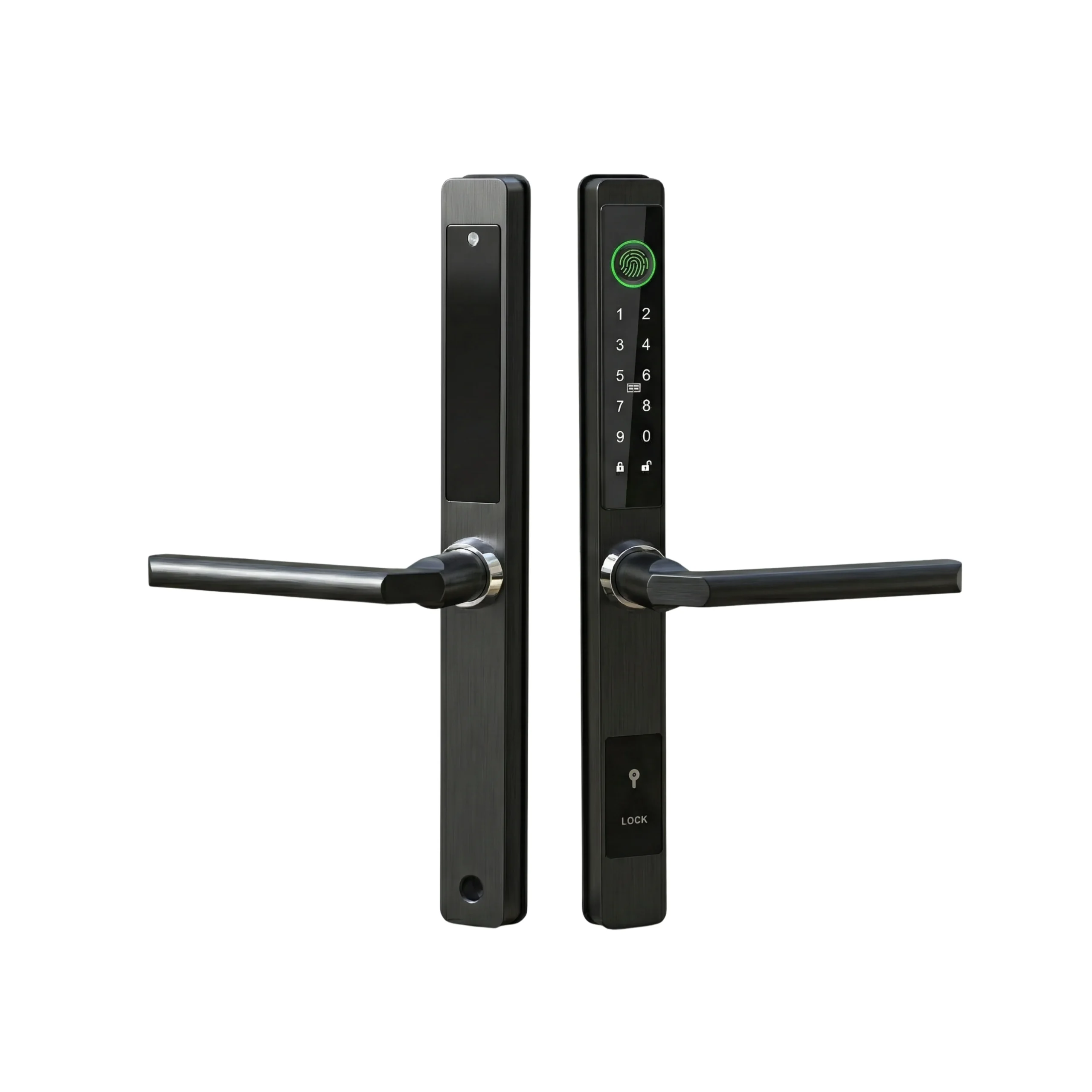
| Altix R9 (2883) | AED 494.99 | Yes | USB backup, listed on the page | 4 x AA | 4 units |
| Altix CL1X (2124) | AED 504.99 | Yes, 2 keys supplied | Not listed on our page | 3 x AAA | In stock |
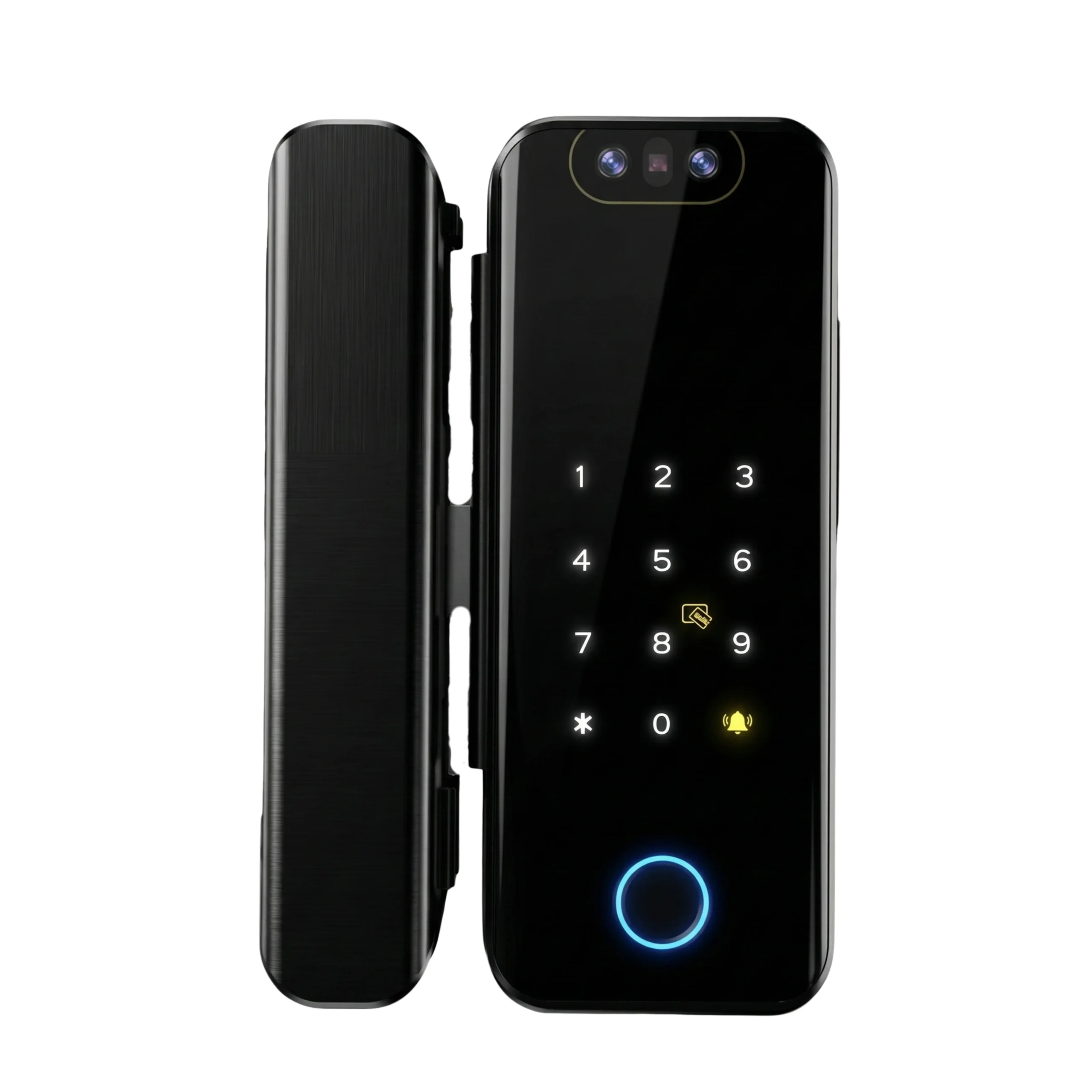
| EZVIZ DL03 Pro (7417) | AED 299 | No key at all | Emergency USB Type-C | 4 x AA | In stock |
| EZVIZ DL05 6068 (7440) | AED 499 | Yes | USB emergency power | 4 x AA | In stock |
| SwitchBot Lock Pro (6897) | AED 509.99 | Your existing key, unchanged | Not listed | 4 x AA | 2 units |
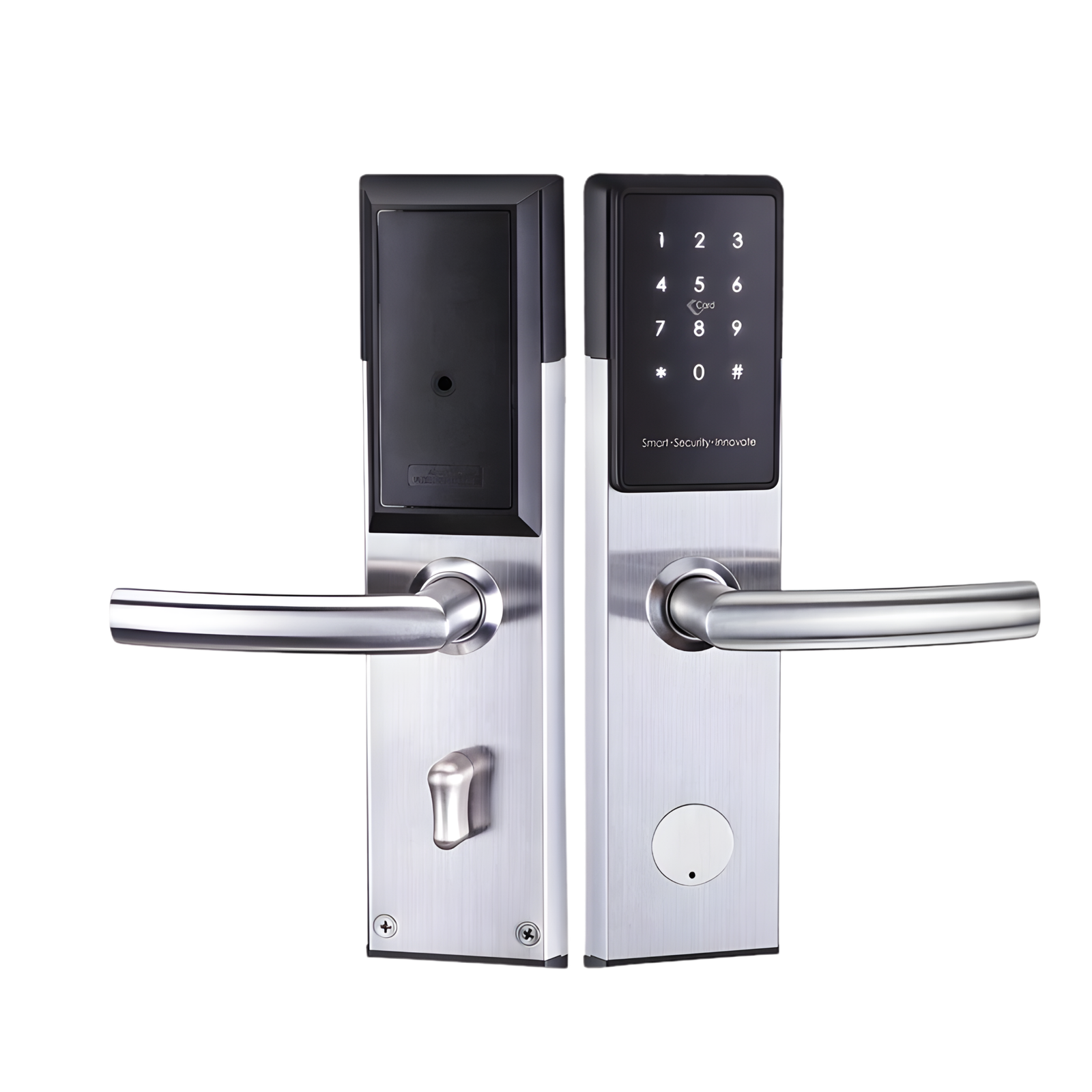
| Smart Hotel Door Lock (6559) | AED 949.99 | Yes | Ask us for your batch | 4 x AA | 1 unit |
| Solity GP-6000BAK (2439) | AED 1,059.99 | Yes, stated as backup | 9V terminal, Korean convention | 4 x AA | 1 unit |
Three things fall out of that table.
The DL03 Pro has no mechanical key. Its unlock list is fingerprint, passcode, proximity card, remote unlock and temporary code, and its only fallback is a USB-C port on the front. That isn’t a defect at AED 299, and we still sell it, but it changes your plan completely. On that door the power bank isn’t a backup, it’s the only way in.
The CL1X has the opposite problem. It has keys and no emergency power port listed on our page. On a CL1X the dead-battery answer is the key, full stop, which puts that door back in the envelope system.
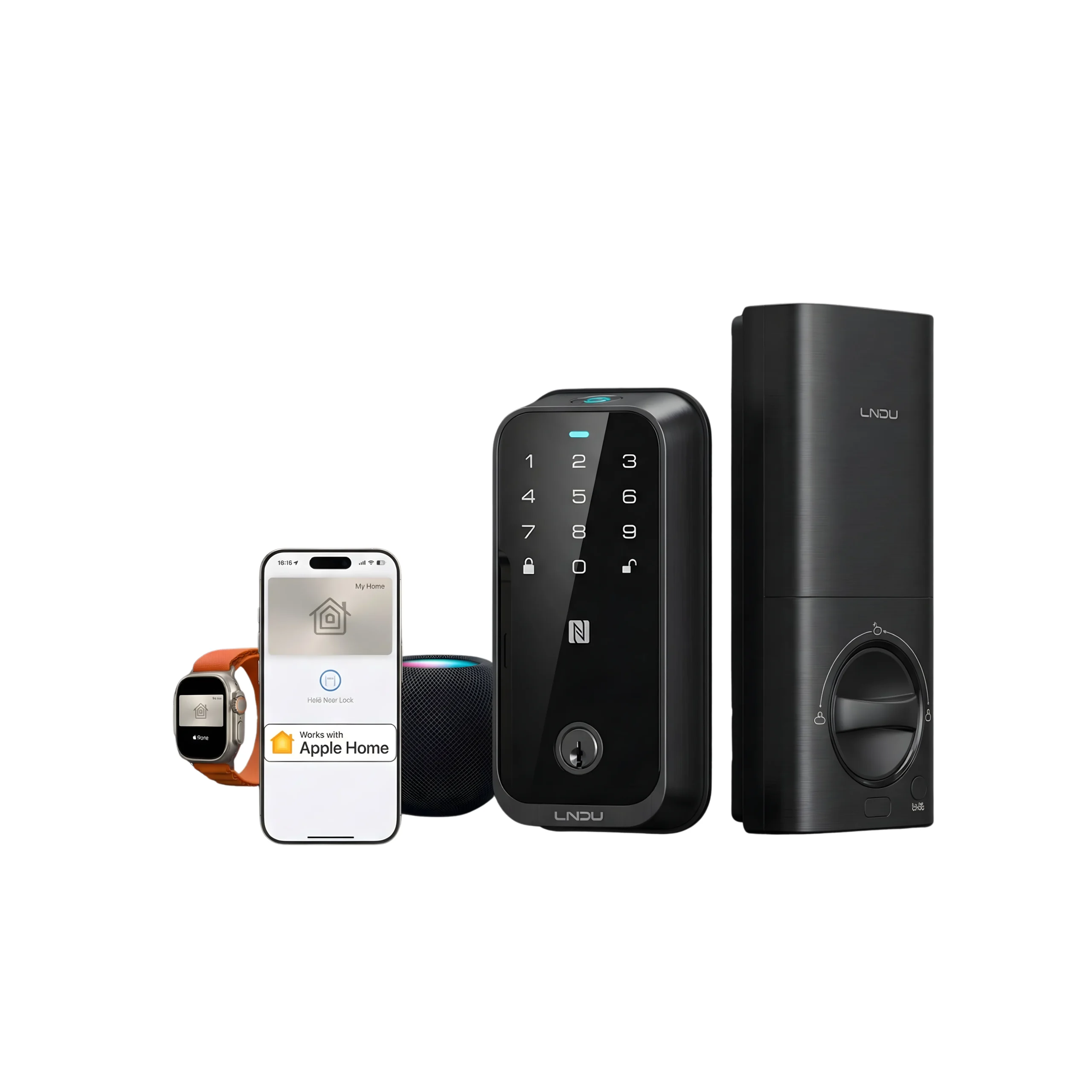
The SwitchBot Lock Pro has the best emergency story of the lot and nobody sells it that way. It mounts over your existing deadbolt and leaves the original cylinder alone, so the key your building already has still works from the corridor. The catch is separate: it runs Bluetooth 4.2, we don’t stock a SwitchBot hub, so through us it’s a Bluetooth-only lock. Its published operating range also stops at 45°C, which we’d keep away from a west-facing door here.
Ask us before you buy across brands. Two platforms means two apps, two credential sets and two emergency procedures for one facilities team.
What goes in the drawer, and what does it cost?
Here’s the kit for a fourteen-door building, at our listed prices.
| Item | SKU | Price | For 14 doors |
|---|---|---|---|
| Facilities RFID cards, 5 per pack | 5749 | AED 34.99 | 3 packs, AED 104.97 |
| Facilities key fob for the duty phone holder | 5693 | AED 159.99 | AED 159.99 |
| Gateway, so a code can be issued without walking | 2477 | AED 179.99 | AED 179.99 |
| USB-C power bank and a short cable | No SKU | Our estimate, AED 60 to 120 | AED 60 to 120 |
| AA and AAA alkaline multipacks | No SKU | Our estimate, AED 20 to 30 a door per change | AED 280 to 420 a year |
| Numbered envelopes and a written key register | Not a product | Negligible |
One-off cost: AED 504.95 to 564.95. Batteries are the running cost, not the kit.
There are two honest gaps in that table. We don’t sell a battery multipack and we don’t sell a power bank, so both lines are our own estimate rather than a price you can click. Every building running battery locks needs both. If you want them, tell us and we’ll quote them alongside the hardware.
The cards line is the one people skip and shouldn’t. At AED 34.99 for five cards, a facilities credential for every door in a fourteen-room building costs AED 104.97. Enrol it, never give it to a resident, keep it on the duty phone holder. In our experience that one card set removes most of the out-of-hours calls, and it’s the cheapest thing on this page.
What does it cost when there’s no plan?
| Situation | What it runs to | Where the number comes from |
|---|---|---|
| Daytime locksmith, non-destructive entry | AED 129 for the first hour, AED 129 an hour after, materials extra | ServiceMarket’s own FAQ |
| Same job, 2am | Not published anywhere we could find | ServiceMarket books locksmiths 8am to 8pm Saturday to Thursday, 9am to 6pm Friday |
| Commercial lockout, multiple entry points | AED 250 to 1,200, advertised | Advertised range, not a quote |
| Lock drilled out and replaced | R9 AED 494.99 plus AED 450 fitting = AED 944.99 | Our listed prices |
| Cylinder job instead | CL1X AED 504.99 plus AED 350 fitting = AED 854.99 | Our listed prices |
Two rows in that table need explaining.
ServiceMarket’s page headline says locksmiths “from AED 79 per hour” and its own FAQ on the same page says AED 129. We’re not scoring points, because our own pricing has the same problem and we’ve written about it before. What matters is that you don’t budget from a headline.
The bigger finding is the second row. The largest home services marketplace in Dubai doesn’t run locksmiths overnight. So the 2am lockout ends with somebody phoning a number off a lamp post, which is the route we warned about in Who Installs Smart Locks in the UAE. That technician turns up with a drill, and with no invoice you’ve got no recourse under UAE consumer protection law. The drawer kit costs less than that one night.
What do fail-safe and fail-secure mean, and which doors do they apply to?
If your building mixes battery locks with mains-powered access control, the two behave differently in a power cut and people get this wrong.
An electromagnetic lock only exists in one form, fail-safe. Cut the power and it releases. An electric strike can be specified either way. Fail-safe releases on power loss, fail-secure stays locked and needs power to let someone through. That’s why access-controlled exit doors in UAE buildings carry the green break-glass emergency release unit next to them: break the glass, the power to the lock drops, the door opens. Suppliers here state that a break-glass call point installed in a Dubai building needs Dubai Civil Defence product approval, and we’d take that at face value and ask your fire consultant rather than repeat it as settled.
A battery lock isn’t part of that conversation on the exit side. The inside handle on a mortise smart lock is mechanically linked to the latch, so it opens by hand whether the electronics are alive or dead. So emergency access on these locks is an entry problem, and getting out was never in question.
We could not retrieve the clause in the UAE Fire and Life Safety Code that governs locking devices on means of escape, so we’re not going to quote one. What we can tell you is the principle every code in this family shares, which is that an egress door has to release with a single action from the inside, without a key, without a tool and without special knowledge. If a proposed arrangement on your building fails that test, it’s a Civil Defence question before it’s a hardware question. Ask your fire consultant.
A worked example: a dead lock in a 14-room Al Quoz building
Staff accommodation, fourteen rooms on Altix R9 locks, one G2 gateway in the corridor, one duty supervisor.
- 08:10. Resident in room 9 taps his card, nothing lights up. He calls the supervisor.
- 08:12. Supervisor checks the app. Room 9 shows offline. Every other door reports normally, so it’s the lock, not the gateway.
- 08:14. He tries his own facilities card at room 9. Nothing. That confirms flat cells rather than a deleted credential.
- 08:16. He takes the power bank and the short USB-C cable from the drawer. The power bank was charged on Thursday, because it’s on the same weekly checklist as the fire extinguisher walk.
- 08:18. Power applied at the front panel. The keypad lights. He enters the facilities PIN and the door opens.
- 08:20. Resident gets his things and goes to work. Total downtime, ten minutes, cost nothing.
- 08:25. Supervisor opens the lock, pulls four AA cells, fits four fresh alkalines from the multipack. He doesn’t mix old and new, and he doesn’t use the rechargeables somebody left in the drawer.
- 08:30. Lock powers up, holds the time and the credential list, because those live on the lock. Nothing needs re-enrolling.
- 08:35. He tests three ways in that order: his facilities card, the resident’s card, then the app. All three work.
- 08:40. He writes the date against room 9 on the battery log. Nine of fourteen doors are now on cells fitted in the same month, so he orders a second multipack.
- 08:45. He checks the sealed envelope for room 9 is still sealed. It is, so nobody has used the key since the last audit.
No locksmith, no drill, no replacement lock, and the only reason it went that way is that somebody charged the power bank on Thursday.
If you want the tap-and-go version of that job across a whole estate, that’s the portable programming device route, and we’ve written separately about what a PPD does and doesn’t do. We don’t supply one.
When should you not buy more smart locks?
Five cases, and we’d rather say them here than after you’ve paid.
Above roughly fifty doors on one site, the honest answer is a wired access control system with a proper monitored override and a real audit trail, not fifty battery locks and a bigger drawer. We supply hardware and fitting. We don’t supply a full building system.
If nobody on site will own a weekly checklist, don’t buy the gateway or the power bank, because both only work if someone charges and checks them. Buy locks with mechanical keys and run the envelope system properly instead.
If your doors are already on a mains-powered system with break-glass release, adding battery locks to the same corridor gives your team two emergency procedures to remember at 2am. Pick one.
If the only problem you’re solving is that residents lose keys, a card set at AED 34.99 and a key register fixes it for a fraction of a lock replacement.
And if a door is a designated fire escape with specified hardware on it, don’t touch it before your fire consultant and Civil Defence have seen the proposal.
Buy the parts that keep a dead lock from becoming a locksmith call
Altix Smart Key Fob Remote TTLock Compatible Wireless – Bluetooth One-Touch Keyless Entry for Smart Door Locks
- App
- Bluetooth
Only 1 left
BestsellerAltix CL1X TTLock Smart Cylinder Door Lock
- Fingerprint
- Passcode
- Card
- App
Free UAE delivery
How can Altix help?
Send us a photo of one door and your room count on WhatsApp. We’ll tell you which of our locks has an emergency path that suits your site, what the drawer kit costs at your door count, and whether the building needs a gateway at all.
Fitting is at our listed prices. AED 450 for a mortise lock in Dubai and Sharjah, AED 550 in Abu Dhabi and the other emirates, AED 350 for a cylinder in Dubai and Sharjah, AED 450 elsewhere. Post Smart Lock Installation Cost in Dubai quotes a wider market range of AED 150 to 350. The listed prices above are the ones that bind when you book with us. We don’t have a published per-door rate for a batch of eight or fourteen doors yet, and you shouldn’t pay a single-door callout rate fourteen times on one visit, so ask us for a batch number before you order.
FAQ
Can somebody get out if the lock is dead?
Yes. On a mortise smart lock the inside handle is mechanically linked to the latch, so it opens by hand with no power. Emergency access is about getting in, not out. If anything on your building makes that untrue, that’s a fire safety issue, not a lock issue.
Does a power cut unlock the doors?
Not on a battery lock. It runs on its own cells and carries on. Mains-powered maglocks and electric strikes are the ones that change state, and which way they go depends on whether they were specified fail-safe or fail-secure.
If the internet goes down, can I still issue a code to a contractor?
The lock doesn’t need a connection to accept a code. The person generating the code usually does. How that works depends on the platform and the model, so send us your model and we’ll tell you exactly what’s possible offline on that lock rather than quote a category answer.
How many spare keys should a fourteen-room building hold?
Two per door, sealed in numbered envelopes, with the room number on the outside and a log of who opened which. The point of sealing them isn’t secrecy, it’s that a broken seal tells you a key is now in circulation and that door needs re-keying.
Is the override key a security weakness?
It’s the credential you can’t revoke remotely, so treat it as the weakest one. No lock we sell publishes a cylinder security grade, and our own CL1X page says its keys can be duplicated by any locksmith. For a home that’s fine. For a building, it’s the reason the keys stay in envelopes.
What should be on the monthly check?
Power bank charged. Spare cells in date. Battery level on every door read off the app and written down. Envelope seals intact. Facilities card tested on at least three doors. It takes about twenty minutes on fourteen doors.
Can I use rechargeable batteries in these locks?
We’d stick to alkalines. Rechargeable AA and AAA cells sit at a lower nominal voltage, so the lock’s low-battery warning arrives late or not at all, which removes the warning you’re relying on. There’s more on cell life in Smart Lock Battery Life.
Do you sell the power bank and the batteries?
Not today, and it’s a gap in our own range that this article has made obvious. Ask us on WhatsApp and we’ll source both alongside the locks rather than leave you buying the two most important parts of the plan somewhere else.
Popular Post
View All Security & Safety
Are Smart Locks Secure? Myths vs. Reality (Expert Breakdown)
Are smart locks secure for real homes and properties in Dubai and Abu Dhabi?For most households, rentals, and…
Read More Info → Apartments & Villas
How to control Smart Locks with Alexa, Google Home
Smart locks aren’t just about replacing keys, they’re about convenience. One of the biggest advantages of choosing the…
Read More Info → How-to
Tuya vs TTLock – Which App is best?
Tuya vs. TTLock: Which Smart Lock Platform Should You Choose for Your Home? Smart locks are becoming more…
Read More Info →
White Friday Smart Lock Deals in the UAE: How to Tell a Real Discount From a Fake One
Buying a smart lock on White Friday or National Day in the UAE? How to spot an inflated…
Read More Info →
Smart Locks in UAE: The 2026 Buyer’s Guide You Actually Need
If you’re upgrading security in your home, villa, or office in the UAE, the smartest move in 2026…
Read More Info →Wi-Fi, Remote & Smart HomeBluetooth vs Wi-Fi Locks – Which One Fits Your Space?
Should your smart lock work only when you are standing at the door, or should it let you…
Read More Info →


