


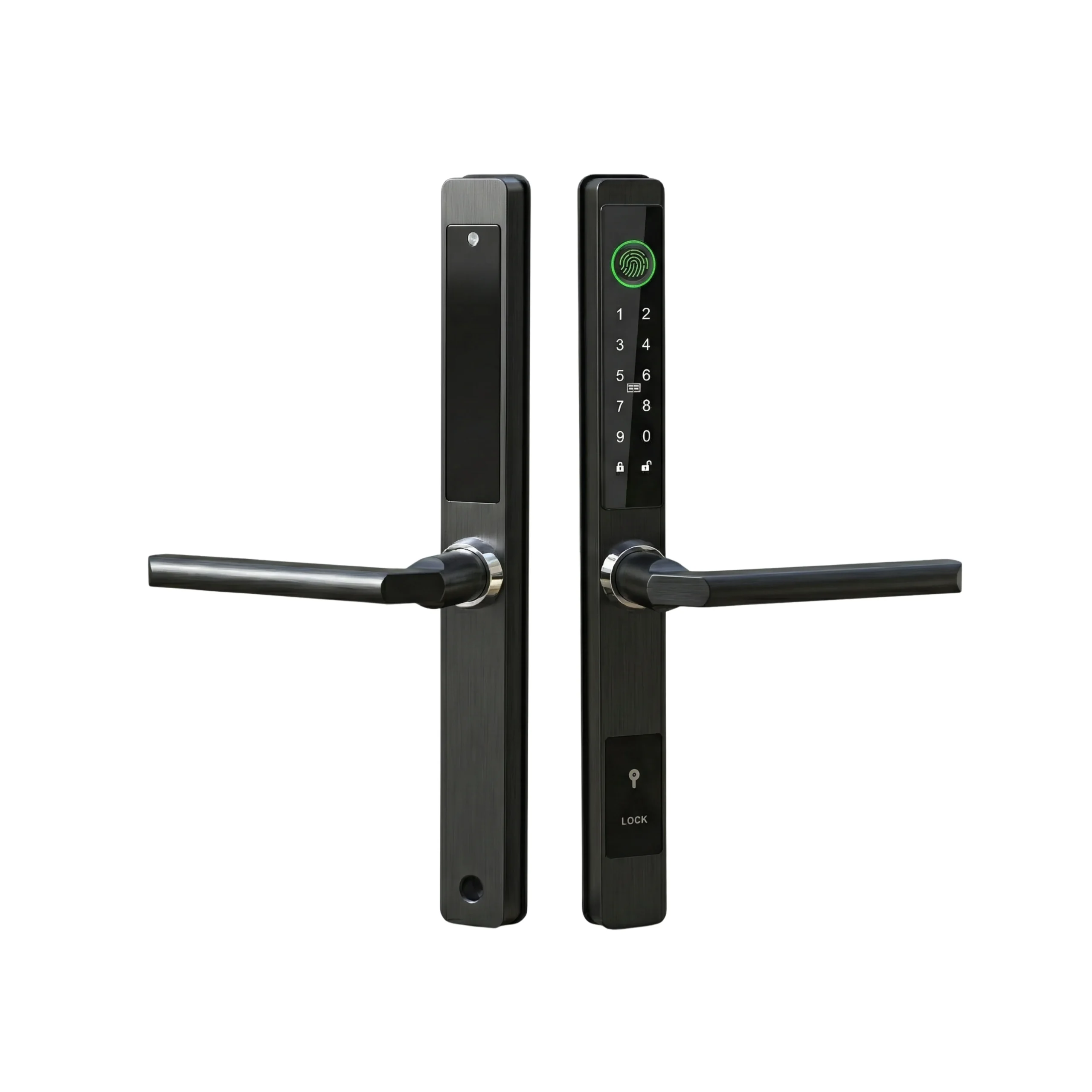

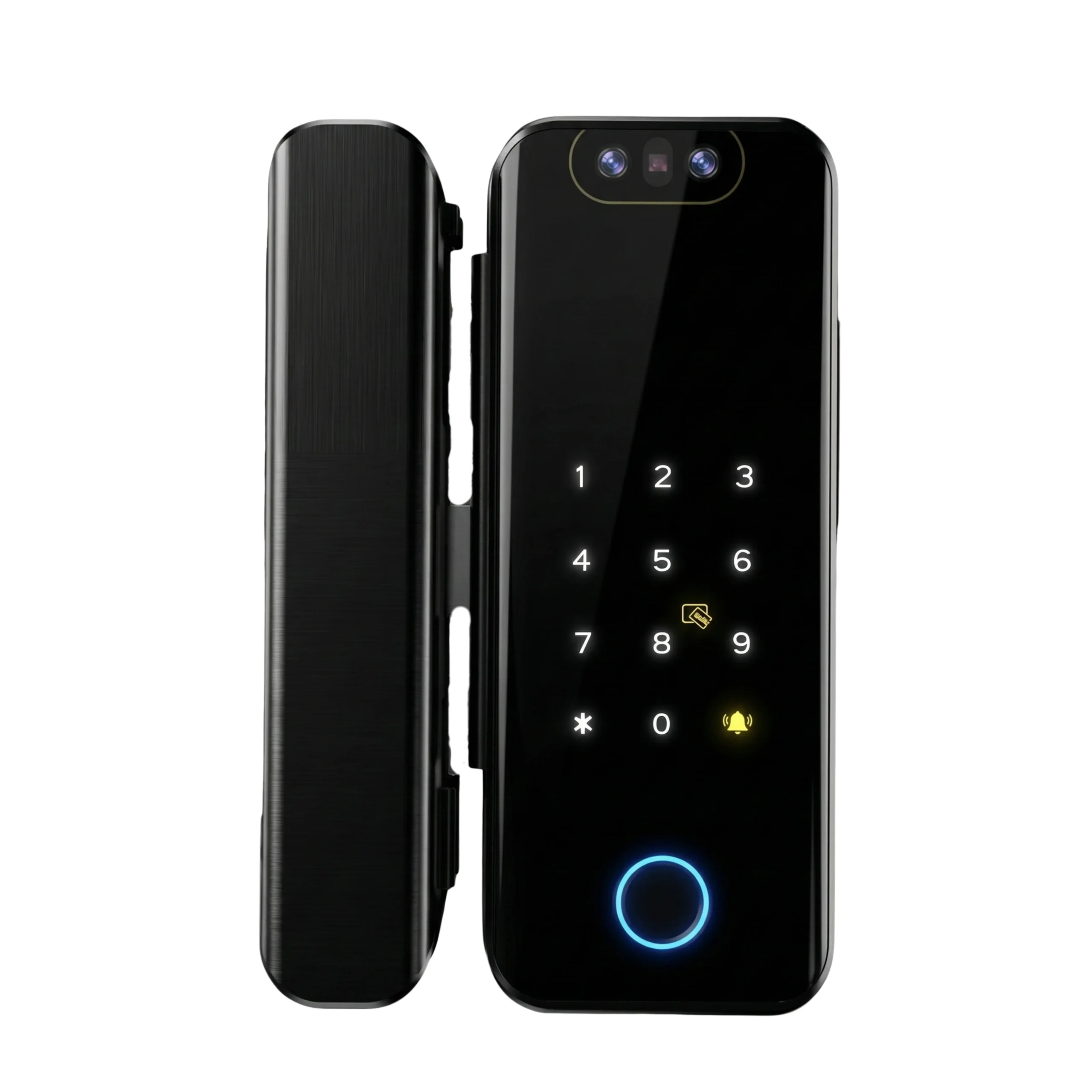
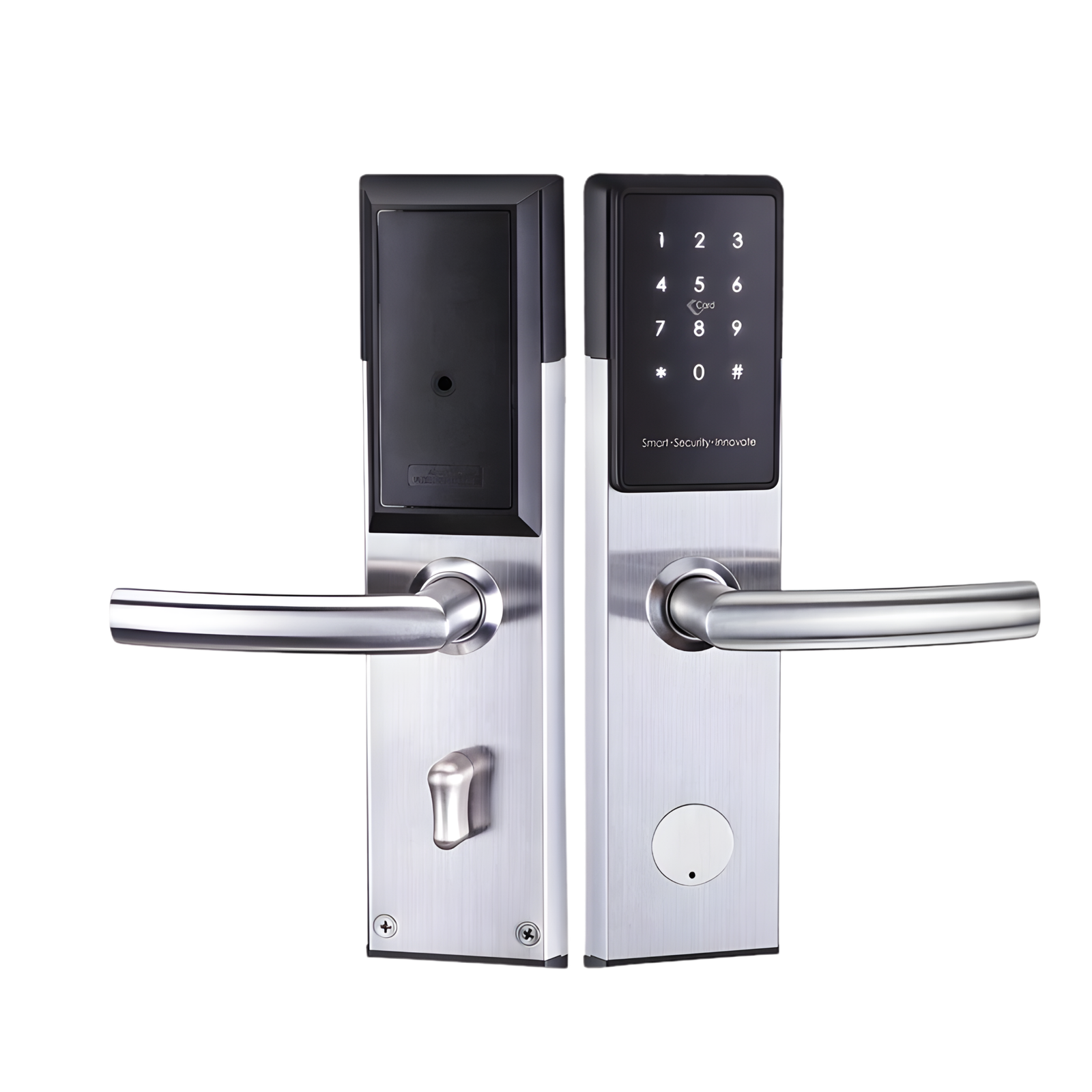
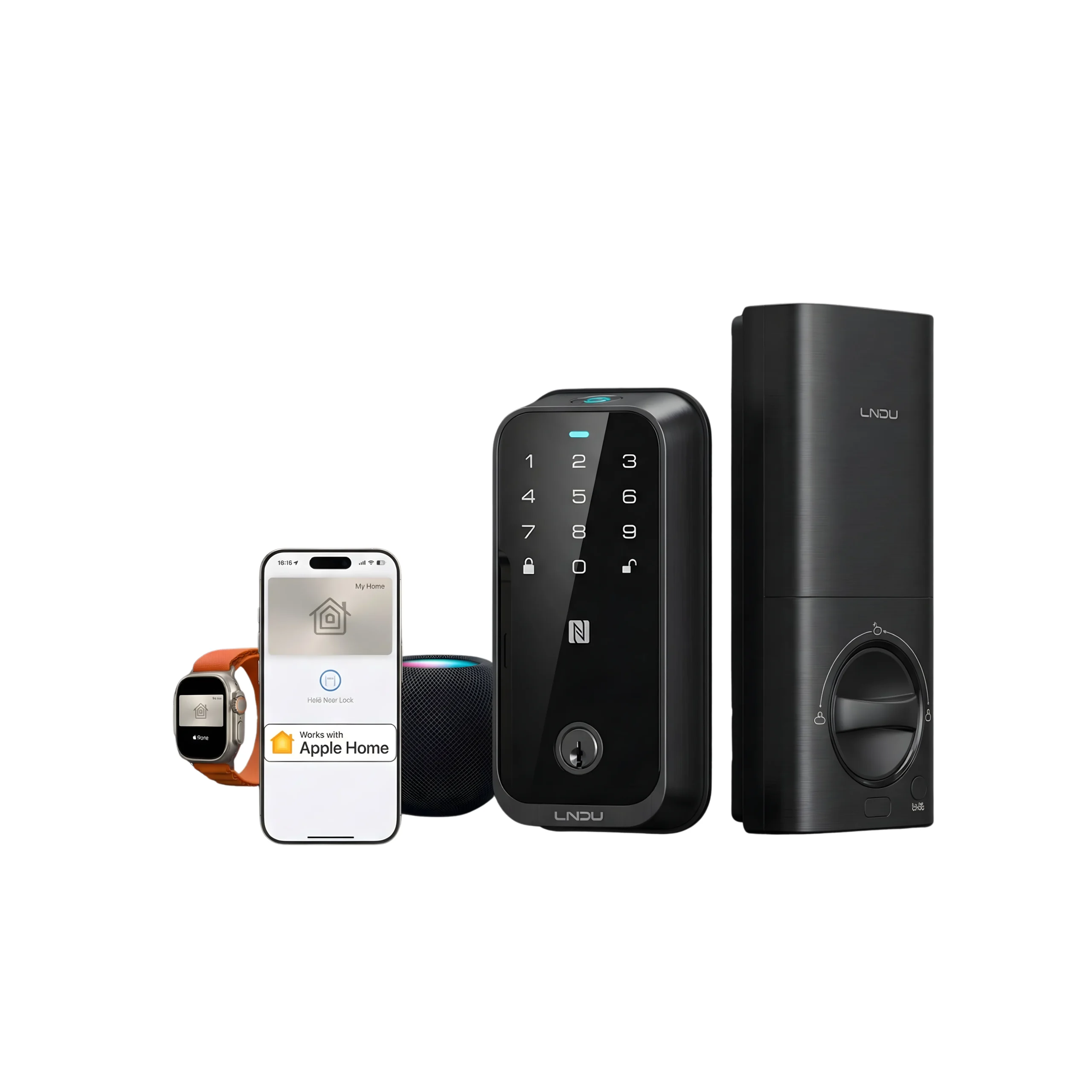
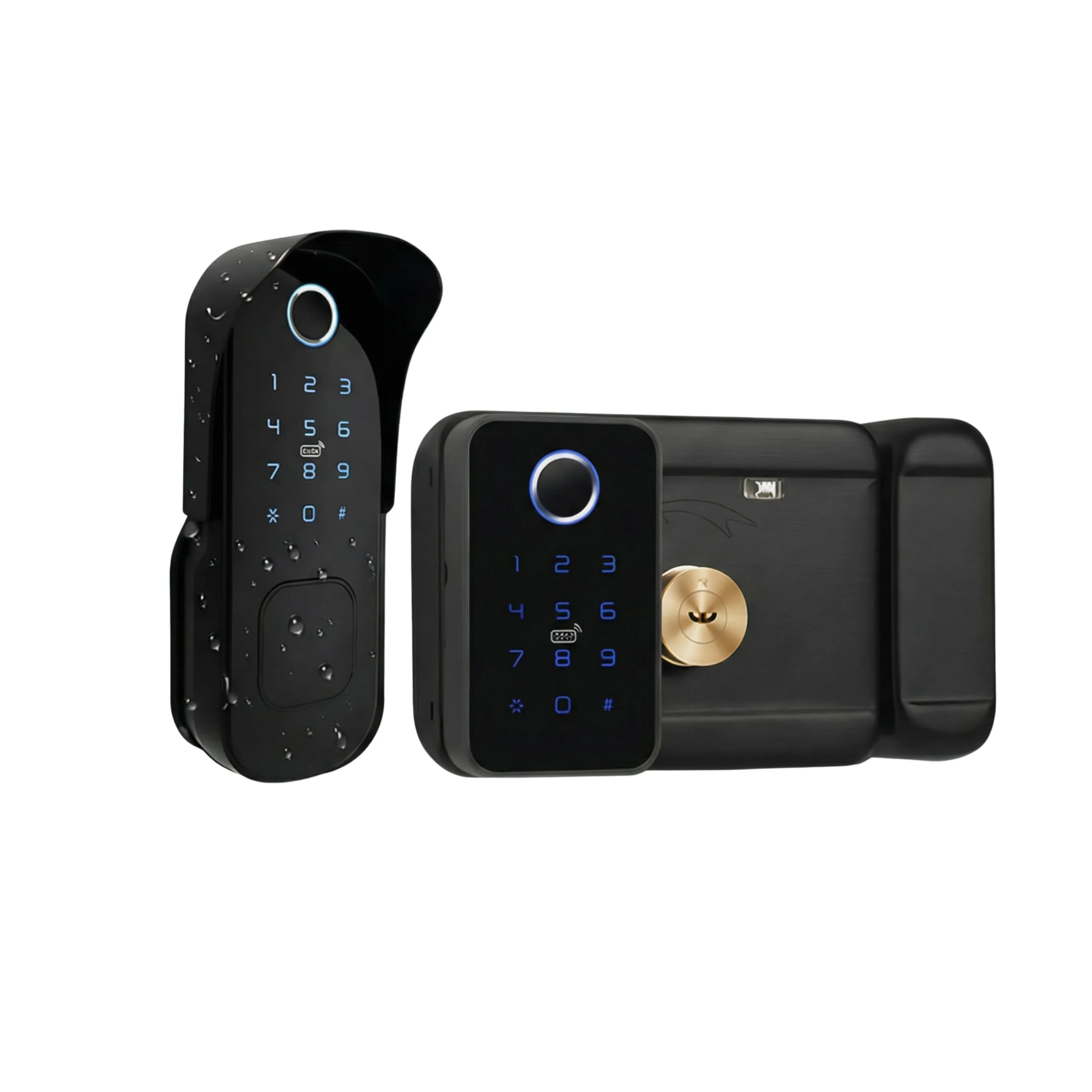
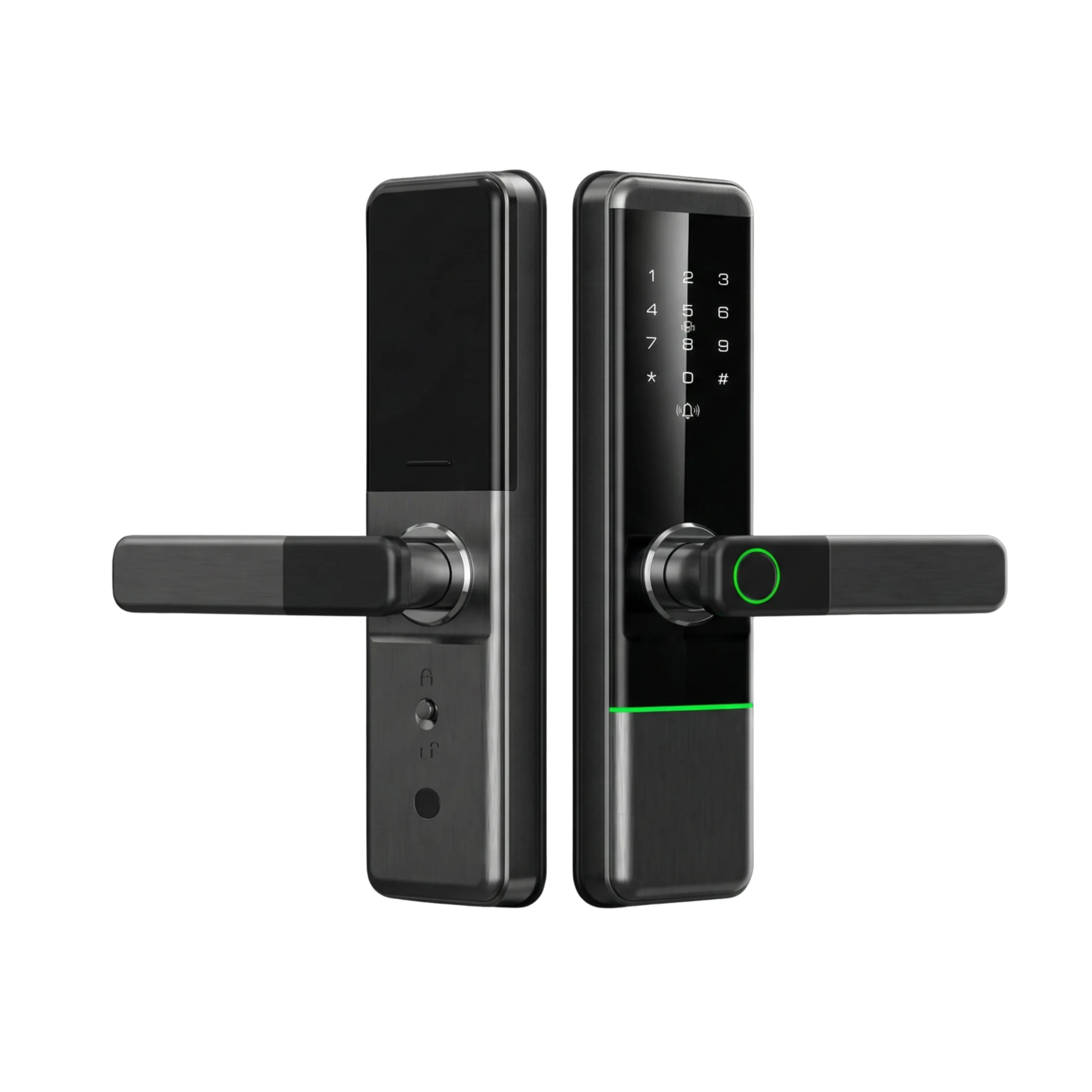









Yes, you can build door access into your own app. We supply the hardware and support the development teams doing it across the UAE, for co-working operators, holiday home managers, locker networks, gyms and offices. The integration itself is rarely the hard part. What catches teams out is choosing the wrong credential type for the job, or buying hardware before anyone checked whether the building can support it.
This is the full picture: what you get, how the pieces fit together, which APIs do what, two worked examples end to end, what to get right before you start, and what it realistically costs.
What are the benefits of integrating access control into your app?
Access follows your data automatically. Your booking, tenancy or membership record already knows who should get in and when. Connect the lock to it and nobody re-types anything into a second system. The most common failure in manually managed access isn’t a security breach, it’s someone forgetting to remove a person who left.
Nobody hands over a key. No lockbox, no meeting a guest at 11pm, no cleaner holding a copy of your front door. An operator running 15 holiday homes across Dubai typically spends two to three minutes per booking on manual code issuance. At 40 bookings a month that’s most of a working day gone, every month.
Access expires by itself. This is the real security win and it’s bigger than keyless entry. A code tied to a booking dies when the booking does. You’re not relying on anyone remembering.
You get a record that settles arguments. Which credential opened which door, and when. Guest disputes, staff disputes and delivery disputes stop being one person’s word against another’s.
It scales without headcount. Going from 10 doors to 200 doesn’t mean hiring anyone. That’s the difference between a business that grows and one that hits a ceiling at whatever your team can process by hand.
The experience stays inside your product. Your customer opens your app, not a third party’s. For a membership or rental business that matters commercially, not just cosmetically.
How the pieces actually fit together
Before the API list, understand the physical architecture, because every constraint in this article comes from it.
A battery-powered smart lock cannot hold a Wi-Fi connection. Wi-Fi radios draw far too much power to sit awake on a set of AA cells, so the lock speaks Bluetooth Low Energy instead and sleeps between events. Bluetooth reaches roughly 10 metres in open air and considerably less through a concrete core, a metal door frame or a service riser.
That gives you two paths from your software to the door:
Path A, phone to lock. Your app, running the mobile SDK on a phone, connects over Bluetooth directly. Your server is not involved at the moment of unlocking. Works with no internet at the door.
Path B, server to gateway to lock. Your backend calls the cloud API. The platform relays to a small mains-powered gateway installed near the door, which reaches the lock over Bluetooth. Needs the gateway powered and online.
There’s a third path people miss, and it’s the one that saves UAE projects: your server can compute certain passcodes using an algorithm the lock already knows, then deliver that code by SMS or in-app. Nothing touches the door. No gateway, no internet, no Bluetooth. The code simply works when typed. The trade-off is you can’t cancel it early.
Which APIs can you use, and what does each one do?
Two layers, different jobs:
| Mobile SDK | Cloud API | |
|---|---|---|
| Runs where | Inside your iOS/Android app | Your backend, server to server |
| Talks to lock via | Bluetooth, directly | Platform cloud, then gateway |
| User must be at the door | Yes | No |
| Needs a gateway | No | Yes, for anything remote |
| Typical jobs | Commissioning a lock, unlocking, writing codes locally, reading records on site | Issuing and cancelling credentials, remote unlock, pulling records, managing portfolios |
| Good for | Members and staff who’ll have your app open on arrival | Guests, couriers, contractors, anything automated |
Most real products use both. The SDK handles installation and staff, the cloud API handles everything driven by your business logic.
The credential types, and when to use each
| Credential | Cancellable early? | Needs gateway? | Needs your app? | Use it for |
|---|---|---|---|---|
| Permanent passcode | Only if pushed | To cancel | No | Long-term staff, owner access |
| Time-window passcode | Only if pushed | To cancel | No | Bookings, guest stays, contractor visits |
| One-time passcode | n/a, dies on use | No | No | Couriers, single deliveries, viewings |
| Recurring passcode | Only if pushed | To cancel | No | Cleaners, weekly maintenance rounds |
| Digital key (eKey) | Yes, seconds | Yes | Yes | Members, staff, anyone you may need to cut off fast |
| RFID card | Yes, on connected door | Yes, to update | No | Staff, residents, people who won’t use phones |
Here’s what each one looks like in practice.
Time-window passcode. The cleaning company comes Tuesday mornings. The code works Tuesday 08:00 to 12:00 and does nothing the rest of the week. Change cleaning companies and you just stop issuing it.
One-time passcode. A courier drops a parcel into locker 14. His code opens that compartment once and dies. He has thirty more drops and he’s never installing your app, so it has to be a keypad code and it has to work in three seconds.
Recurring passcode. Your maintenance technician covers the building every Sunday and Wednesday. Same code, alive only on those two days. This replaces the master key nobody ever gets back.
Digital key to a phone. Your member taps unlock in your app. Withdraw it the moment their membership lapses. Only covers people who’ve installed the app, so it won’t work for guests or contractors.
Remote unlock. A tenant in JVC is locked out at 9pm. Your support agent opens the door from a laptop instead of sending someone across town. That single function often justifies the gateway spend on its own.
Access records. A guest says the cleaner entered during their stay. The cleaner says she didn’t. The lock knows which credential opened that door and at what time.
Groups and portfolio management. One account holds the estate, with per-building or per-unit permissions underneath. Your area manager sees her twelve units, not all ninety.
Battery and device status. You learn a lock is low before your customer does. Across a few hundred doors that’s the difference between planned maintenance and a running failure rate.
Authentication and getting access
Developer access isn’t open by default. The pattern is consistent across the major lock platforms:
- Register a developer account on the platform’s open portal and create an application.
- Wait for the application to be reviewed. Budget several working days. Start this before sprint planning, not during it.
- Receive a client ID and client secret.
- Exchange those, plus an account credential, for a time-limited access token.
- Send the token with every subsequent request, and refresh it before it expires.
Two things to plan for. Tokens expire, so build refresh handling on day one rather than discovering it in production at 3am. And you’ll choose a regional endpoint, which determines where access records are stored. Raise that early with any UAE client who has a view on data residency, because changing it later means a migration.
Worked example 1: a co-working booth booking
A member books phone booth 3 for 14:00 to 14:20 from your app. Here’s the full sequence.
- Booking created. Your system writes the reservation: member ID, booth 3, 14:00 to 14:20.
- Your backend requests a credential. It calls the passcode endpoint with the lock ID for booth 3, a start time of 13:58 and an end time of 14:22. The two-minute buffer either side is deliberate. Members arrive early and clocks drift.
- Platform returns the code. Typically six digits. Store it against the booking record.
- Deliver it. Show it in the booking confirmation and push it to the member’s phone. Don’t email only; nobody checks email walking to a booth.
- Member enters the code at 14:02. The lock validates locally. No internet needed at this moment, which matters because your member is standing in a corridor.
- The gateway syncs the entry record. On a connected floor this reaches your system within seconds.
- Reconcile. Compare actual entry against the booking. This is how you bill overruns and how you answer a member who says the booth was occupied.
- 14:22, the code stops working. No cleanup task, no admin action.
The whole loop is two API calls: one to create the credential, one to read records. Everything else is your own business logic.
Worked example 2: a holiday home with no reliable internet
A villa in a poor-coverage pocket of Al Furjan. Guest checks in Thursday, out Sunday. Same outcome, different mechanism.
- Reservation lands in your channel manager or PMS.
- Your system generates a calculated code valid Thursday 15:00 to Sunday 12:00. This is computed from an algorithm the lock already knows. No call reaches the door.
- Code goes into the check-in message the guest already receives.
- Guest arrives and types it. The lock validates it offline. Works whether or not the villa has internet, whether or not the router is plugged in.
- Records stay on the lock until your cleaner’s phone, running the admin app, walks past and syncs them. That might be Monday.
- Sunday 12:00, the code dies.
The trade-off is visible in step 2. You cannot cancel this code. If the guest cancels Friday, the code still works until Sunday. For that scenario you need a gateway and a pushed credential. Most serious operators run both: calculated codes as the default, pushed credentials for anything that might need pulling back mid-stay.
What our customers build with it
Co-working and flex offices. Phone booths and meeting rooms that open only for the person who booked them, for the minutes they booked. No receptionist, no shared code circulating on WhatsApp, and billing that matches reality. Lockers usually get added in the same project using cabinet hardware.
Holiday homes and serviced apartments. A code per reservation, delivered in the check-in message, expiring after checkout. The jump from manual to automated is worth making at roughly ten units. Below that, manual is faster than maintaining an integration.
Parcel lockers and delivery boxes. Two credentials on the same compartment: single-use for the courier, longer-lived for the resident who might collect five days later. The log is what stops delivery disputes becoming building management problems.
Offices and staff access. Access tied to the rota, restricted to working hours, withdrawn automatically at exit. Server rooms and stores get tighter windows than the main door.
Gyms, studios and clinics. Access linked to membership status, so a lapsed payment closes the door without an awkward conversation. Particularly useful for unstaffed hours.
Warehouses, storage and yards. Driver and contractor access in defined windows, with a record of every entry. Useful where the site is unmanned outside working hours.
Best practices and things to consider before you start
Survey the site before you quote it. Bluetooth reaches around 10 metres in open air. Through a concrete core, a metal-framed door run or a long corridor, expect much less. On a 50-door co-working floor, gateway placement is a cabling exercise, not a line item. Get the power sockets into the fit-out drawings, because adding a spur to a finished lobby wall in a Dubai tower costs several times what the gateway does.
Decide fail-open versus fail-locked, in writing. When connectivity drops, nobody is locked out, because codes already on the lock keep validating. What you lose is the ability to change anything or see live activity. But you still need a written decision on behaviour, signed by the client. It’s a safety and licensing question, not a developer preference, and it matters most for enclosed spaces like booths where egress must never depend on power.
Expire everything. Each lock stores a limited number of credentials, typically around 100 of each type. Expiring codes clear themselves. An integration quietly writing permanent ones will fill a lock and start failing months after launch, and the symptom looks like a hardware fault.
Timestamp the event, not the sync. On a connected door records arrive in seconds. On an unconnected one it can be days. Show the sync time in your interface or you’ll spend support hours explaining why Tuesday’s entry appeared on Thursday.
Register the developer account to a company mailbox. Not a person. Deprecation notices go to whoever signed up, which is how integrations quietly die eighteen months in.
Make sure the client owns the master account. If the installer or property manager registers locks under their own name, your client doesn’t control their own doors. Reclaiming later usually means a factory reset at every door, wiping every credential. Sort it at handover.
Build a status check for gateways. They get unplugged during cleaning and fit-out work. Alert on silence rather than waiting for a locked-out customer to tell you.
Check regulatory scope at the start. Commercial premises in Dubai under SIRA scope should confirm access control requirements before hardware is specified, not at handover.
What it costs and how long it takes
The API work is the cheap part. A competent developer can have codes issuing against a booking record in about two weeks.
What actually sets the timeline:
| Stage | Typical duration | Who owns it |
|---|---|---|
| Developer application approval | Several working days | Your team, start early |
| Site survey and gateway plan | 1 to 3 days on site | Hardware partner |
| Hardware lead time and install | 1 to 3 weeks, stock dependent | Hardware partner |
| Core integration | About 2 weeks | Your developers |
| Admin screens for your ops team | Often longer than the integration | Your developers |
| Fail-behaviour sign-off | Days to weeks | Client, in writing |
The line people forget is the admin interface. An integration with no screens just moves the problem into a database, and your operations team still can’t do their job.
Before committing to a build at all, check whether an existing tool already connects both ends. Channel managers and property management systems already talk to lock platforms; several co-working booking platforms have access control built in. At small and medium scale a subscription beats a build plus permanent maintenance almost every time.
How can Altix help?
We don’t write your application. What we bring is everything underneath it.
We supply the locks and gateways here in the UAE, survey the site so you know your real coverage before committing to a scope, and hand your team a reference design rather than a datasheet. That design answers the questions in this article for your specific building: which credential suits which user, how many gateways the floor needs, what happens when the connection drops, and how to structure accounts so your client owns their doors. Your developers build against a pattern that already works in UAE buildings instead of finding it out the hard way.
Most of the platforms we deploy on, including TTLock, publish their developer documentation openly, so your team can read the endpoint list before committing to anything.
The first scoping conversation is free and it’s useful even if you buy nothing from us, because most of the value sits in the decisions rather than the hardware. If it becomes a deployment or a longer advisory job, we quote for that separately.
Message us on WhatsApp with the door types, the site and roughly what you’re building. We’ll tell you what’s straightforward and what isn’t.
Frequently asked questions
Can I unlock a door from my server with no hardware on site?
No. Remote operations need a powered gateway within Bluetooth range of the lock. Without one you can still generate time-limited codes that work offline, but you can’t push an unlock or see live activity.
How fast can I cancel someone’s access?
Seconds, for a pushed credential on a connected door. Never, for a calculated offline code, which runs until its window closes. Pick the credential type based on whether you’ll ever need to pull it back.
How many locks can one gateway cover?
It depends on the gateway model and the building. Range, not lock count, is usually the binding constraint. Check the figure for the specific gateway and confirm it with a site survey rather than a datasheet.
Do my users have to install another app?
Not if you use the mobile SDK, which puts unlock inside your own app. Codes and cards need no app at all, which is usually better for guests, couriers and contractors.
How many doors can one system handle?
Cloud management is built for multi-site portfolios, so door count is rarely the limit. Storage on each lock is, at roughly 100 credentials of each type. Use expiring codes on high-turnover doors so they clear themselves.
What happens if the lock battery dies mid-booking?
Most locks in this class accept external power through a USB port on the underside, and retain their credentials in non-volatile memory. There’s also a mechanical key override. Your integration should surface low-battery warnings well before this point.
Can we test without installing locks on real doors?
Yes, and you should. Bench-test with a single unit on a test rig or a spare door leaf. Most of the integration work, including credential issuance and record retrieval, can be validated before anything is fitted.
We supply smart locks, gateways and deployment support for integration projects across the UAE. Tell us what you’re building on WhatsApp and we’ll tell you straight whether the hardware will do it.


